quanlai
Established Members
-
Joined
-
Last visited
-
In SCCM 2007 there was an option to “Remove this virtual application package when it is no longer advertised” which would remove the App-V application eventually if the user fell out of the collection membership. But i don't know how to do this in sccm 2012. Can you tell me more detail about "Deploying the uninstall should do the trick". Much appriciate.
-
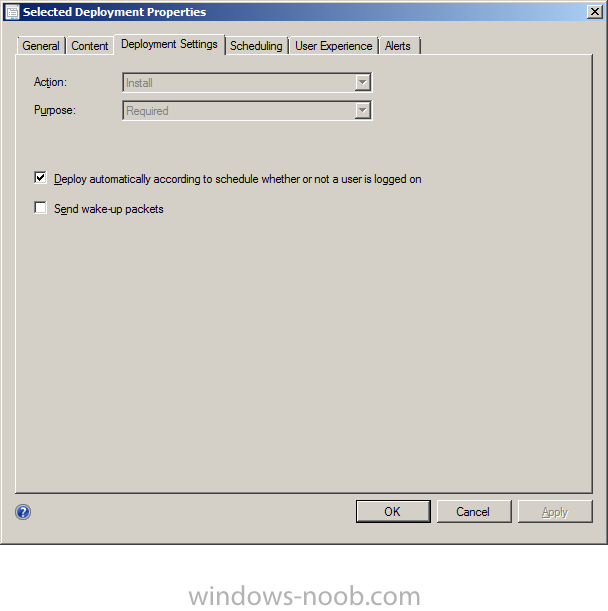
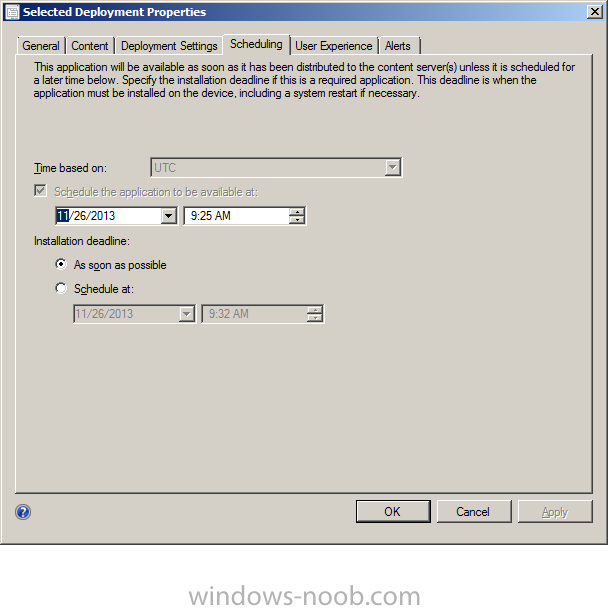
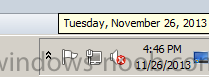
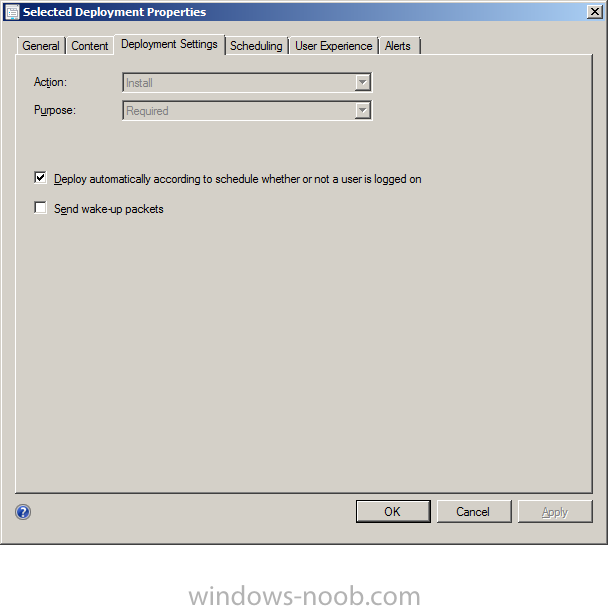
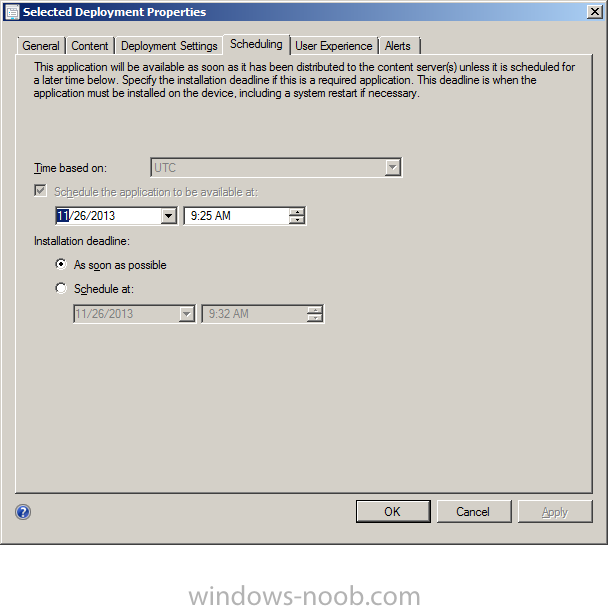
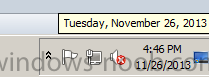
I use SCCM 2012 to deploy application (with option Purpose=”Require” to install package silent), but nothing happen in client, installation process just run about 10~15 minutes after (I set schedule before current time). Anyone have same problem?? Or I miss some configuration in client machine?? I use SCCM 2012 to deploy application (with option Purpose=”Require” to install package silent), but nothing happen in client, installation process just run about 10~15 minutes after (I set schedule before current time). Anyone have same problem?? Or I miss some configuration in client machine?? I uploaded some picture I config in sccm 2012
-
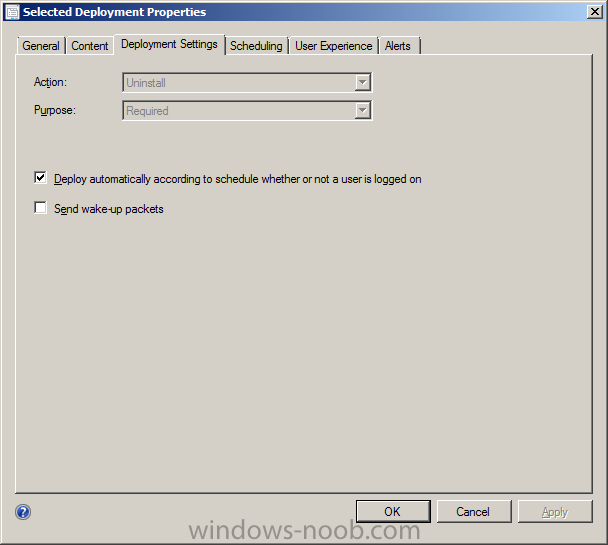
Hi guys, I have just installed successfull SCCM 2012, I try to install app-v 4.6 package and it run OK, but I don't konw how to unintall this package? (run auto and silent) I tried with action "uninstall" in deployment setting (see picture "uninstall.png" for detail), set schedule "as soon as possible", but nothing happen in client machine. Please help me how to uninstall a app-v package?? Thanks.