Gundeti
Established Members
-
Joined
-
Last visited
-
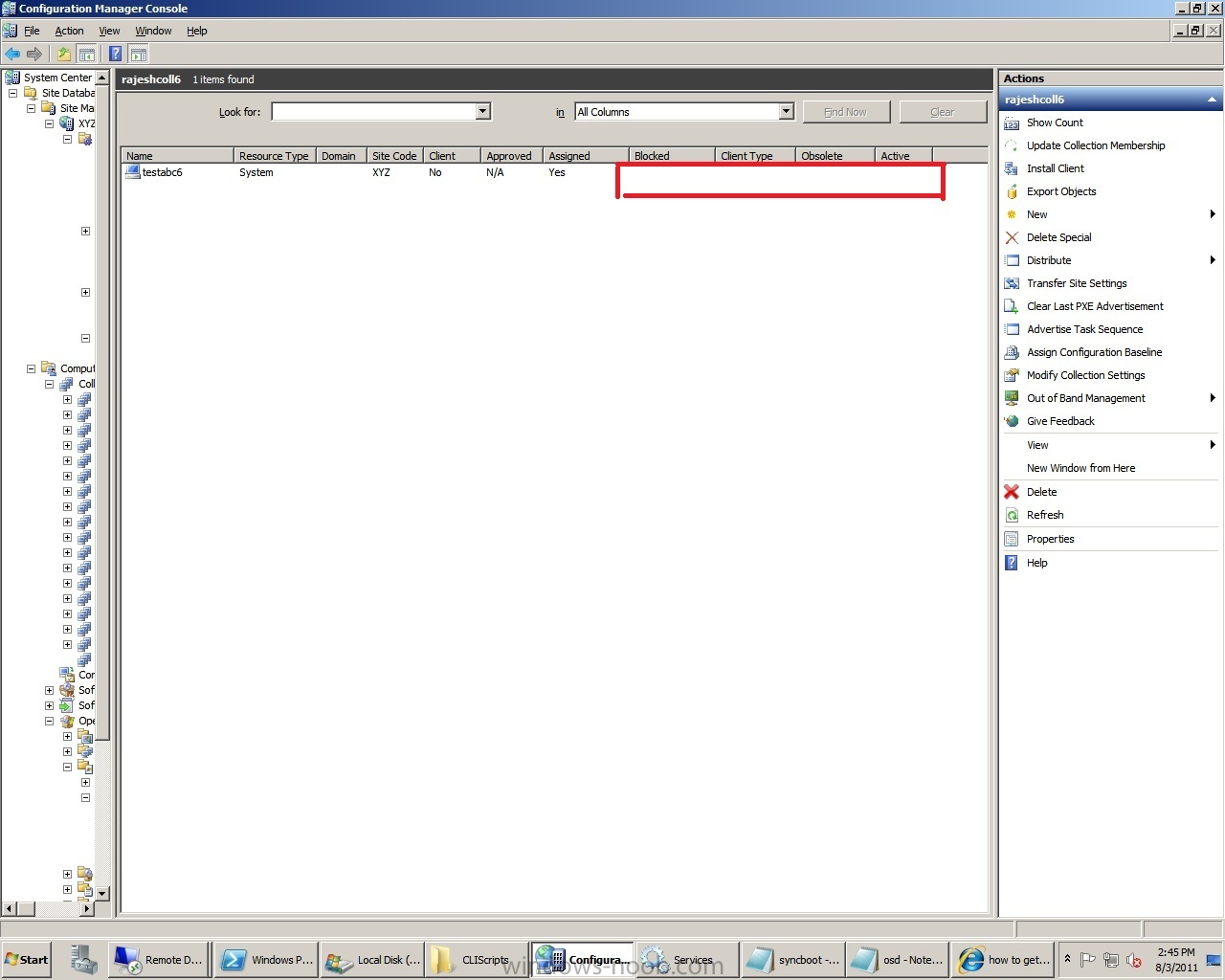
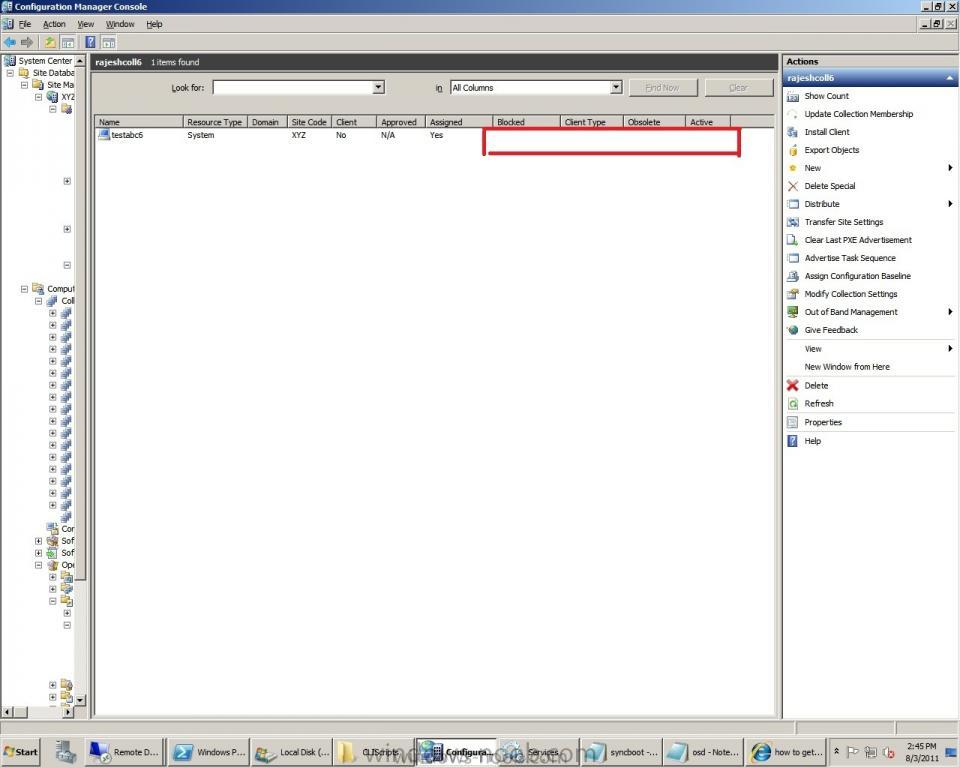
there is only one machine with the name testabc6 after adding the rule and also there is no value for obsolute colum attaching scrrenshot for reference. FYI... OSD worked for two machines earlier al of a sudden I am facing this issue. Thank you
-
I am struck with sccm OSD issue for many days. Ours is a test lab. All the machines are Dell optiplex 740. I have configured SCCM 2007 SP2 on one of the machine. Client is booting from the boot image and restarting imediately from the hard disk and throughing the error SMSboot\X64\abortpxe.com I found many threads saying to remove pxe service points and reinstall WDS. however, no joy. Attaching smspxe.log and smsts.log files for reference. the errror is :: Error opening HKEY_LOCAL_MACHINE\Software\Microsoft\SMS\Task Sequence. code 80070002 I checked the path HKEY_LOCAL_MACHINE\Software\Microsoft\SMS and found that Task Sequence is missing FYI... this worked fine for one machine and now it is not working for the same machine as well. Please help us solving this issue. smspxe.log smsts.log