kahnmark
Established Members
-
Joined
-
Last visited
Everything posted by kahnmark
-
Two days later, description finally showed up as an available criteria for queries. I am not sure why it took so long. This thread can be closed.
-
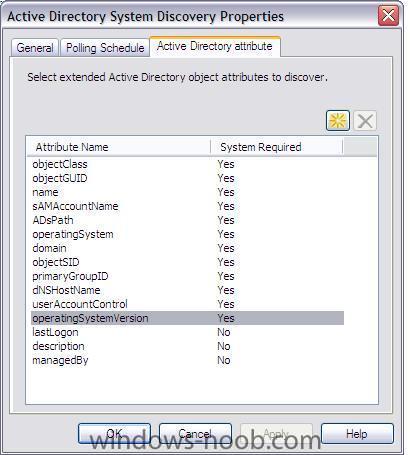
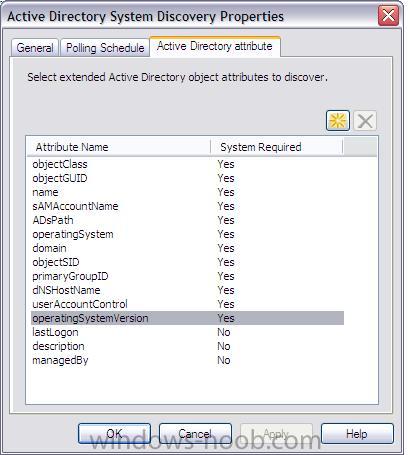
I am running SCCM 2007 Sp2 with R2 with AD system discovery. I am currently able to populate collections based on queries referencing system group or system name. I'd like to build a collection based on a query that references the description field in AD. I added "description" to the fields in AD System Discovery. After adding this yesterday I manually ran system discovery. I figured I'd give it a day to collect the information and check the adsysdis.log file. Today I found no errors in the log file regarding failure to collect the description data from AD. According to other articles I have found, I should now be able to find "description" both as a field under view > add/remove columns for any given collection and under "System Resource" when designing a query. Unfortunately I am unable to find "description" there. I do see it under the "Computer System" and "Operating System" classes but those don't appear to reference the AD field because they return no results. I am wondering if there is something I am missing in order to configure SCCM to pull the description AD attribute other than simply adding it to the system discovery attribute list? Perhaps an MOF file needs modification?