EduPin
New Members
-
Joined
-
Last visited
-
Your guides look amazing! I'll make sure I'll follow them next time I have to go through this (excruciating) procedure but please don't tell me that I should start all over again!!
-
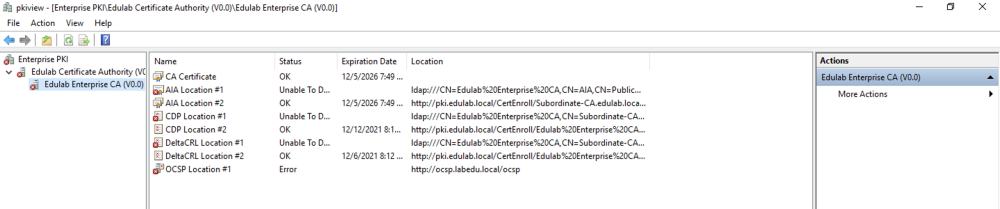
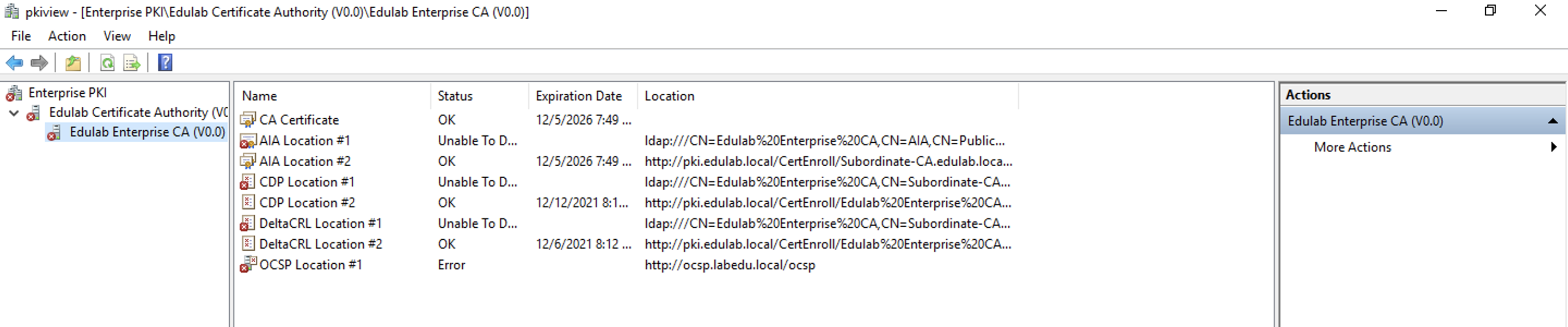
Hi! Let's start this with a disclaimer: I'm a complete noob in AD. I need an AD to test something else and I've followed step by step the configuration in this guide: https://mjcb.io/blog/2020/03/09/certificate-authority-windows-server-2019-part-4/ Everything was going very smoothly until I reached "4.7 Verify OCSP Status" and the status of the Enterprise PKI Console was "Error". I've tried to fix it by revoking the CA Exchange Certificate (and maybe something else, I can't remember!) but somehow I think I made the problem even worse (see image attached). Can you please help me out? Many thanks in advance! Ed