robertm
Established Members
-
Joined
-
Last visited
Everything posted by robertm
-
I found my answer. It because i specify a invalid detection method in the deployment type. So, the program newer be able to know than it is correctly installed because this detection method in invalid. And the Overdue is because the program is arrived at end of shedule and it's must be installed right now. So, all is okay.
-
-
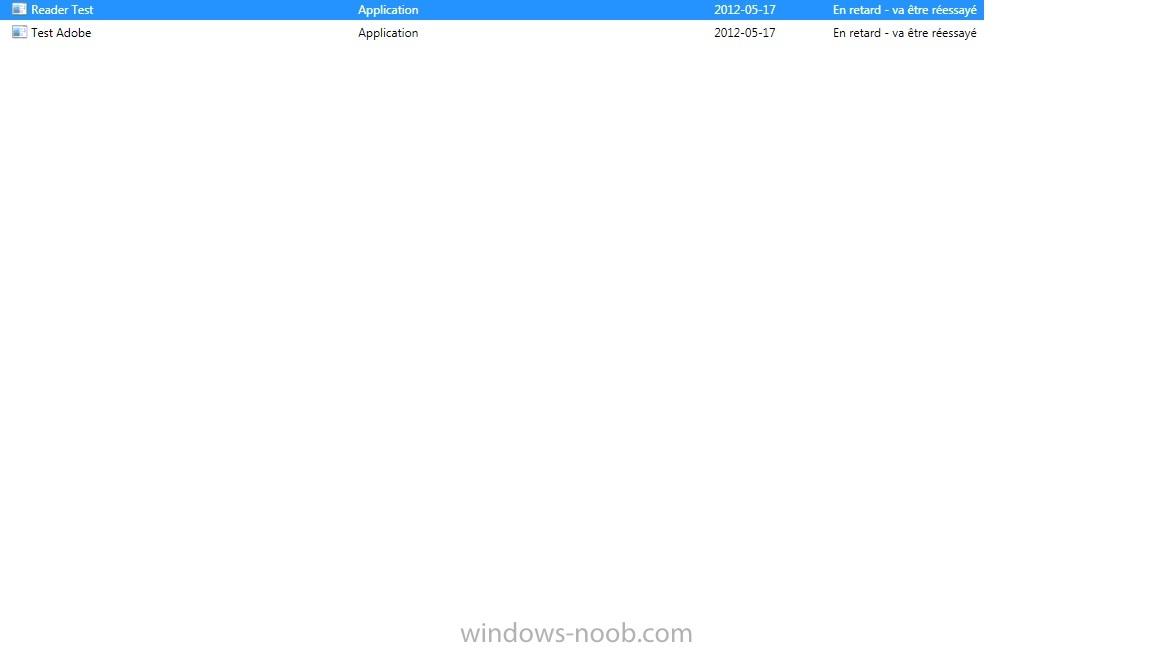
When i deploy packages or applications with msi, i don't have any problems. But, if i make a program manually and a scripted deployement, the installation failed. It's look like a schedule problem because the error message i have in the software center is : Overdue - Will be retried. I want to deploy application with a batch file, but when i manually do that in scripted deployment, i always receive this error message. Whats i'm doing wrong ? Thank You
-
-
I would like to run batch file to install application. For example, when i install adobe reader, i would like to run this command in a batch : msiexec /i reader.msi transforms=reader.mst /qn. Also, when my batch contain only one line, it's possible to specify the command line, msiexec..., directly in the package deployment. Thank You