hardcoded
Established Members
-
Joined
-
Last visited
Everything posted by hardcoded
-
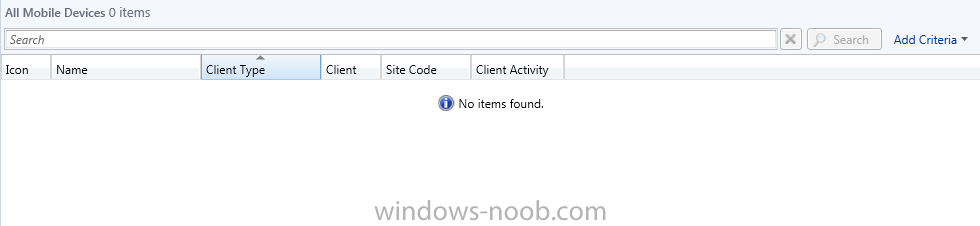
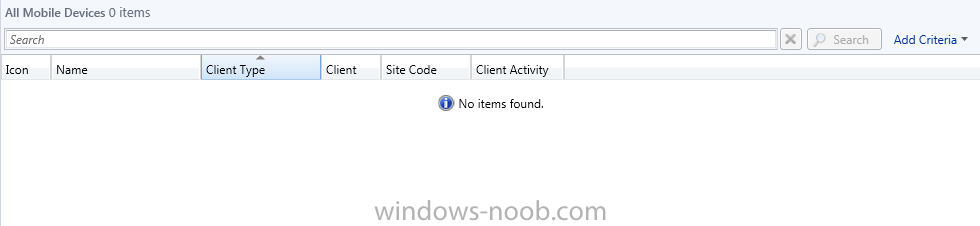
First I want to thank this forum for being a serious asset in the deployment of SCCM 2012. I really don't think I could have done it without some of the tutorials I have found on here. Luckily I have finally completed a working install that has been able to find our assets and allow me to install the client. Now I am going about organizing our structure and I was hoping someone might know if there is a way to do a custom field so I can give each asset a unique nickname. I would like to add this field to the device view so at a glance an admin could easily determine what asset he needs to work on based on the nickname. For instance I would nickname the asset after the user who is assigned to that workstation, so that if Bob calls the admin can launch a remote help session quickly by just looking for Bob in the custom field. I hope that makes some sense and I appreciate any suggestions or help. I have attached a snipping of the area I am referring to. I used the All Mobile Devices view so it wouldn't be crowded with assets. Thank you in advance.