atxmichael
Established Members
-
Joined
-
Last visited
-
I think I found the issue. Within WSUS, I had the language options selected to download ALL languages. Changed to just English able to download and not fill to 100%
-
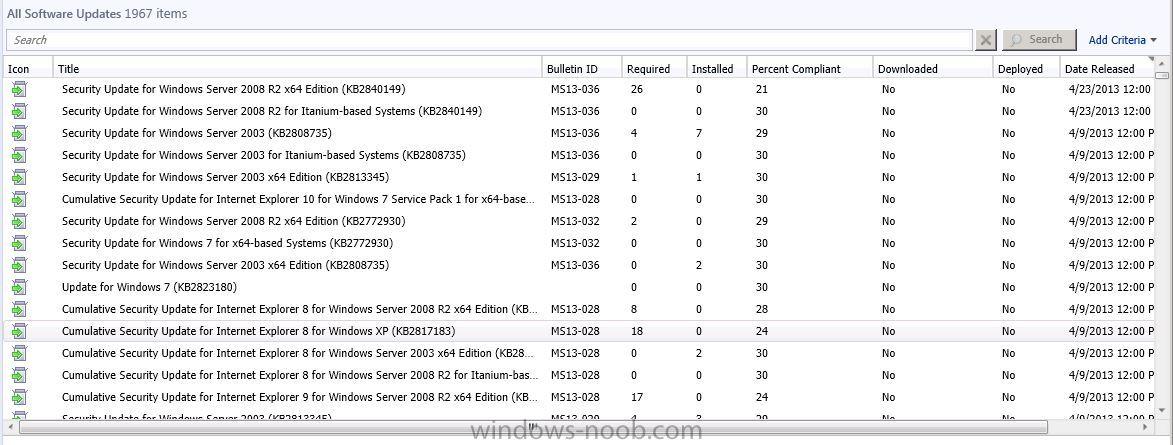
I have SCCM 2012 (Stand alone / Primary Server) running as my End Point Protection Server and I was attempting to add the WSUS role to it, but now I have a problem. Once a day the E:\ (partition that updates go to) will fill up to 100%. At first the drive was only 10gb, then I bumped it to 40gb, then 50 and it still filling to 100% I am attempting to download XP, Win7, Server 2003, Server 2008 updates. But once the drive kept filling up I removed those options and only have End Point Updates selected. I am lost on how to prevent my drive from filling without bumping it in size until it does not fill to 100% but I hope to not have to do that. Thank you, Michael