aXs
Established Members
-
Joined
-
Last visited
Everything posted by aXs
-
yes using autounattend.xml. PID.TXT is mount install.wim or directory sources/ ?
-
one posteur on the forum ? (aniweb)
-
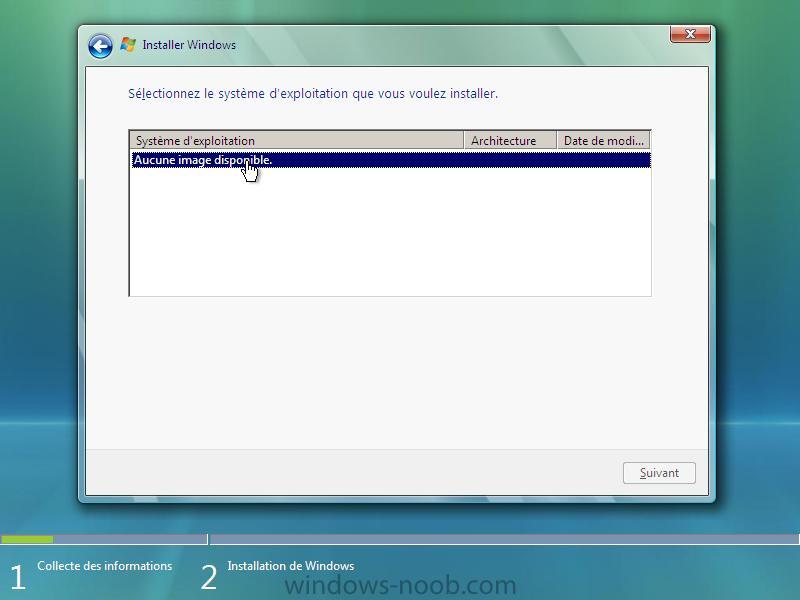
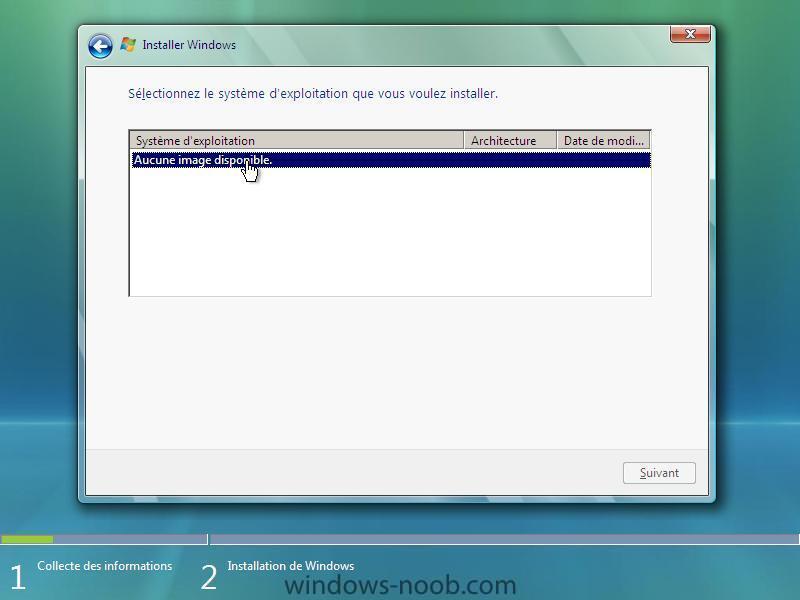
Hi, i am the problème ... " No image found " (install.wim) Joins picture : Joins autounattend.xml : Where is a problème ?
-
Good evening, thank you for your bond given, I will test it tomorrow in the course of the day. As regards the install.wim (that done of my C:) , I could then put it well in the dvd of Vista with a autounattend.xml created? you summers on? Thank you has you! French original post :
-
yes to 2 problemes. an Yes for Dell version Vista Home premium.
-
Say me, there is T it a difference in WAIK and OPK " Préinstall Environment " ???
-
Hello, Thank you for your answer. In fact the problem is that j' made an image of my C well: , then I assemble it in the WAIK and I create a autounattend.xml, l' installation occurs without problem but to arrive has l' installation of my Vista, my topic (basic aero) is decontaminated and I find myself with the topic like that of Windows 2000. As regards my Vista (home premium) received with my LED l' is car activation only done, how then I to keep my autoactivation without having here to reactivate it at Microsoft? Thank you for your answers, c' is a super English forum, damage qu' it n' in does not exist in French but this n' is not serious! (sorry my bad english, use traducteur)
-
Good evening, j' would have liked to know if c' was possible to make a imagex (install.wim) of my C: or is Vista and l' to integrate in the dvd of Vista? Only I do not include/understand too much via the WAIK. How to make to configure my autounattend.xml? You can m' to help please? Thank you Ps: sorry for my bad english ...
-
Hello, I present myself, I am Stephane of Belgium and j' found your forum by google. I am currently entrein to make my version of Windows unattend (Vista). J' hope to be able to find l' helps that j' need here. Thank you (sorry my bad english, traduc via net)