vekh
New Members
-
Joined
-
Last visited
-
I can try to do that but the same wim is applying properly during online deployment and manually with dism.
-
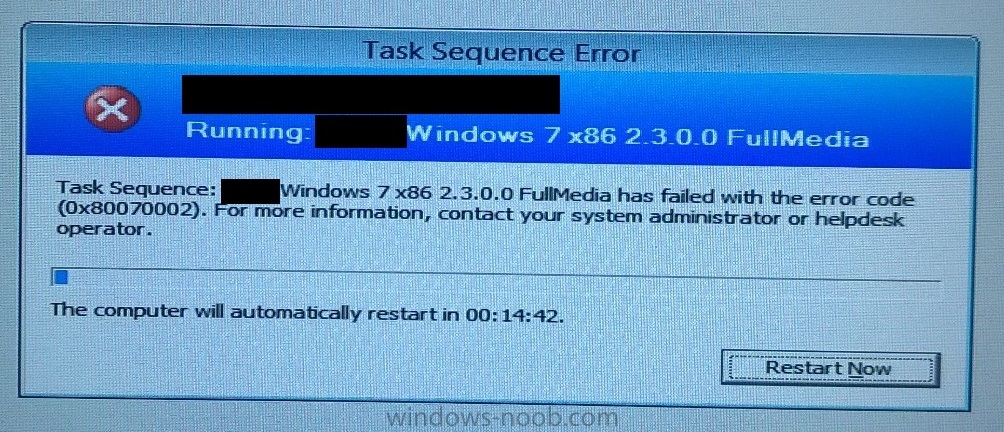
Hello. I have a problem with offline windows 7 x86 deployment (USB full media/offline media). During Apply Operating System step SCCM returns error 0x80070002 (look at the attached picture). Details in smsts.log What I've tried: 1) Downloading original *.wim file manually from DS, dividing it into 2 *.swm files with the same size as orignal and replacing them with the files on USB drive 2) Copying original *.wim file from computer partition during online deployment - rest as in 1. 3) Inserting untouched *.wim file downloaded from DS/copied from online deployment 4) Seting correct date/time in bios 5) Disk cleaning (diskpart) 6) Size comparison 7) Applying *.wim file manually - it works Nothing helps Most of solutions concerns online deployments and errors are related to applications installation not system itself. I have no idea what's going on. Installation runs flawlessly during online deployment. smsts.log