




cobrax
Established Members
-
Joined
-
Last visited
Everything posted by cobrax
-
Hello, Last time its appears to me same issue was missing drivers related to nvme drive. I would suggest you to review if you have appropriate drive or controller drivers in your PE ?
-
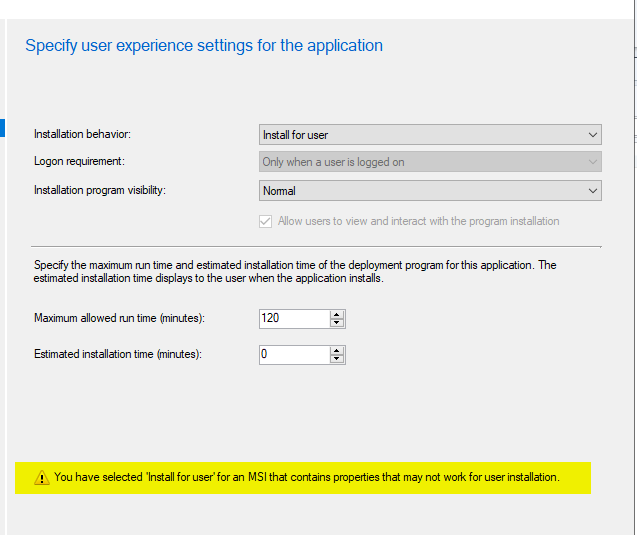
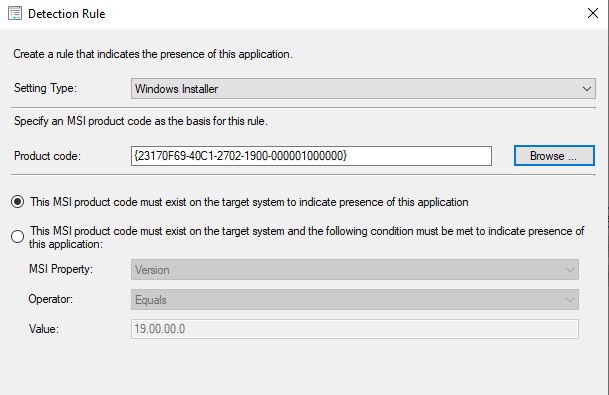
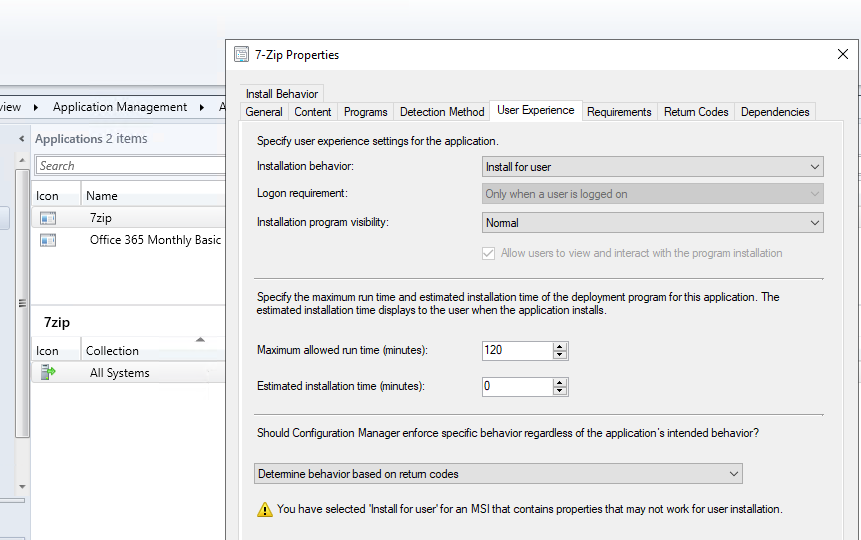
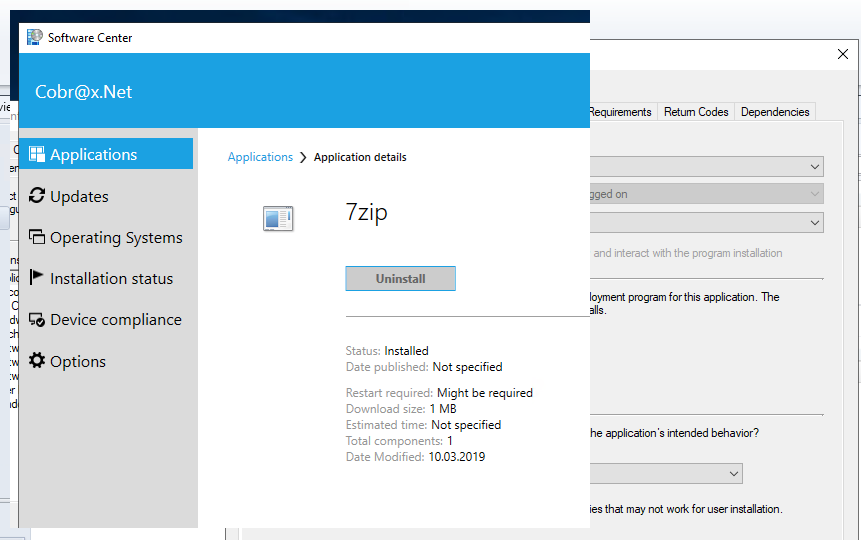
Hello Markus, Im try to do same configuration as you, but as you can see i have a first error: May i suggest to use also detection like this ? did you try this? : deploy on SYstems but install for user? based on theses settings i have the resultat you expect: Please let me know Problem s this software seems not very User oriented for installation
-
Hello, Can you please show us what is ypur detecgion criteria ?
-
Dear all, I need your help. In our USMT process, we backup registry settings which contains folder redirection of My documents (Personal) to C:\Data in our environment. To do this operation we have customized out MigUser.xml file which is attached in this thread. So when er use the loadstate log says no error but the rdirection is not happening. It stays at default user document folder. For your information we are preparing the migration of users from Windows 8.0 to Windows 8.1. In existing Windows 8.0 environment the user My Documents is mapped to C:\Data. We want to restore the same settings when user is migrated to Windows 8.1. We really need help. Attached screenshot of customization & MigUser.xml. For your information we are using SCCM 2012 SP2 to deploy the migration Task Sequence. Regards Romain MigUser.xml

