djrnold
Established Members
-
Joined
-
Last visited
Everything posted by djrnold
-
I found the solution. I was logged on to an account that has limited access. I switched to my domain admin account and relaunched the SCCM and there it is, the Network folder displayed. Thank you!
-
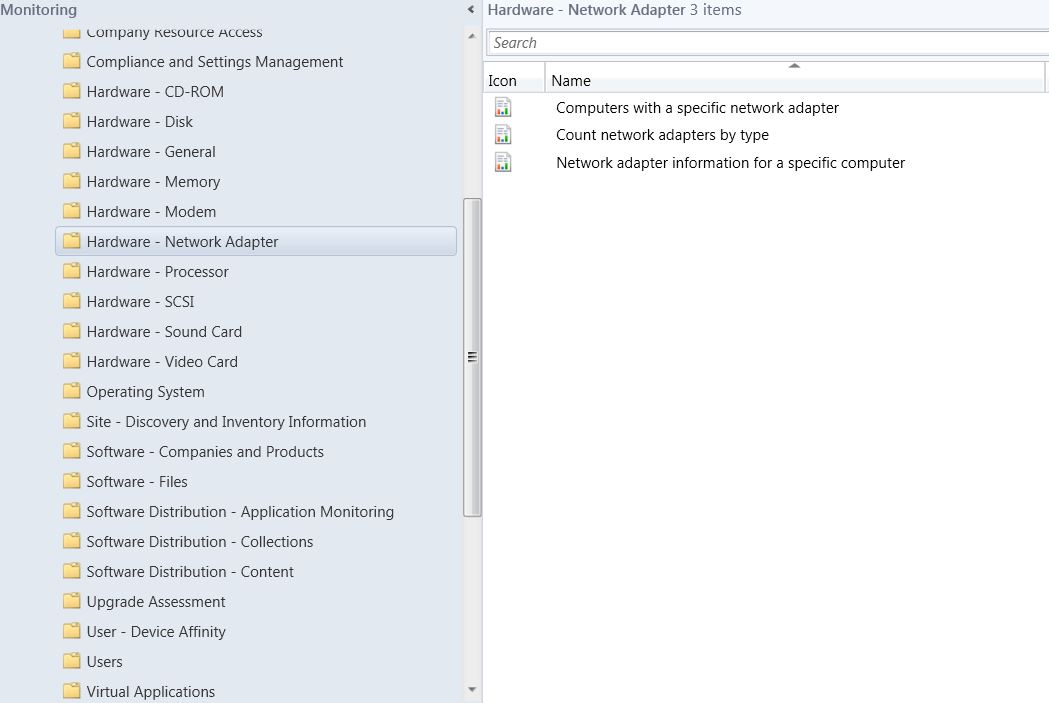
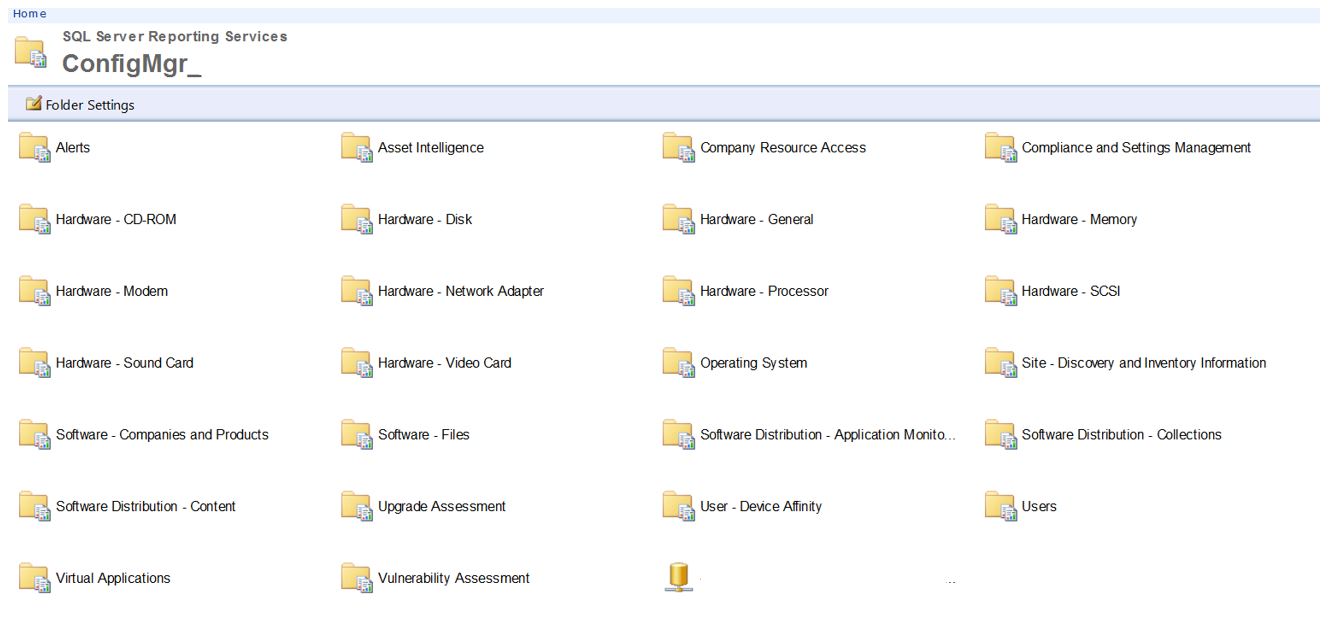
No, I don't have those. I only have these:


-
I am trying to run a report on our SCCM 2012 Current branch Version 1610 to list all the computers on each of our subnets (based on IP addresses of our subnets), The article on (https://technet.microsoft.com/en-us/library/dn581998.aspx ) lists all the reports supplied with Microsoft System Center 2012 R2 Configuration Manager. It was also mentioned on this site that what I am looking for should be listed under Network reporting, where I can choose "Count IP addresses by subnet" (Description says, Displays the number of IP address inventoried for each IP subnet), but I when I checked, I do not have the folder named Network listed? How would I go about adding this Network report on my list so I can use it to produce what I need? Or do you have other suggestions as how to produce this report such as using Queries? Your input is greatly appreciated, thank you.