tr3mblay
New Members
-
Joined
-
Last visited
-
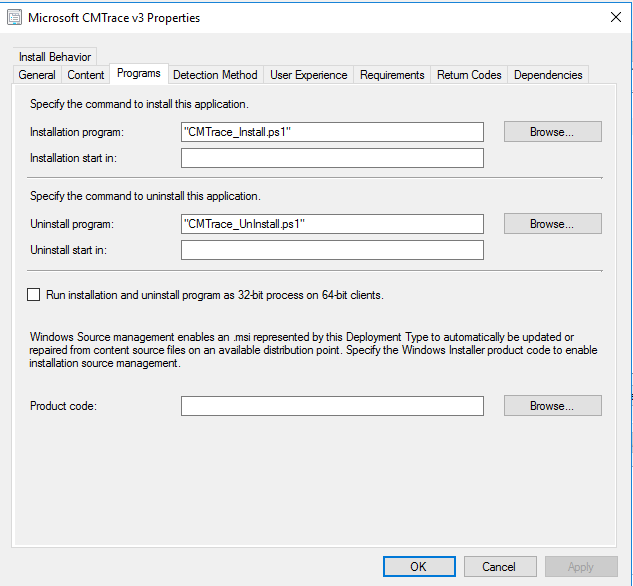
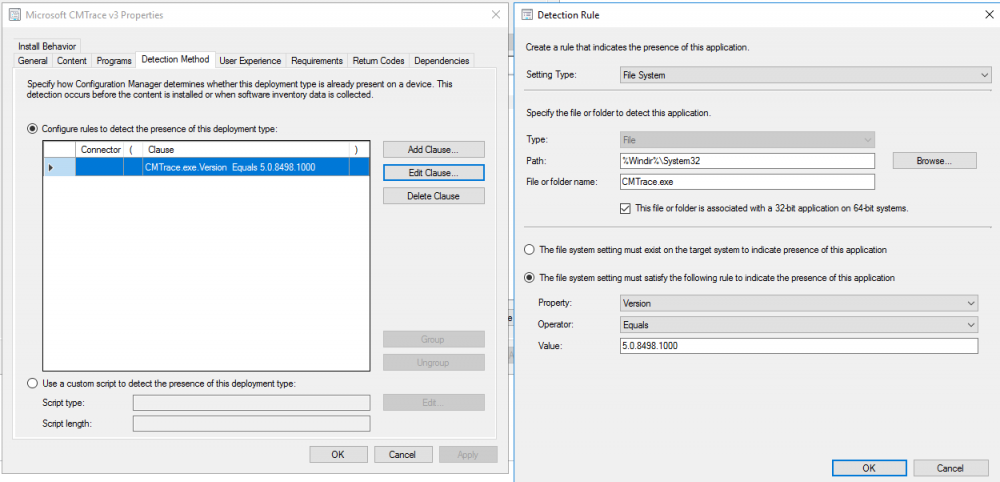
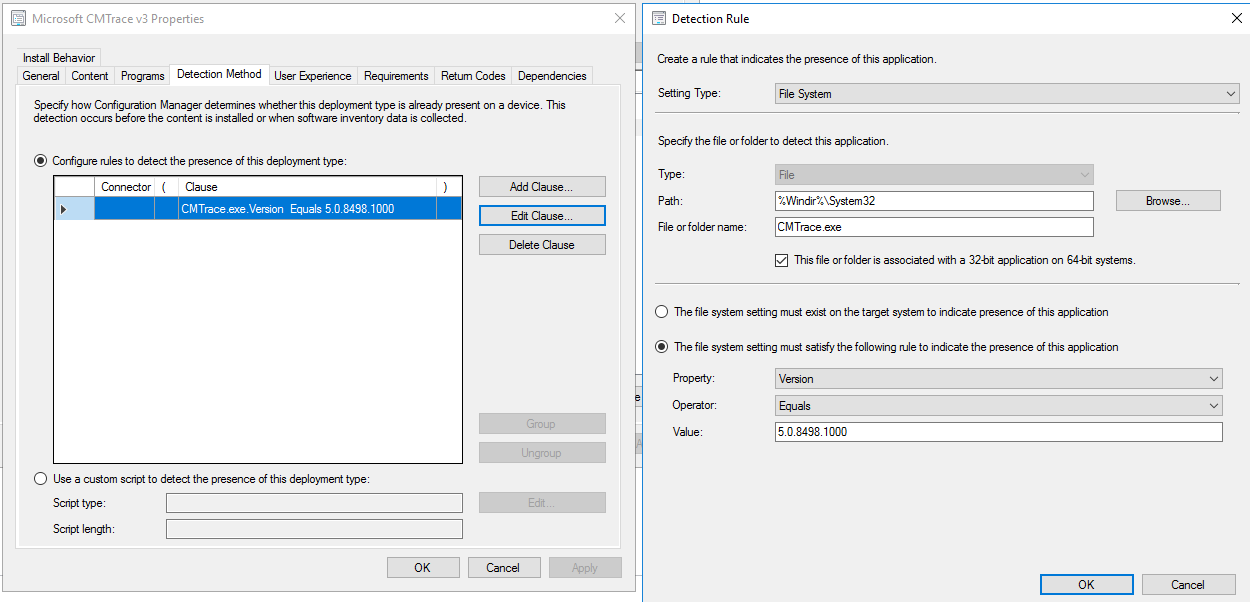
Old post i ran into while looking at deploying CMTrace. I completed the deployment using PowerShell scripts, with the addition of copying a link to the Public Desktop. CMTrace_Install.ps1 # Path to store the .ico and .exe $AppPath = 'C:\Windows\System32' # Path of the Public Desktop for shortcut $AppShortcut = "C:\Users\Public\Desktop" # Copy the .ico, .exe, and .lnk. Copy-Item .\CMTrace.lnk -Destination $AppShortcut Copy-Item .\CMTrace.ico -Destination $AppPath Copy-Item .\CMTrace.exe -Destination $AppPath CMTrace_UnInstall.ps1 # Path to store the .ico and .exe $AppPath = 'C:\Windows\System32' # Path of the Public Desktop shortcut $AppShortcut = 'C:\Users\Public\Desktop' # Remove the .ico, .exe, and .lnk Remove-Item $AppShortcut\CMTrace.lnk Remove-Item $AppPath\CMTrace.exe Remove-Item $AppPath\CMTrace.ico