dkohlmeyer
Established Members
-
Joined
-
Last visited
-
Nope I couldn't get the 2008 workaround to work. I tried to include the Use Toolkit Package and the Gather options before I activated the Features as well but nothing seemed to work so I'll have to investigate creating a script with DSIM.
-
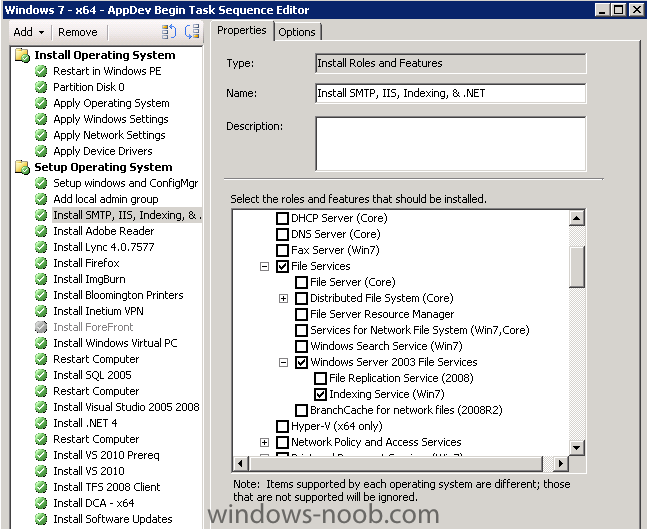
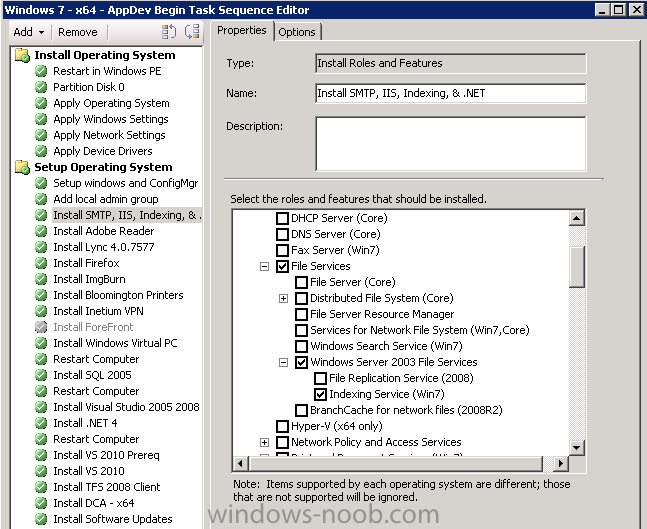
I've taken on the role of updating the Task Sequences for our Windows 7 Enterprise x64 deployments and need to add in a few Windows features during the imaging process. We start by applying a captured image and then install some department specific software. The features I need to include are: Microsoft Internet Information Server Microsoft Indexing Service Microsoft .NET Microsoft SMTP I found the portion of SCCM that allows me to Install Roles and Features (Add -> MDT -> Install Roles and Features) however when I image a computer it doesn't appear to work, I found a solution that alludes to the problem residing with the 64bit nature http://social.technet.microsoft.com/forums/en-US/configmgrosd/thread/9a0aaac0-bd20-4adc-acd5-df8c5f48cb17/ However it appears to only apply to deploying server 2008 R2. Can anybody provide a guide or some assistance to getting these things to work? Thanks!