jortiz
Established Members
-
Joined
-
Last visited
-
Still do not see it.
-
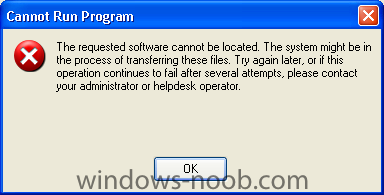
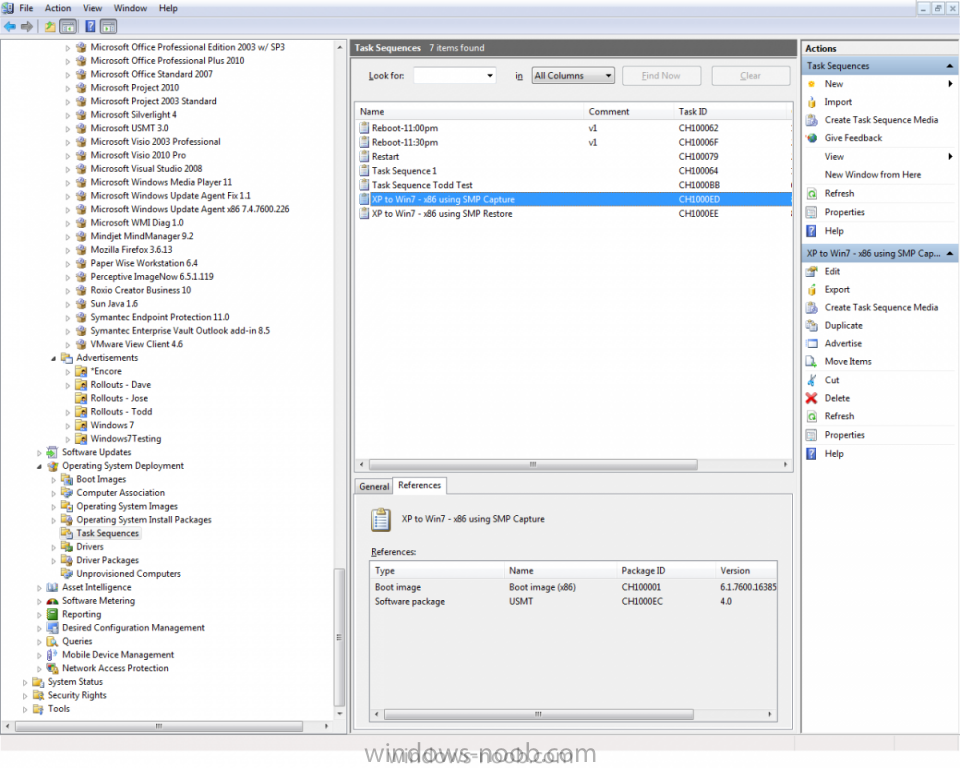
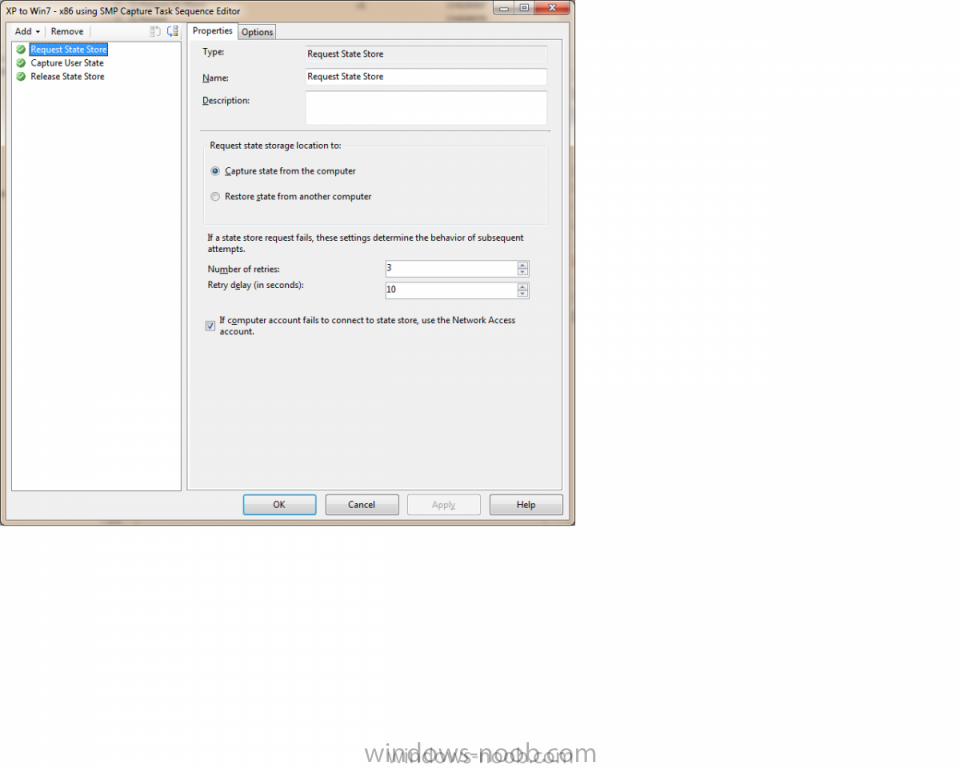
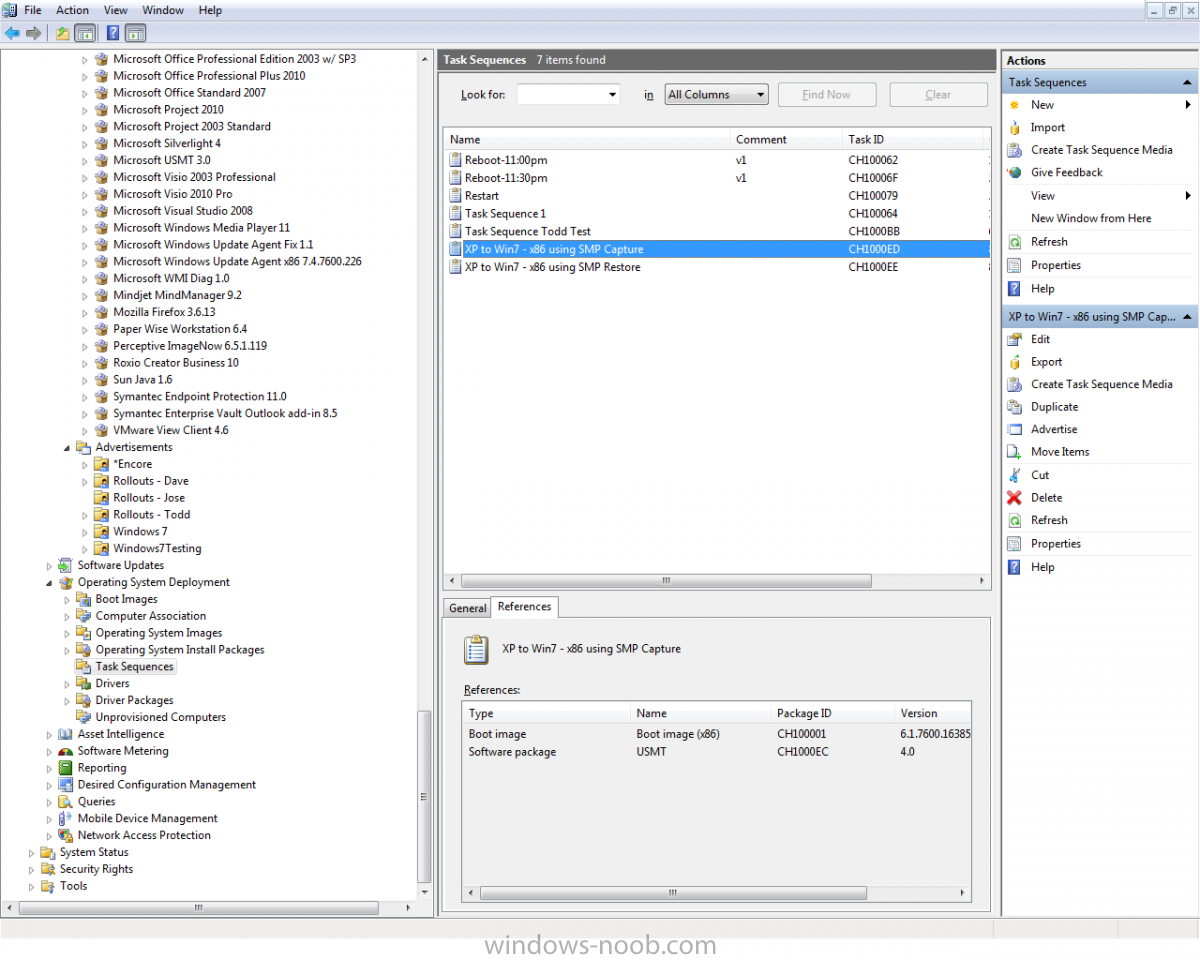
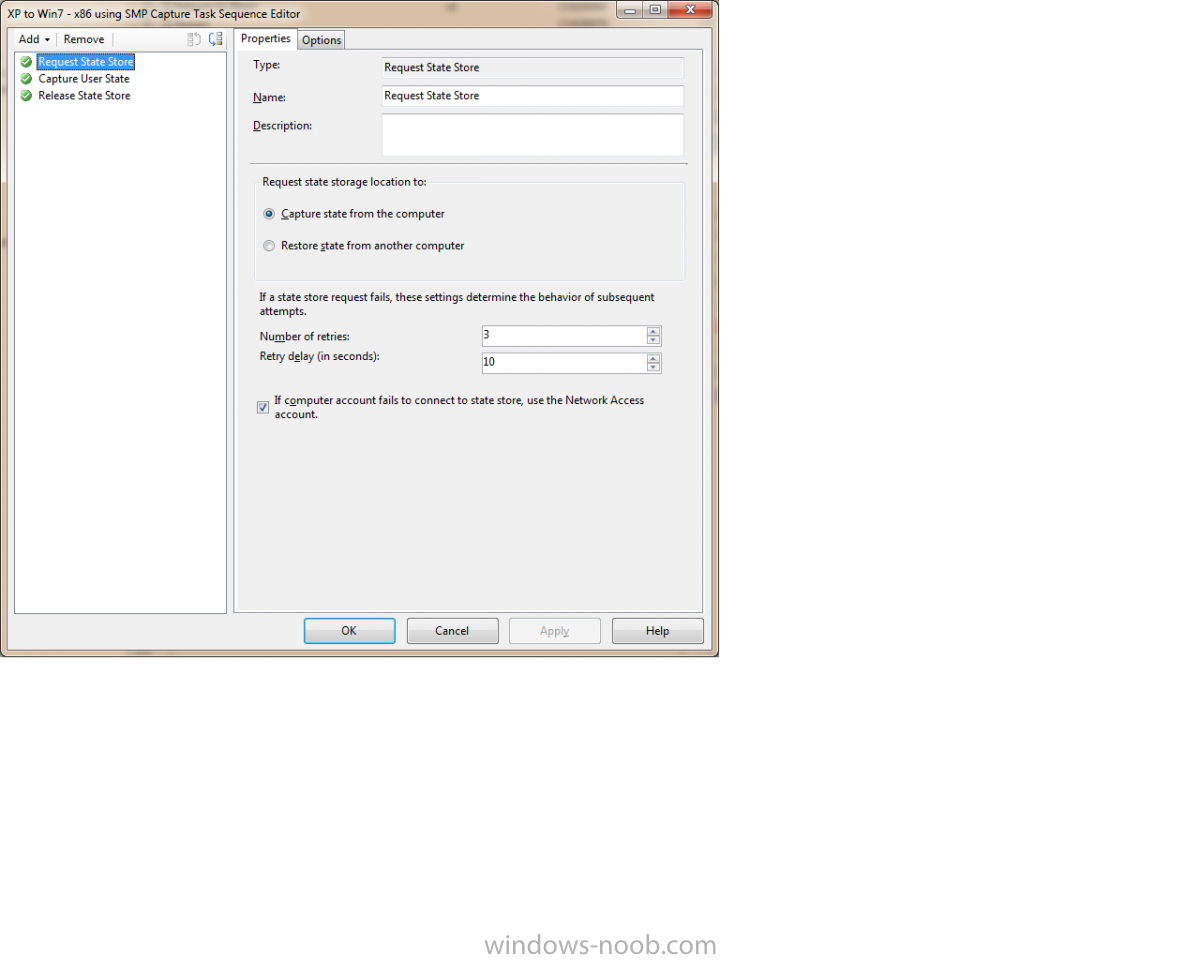
I have tried to import the SMP xml file with no success. It says it successfully imported it, but its not there. So I have created a USMT package and 2 task sequences: one for capture and the other for restore. We have another imaging tool that we use so I will not be using MDT, I just want to use SCCM to capture and restore user data. After advertising this to my collection, I try running from Run Advertised Programs but I get the following message: The requested software cannot be located. I've updated my DP. I have also attached screen shots of my setup and error message. Can someone provide me with some direction? Im sure I am doing something wrong. Thanks.