oxy6en
Established Members
-
Joined
-
Last visited
-
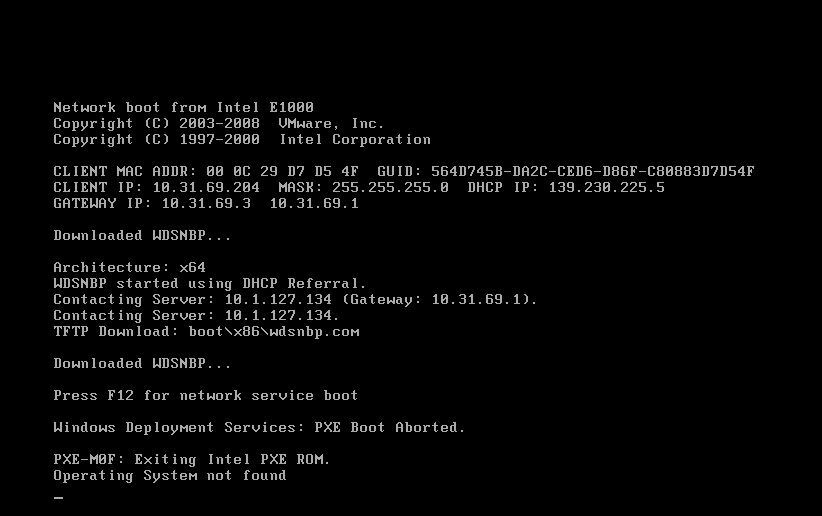
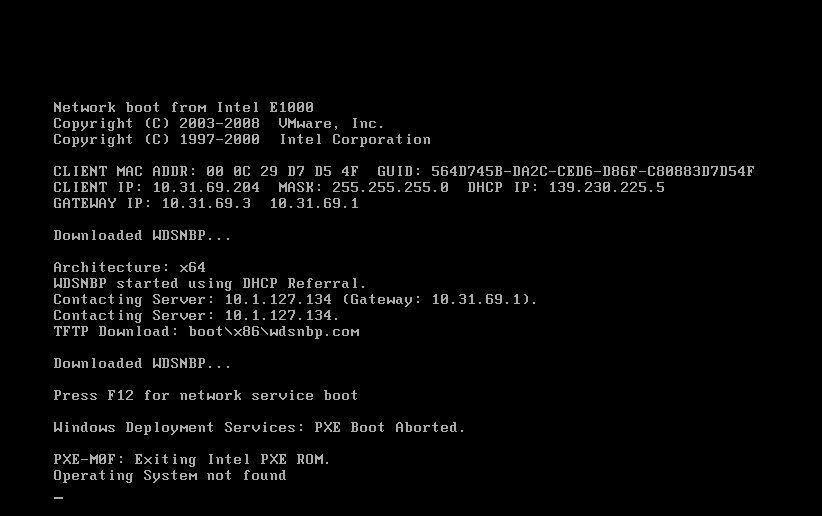
I'm using sccm 2012 version 5.0.7711.0, I compared the screen shot that I've found my TFTP Download:boot\x64\pxeboot.n12 whereas in your screen shot it's TFTP Download: smsboot\x64\pxeboot.com If this the case, how to change the TFTP Download to point to smsboot?
-
I'm using sccm 2012 version 5.0.7711.0, I compared the screen shot that I've found my TFTP Download:boot\x64\pxeboot.n12 whereas in your screen shot it's TFTP Download: smsboot\x64\pxeboot.com If this the case, how to change the TFTP Download to point to smsboot?
-
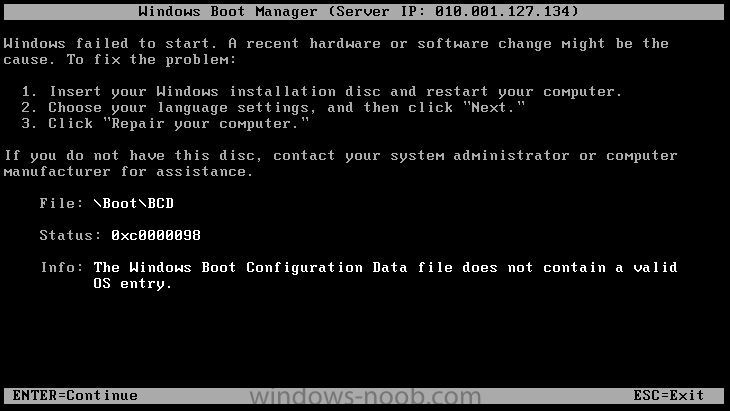
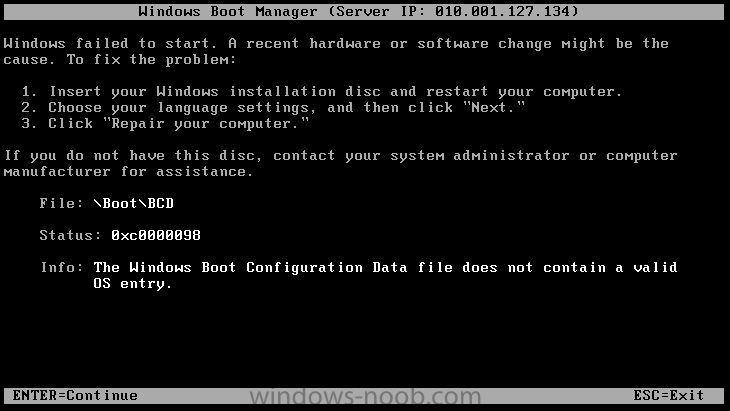
Hi, I've followed all your steps and when I booted the computer it comes up as the image1 attached. Then I press F12 and came up with the error as image 2 attached Anyone knows in which part it could be wrong? Cheers
-
Hi, I'm still bit confused with the RBA, could you please guide me the best practice to create a security role for help desk people, the requirements as follow: 1. Remote Control ( I got this working) 2. Application Deployment I'm stuck with the application deployment not working, so I just want the help desk people only have access to do remote control and application deployment and nothing else. Cheers