danny83
Established Members
-
Joined
-
Last visited
Everything posted by danny83
-
I managed to find the issue. It was a typo, instead of configuring SMSTSAssignUsersMode I was using SMSTSAssignUserMode. After correcting the typo in the TS UDA is now being applied to the computer during OSD successfully.
-
Currently I am using bootable media, I created media where I under the "User Device affinity" section I specified "Do not allow user device affinity", tested the Windows 7 deployment and received the "UDA mode is not specified. UDA settings will not be processed." message while the SCCM client is being installed during the TS. Created another bootable media .iso and specified "Allow user device affinity with auto-approval" and still receive the same message.
-
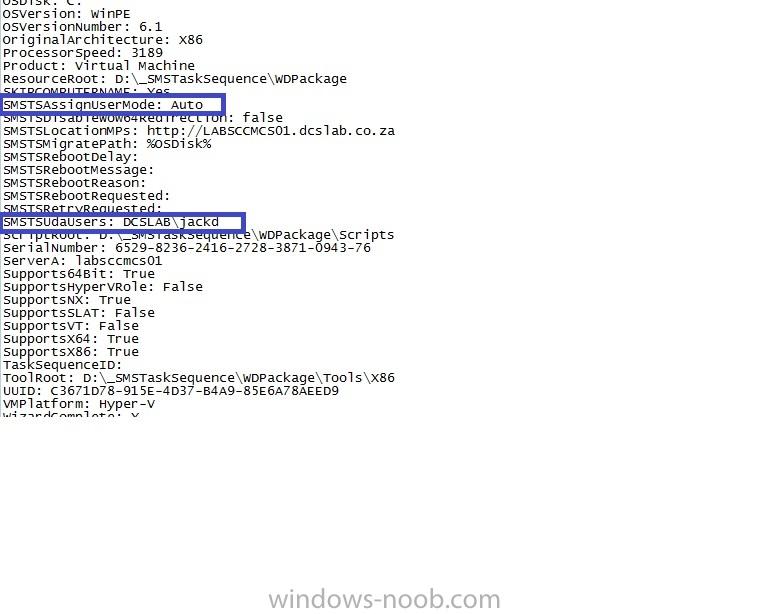
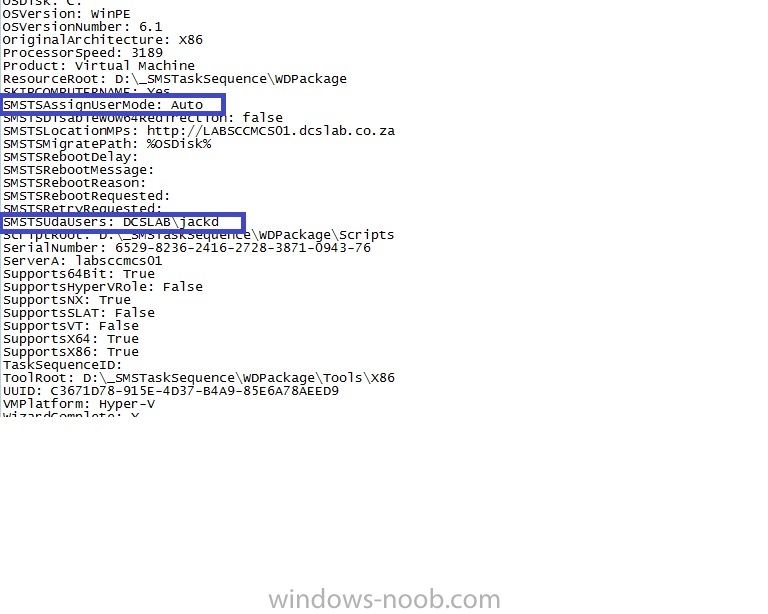
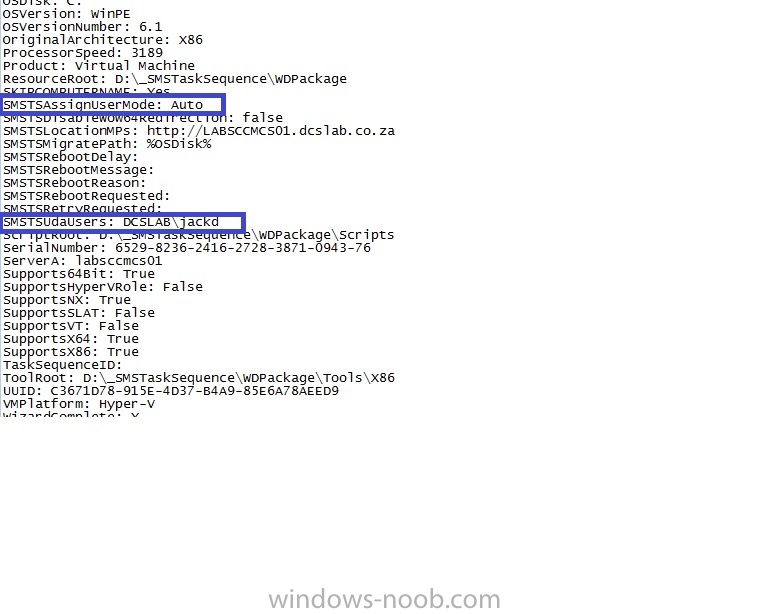
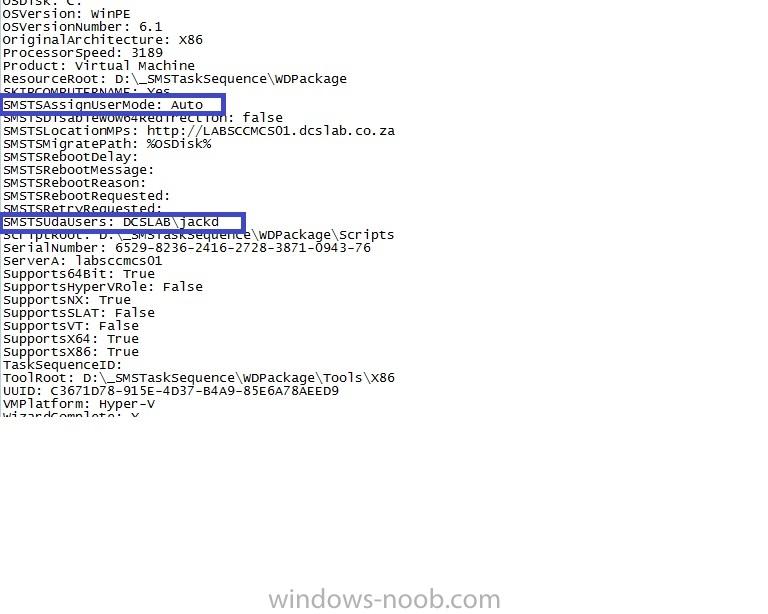
Good Day I currently have SCCM 2012 SP1 with MDT 2012 integrated setup in our Lab environment. I to am receiving the same error message in smsts.log "UDA mode is not specified. UDA settings will not be processed." I am setting SMSTSAssignUserMode = Auto in the TS and prompting for SMSTSUdaUsers via a HTA. I even tried setting SMSTSUdaUsers = Domain\User in the TS, as well as in customsettings.ini and still receive the message that UDA mode is not specified. I used this script to export Microsoft.SMS.TSEnvironment at the end of the TS.cmd When reviewing the log file I can see that both SMSTSAssignUserMode and SMSTSUdaUsers are being set. Not sure what else I can try, I tested the deployment on 2 VMs.