mryusufu
Established Members
-
Joined
-
Last visited
-
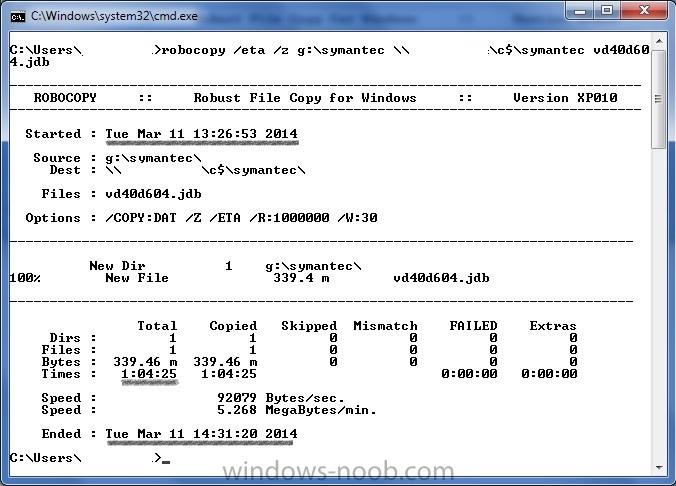
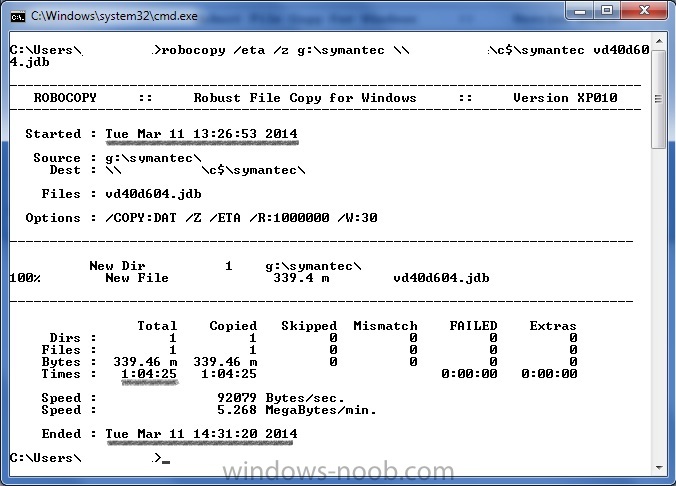
Hi, In my environment, we have about 7000 clients. We run Symantec Endpoint Portection (SEP) on all the clients and also have an internal Symantec Endpoint Protection Manager (SEPM) for management and updates. About 6000 of the clients update normally from the SEPM. However, the outstanding 1000 or so are a big problem. Symantec has provided an avenue to update the clients manually by downloading the update files and dropping them into a folder on the client. The SEP client can then pick up the update files for processing. The problem is these files are HUGE. At the last check, the size was almost 350MB. Pushing this file with our limited bandwidth has been a serious challenge. Is there any way SCCM 2012 R2 can help move these files over the WAN? Note: I do not want to use xcopy or robocopy scripts. I need the files to be copied in chunks so there is no serious impact on the link. I would really appreciate any pointers. Thank you