pizhang
Established Members
-
Joined
-
Last visited
-
Thanks for the post and I have tried to follow, but the TS cannot load any package after the Restart Boot Image part. It failed with 0x80070002 error. At first, I split the TPM process into Enable TPM and Activate TPM, then the second one won't run as it failed at "Copy CCTK" part, seems error with load package. Then I have combined both today in one script, and then the TS failed at the "Apply Operating System" part where I can loading an unattended xml file from a package. Any idea, thanks a lot.
-
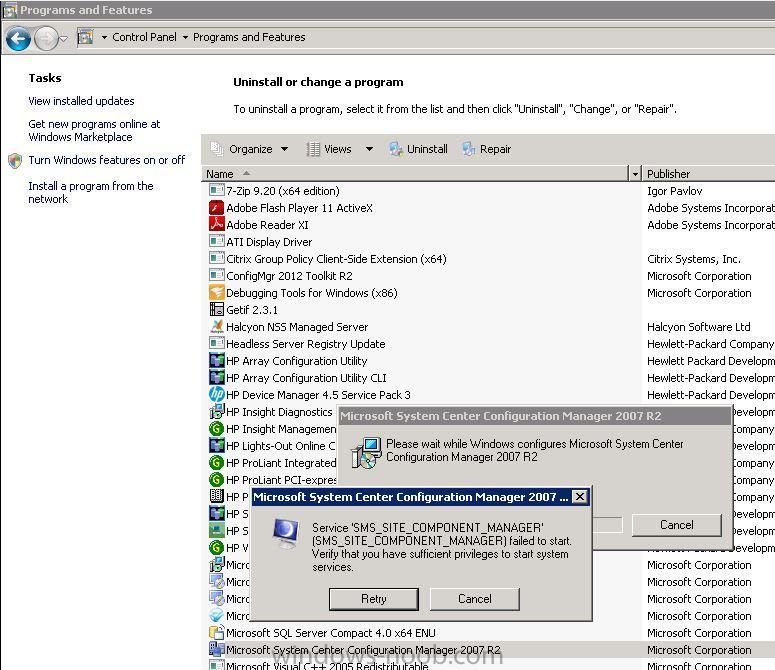
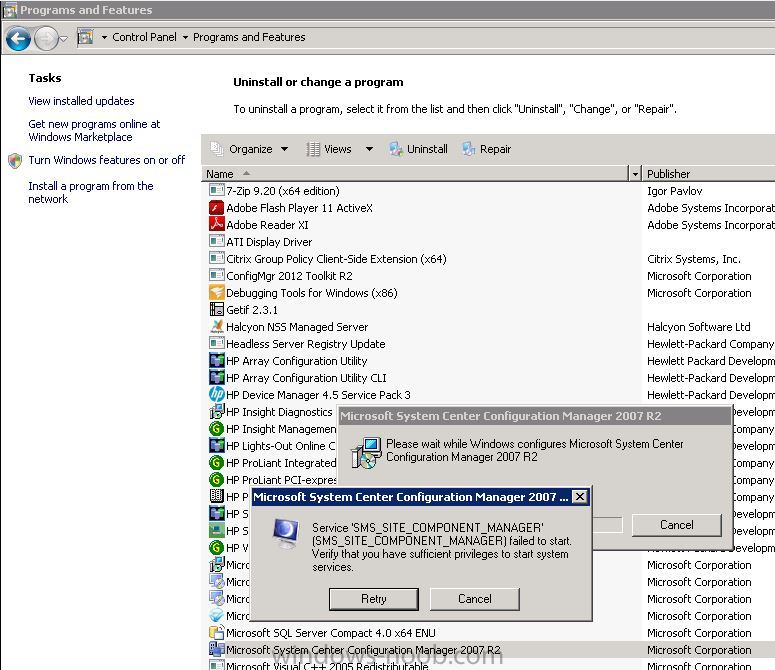
I have successfully migrated one 2007 R2 secondary site to a new SCCM 2012 DP, but "Microsoft System Center Configuration Manager 2007 R2" is still showing in "Control Panel" - "Program and Features" (Windows 2008). I tried to uninstall after rebooting the server, but there is the following error: Service 'SMS_SITE_COMPONENT_MANAGER' (SMS_SITE_COMPONENT_MANAGER) failed to start. Verify that you have sufficient privileges to start system services.