alex2026
New Members
-
Joined
-
Last visited
-
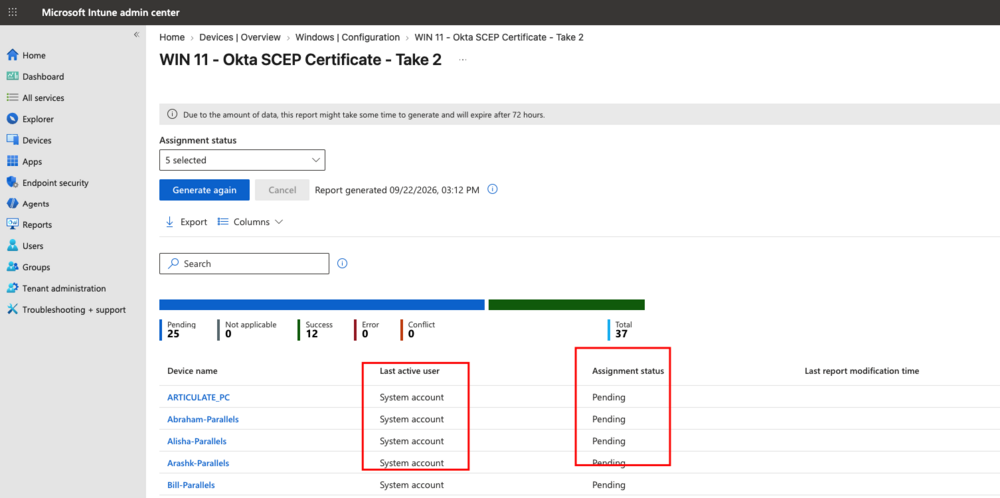
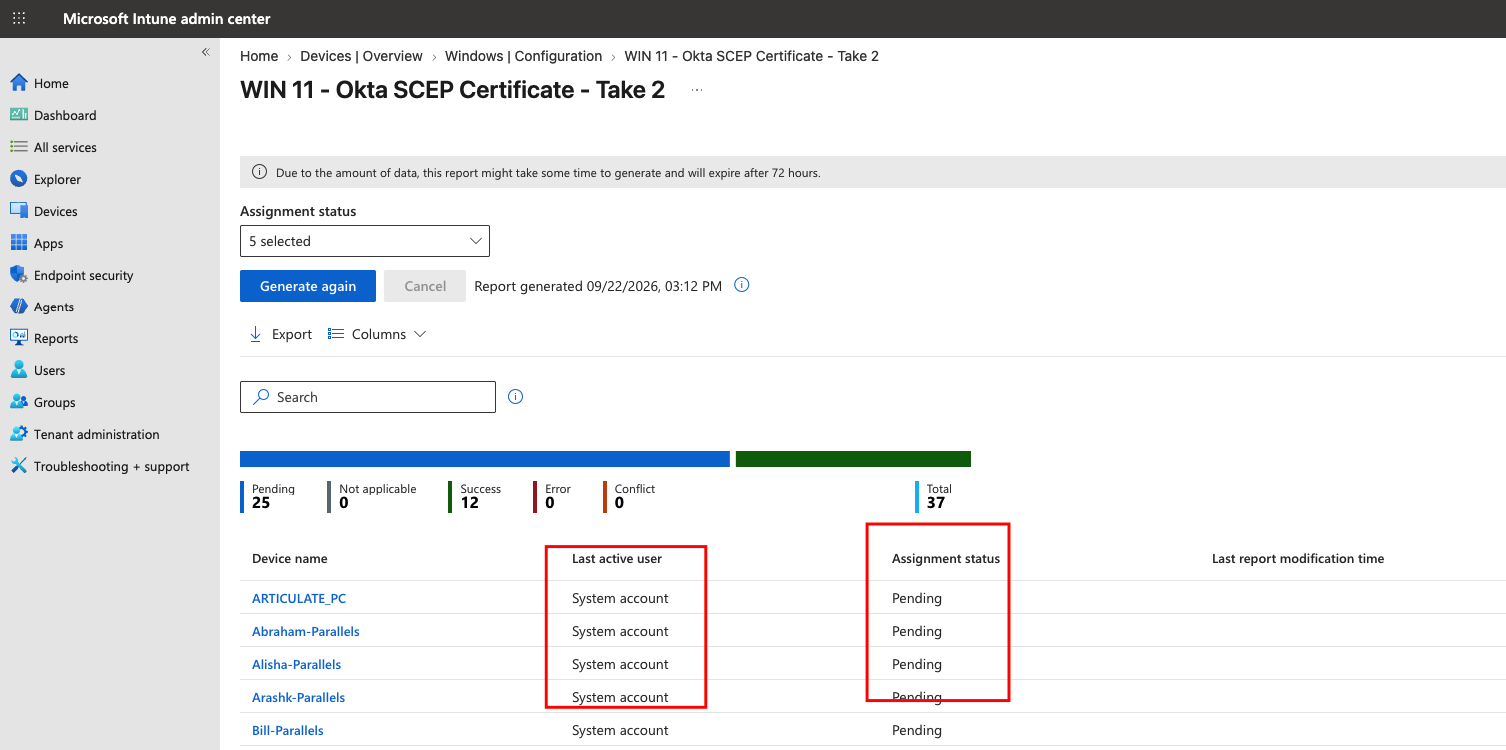
The export wasn't any different from the data in the website itself. It's been a couple of months at least. I know the users login at least a few times a week to their VMs. One of the VMs is actually mine and I login all the time to test and still showing "system account" for me.
-
Yes, I've enrolled every user in with their work emails in Settings>Accounts>Access work or school. When I look at my own VM, it's still saying connected to the domain Entra ID with my work email. It's syncing too.
-
I appreciate your response. It's been deployed to users. Also, not sure if this has anything to do with the issue, but it seems like only the Parallels Windows VM are stuck in pending status. I'll try to export the data and see if I can find out more.
-
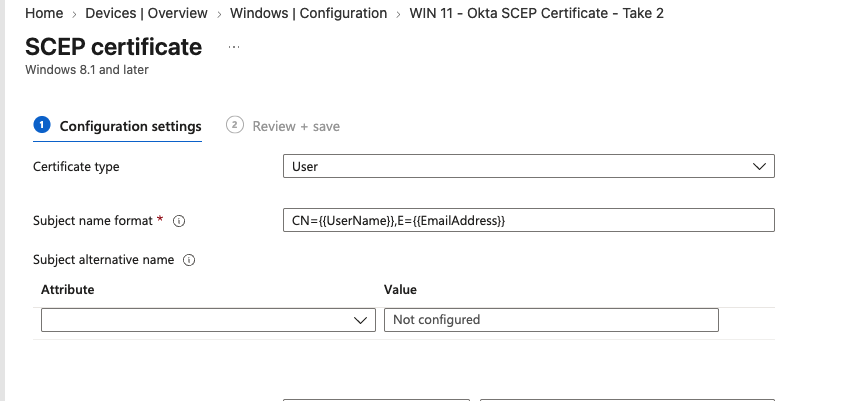
Hi all, I've been having this issue with SCEP cert not recognizing the users and going by system account, and that will cause the device show as "Not managed" in Okta. Could anyone point me to the right direction on how to resolve this problem? I've tried working with Intune Support but not help there. Any help would be appreciated since we've been stuck on this for a couple of months now. Thanks, Alex