tprice5@my.apsu.edu
Established Members
-
Joined
-
Last visited
-
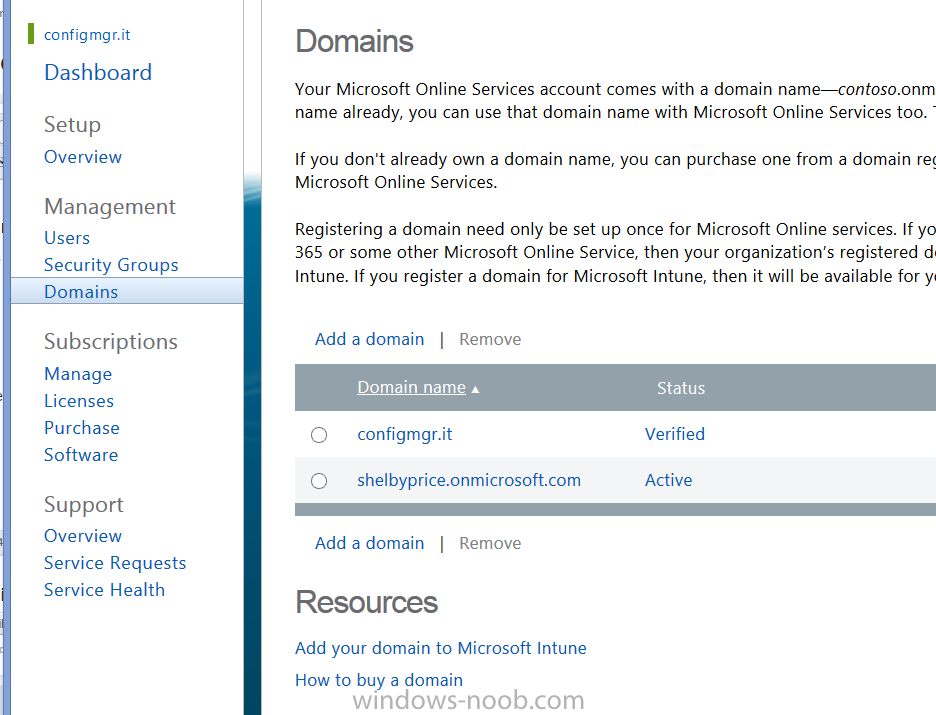
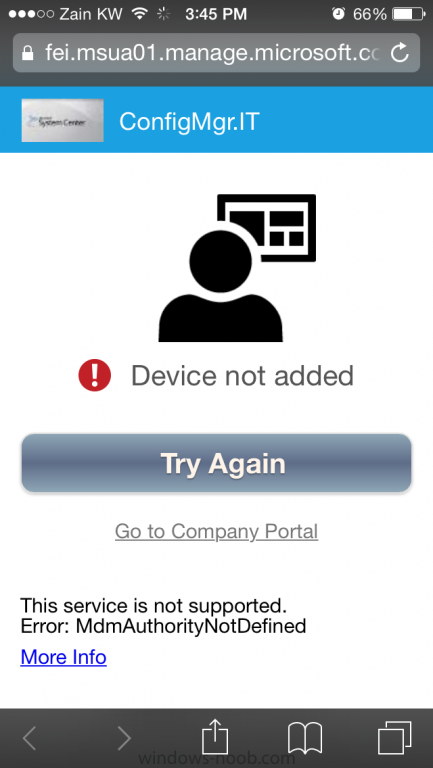
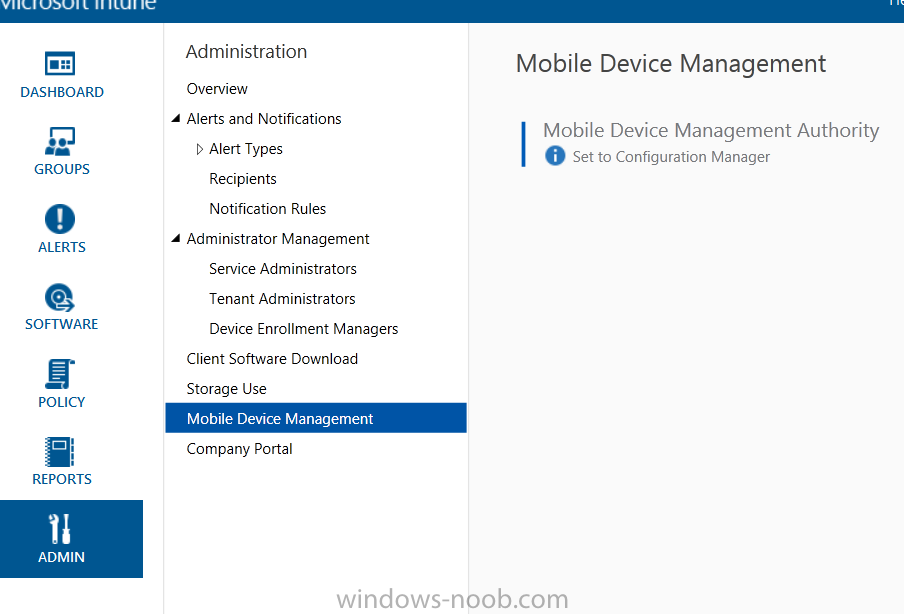
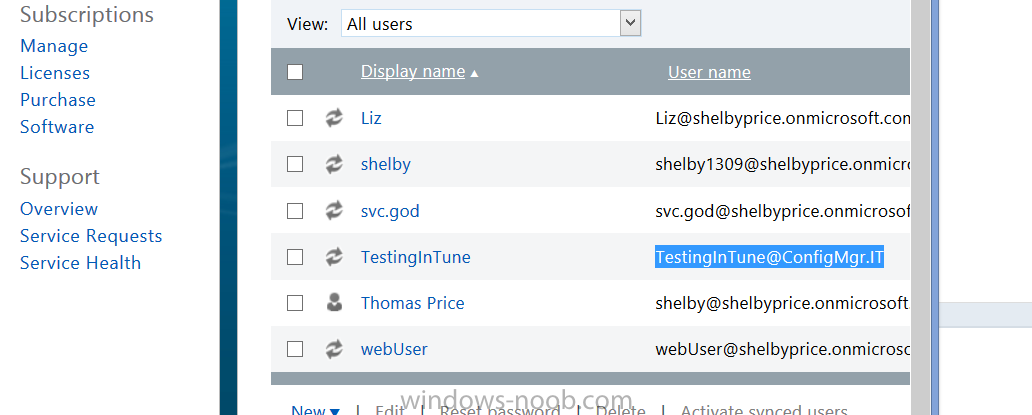
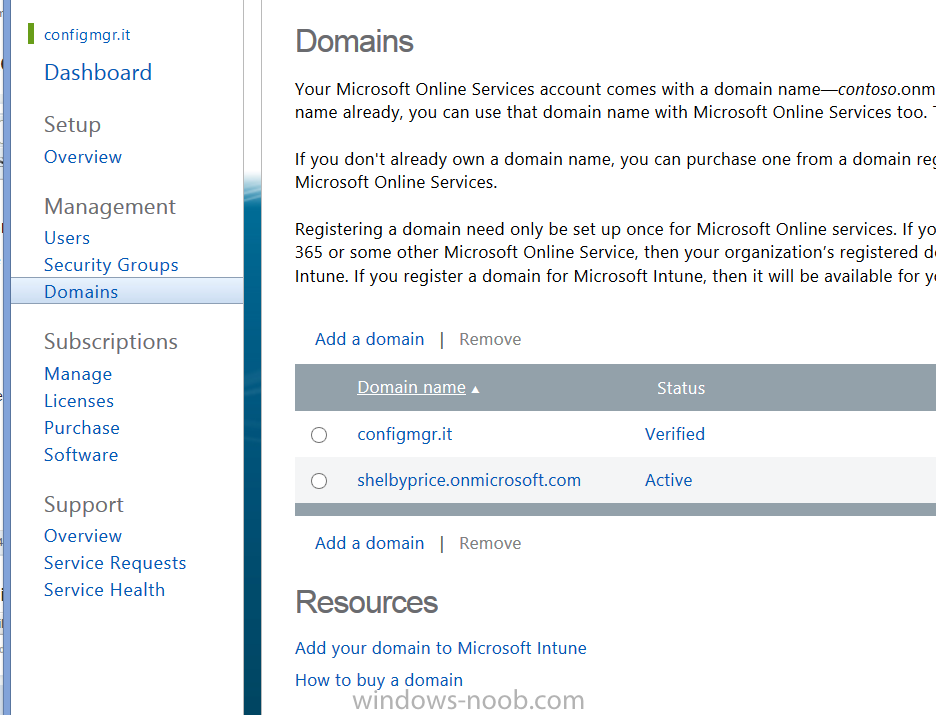
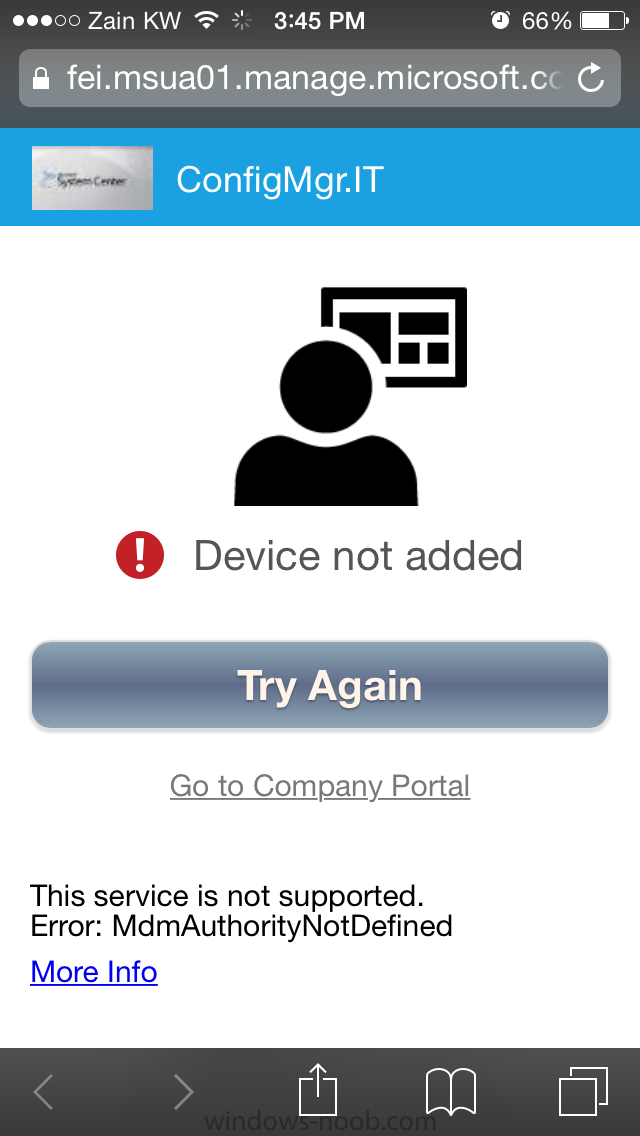
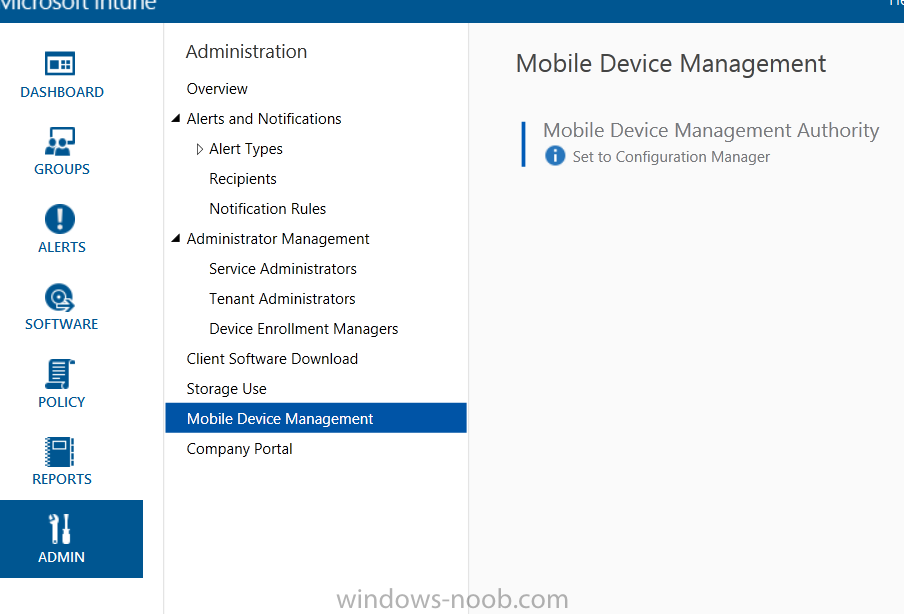
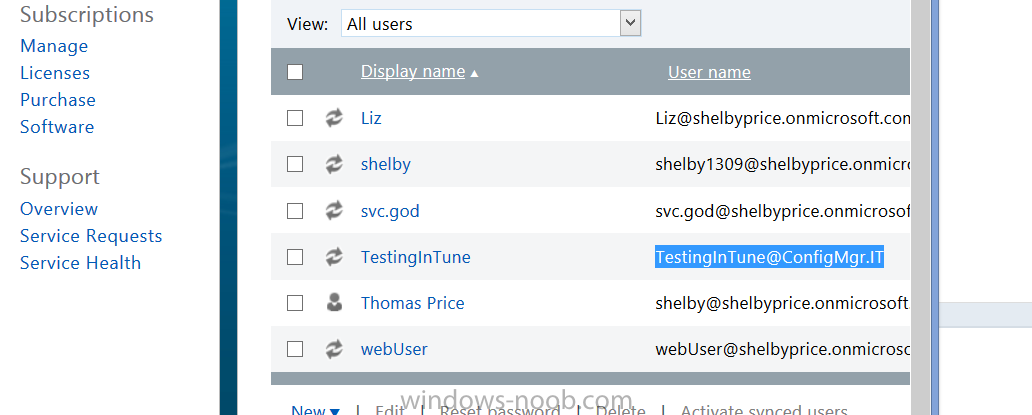
Hello, First off, thank you; awesome guides. I followed the guide all the way and got stuck on device enrollment ... I googled the error and there is not a whole lot of information out there. This Technet article referenced this. I checked and it appears right ... I have registered my domain and verified the UPN is accurate on my test user ... I am unable to login with: user@yourpublicdomain.com The original error occurred when logged in with: user@yourpublicdomain.onmicrosoft.com And here is the log file.. CompanyPortal-Log.log P.S. It was a little confusing that you were logging in with @windowsintunenoob.com as it was the first time in the guide that it was referenced. Up until that point everything was @windows-noob.com.