achint
Established Members
-
Joined
-
Last visited
Everything posted by achint
-
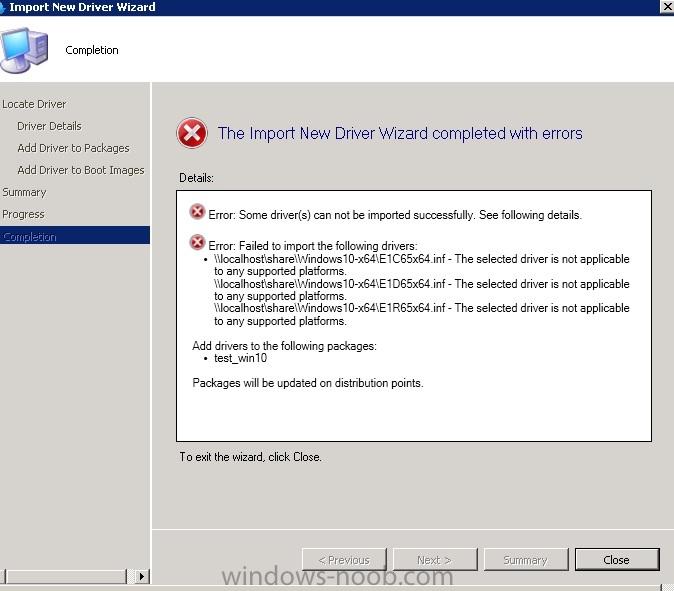
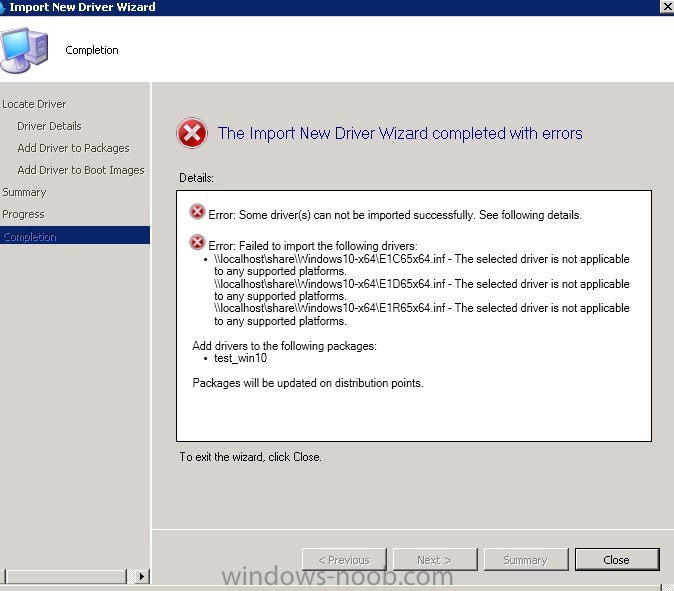
The new driver with windows 10 version(see driver inf section heading below) is not compatible with SCCM 2012 SP2 and so all these windows 10 drivers are failing to imported to sccm driver catalog. See the DriverCatalog.log. SCCM Version: SCCM 2012 R2 SP1 (5.0.8239.1000) ADK Version : ADK for Windows 10 (10.0.10114) OS version: Windows Server 2012 (6.2.9200) Driver INF Section [Manufacturer] %Intel% = Intel, NTamd64.10.0, NTamd64.10.0.1 DriverCatalog.log <![LOG[CreateFromINF("\\W12SCCM12R2.jigsaw.com\shared\Achint\Windows10-x64", "E1C65x64.inf")]LOG]!><time="13:03:07.897-330" date="05-26-2015" component="DriverCatalog" context="" type="1" thread="1328" file="osddrivercatalog.cpp:919"> <![LOG[initializing driver digest from '\\W12SCCM12R2.jigsaw.com\shared\Achint\Windows10-x64\E1C65x64.inf']LOG]!><time="13:03:10.462-330" date="05-26-2015" component="DriverCatalog" context="" type="1" thread="1328" file="osddriverdigest.cpp:2835"> <![LOG[\\W12SCCM12R2.jigsaw.com\shared\Achint\Windows10-x64\E1C65x64.inf is not applicable to any supported platforms.]LOG]!><time="13:03:11.210-330" date="05-26-2015" component="DriverCatalog" context="" type="3" thread="1328" file="osddriverdigest.cpp:3039"> <![LOG[Driver is not applicable to any supported platforms. Code 0x80070661]LOG]!><time="13:03:11.210-330" date="05-26-2015" component="DriverCatalog" context="" type="3" thread="1328" file="osddrivercatalog.cpp:844">