olivier
New Members
-
Joined
-
Last visited
Everything posted by olivier
-
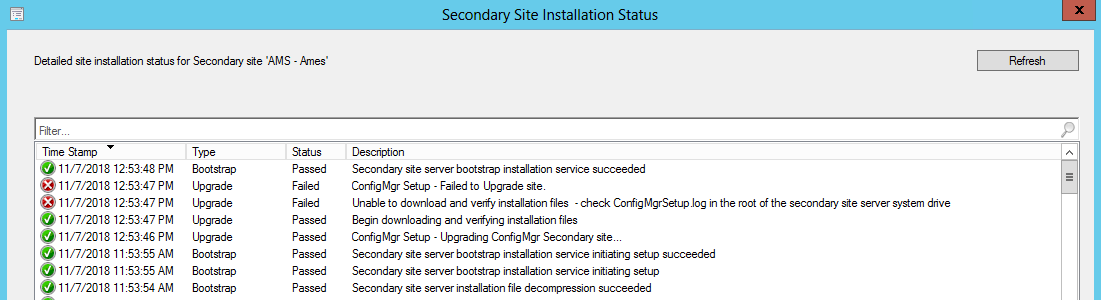
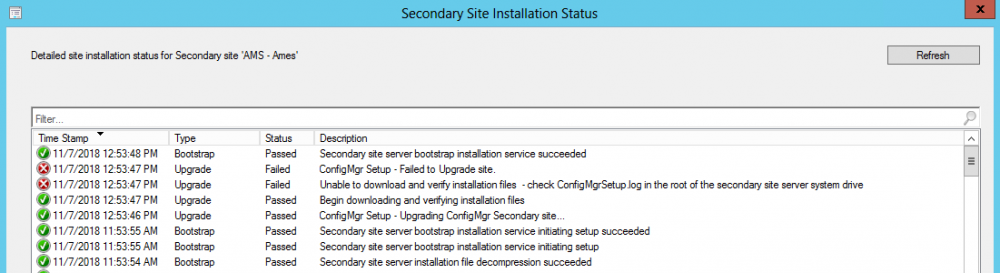
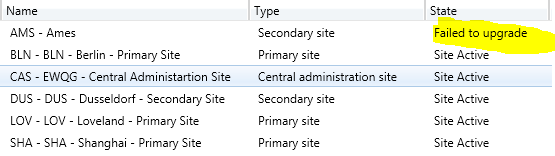
Hi, I update my SCCM infrastructure with 1806. Everythink works perfertly on CAS, Primary Site and one secondary site. My second secondary site fail to update, I try several time. Could you please help me to install the Update ? Screenshot of Configmgrsetup.log on Secondary site Complete log file : ConfigMgrSetup.log


-
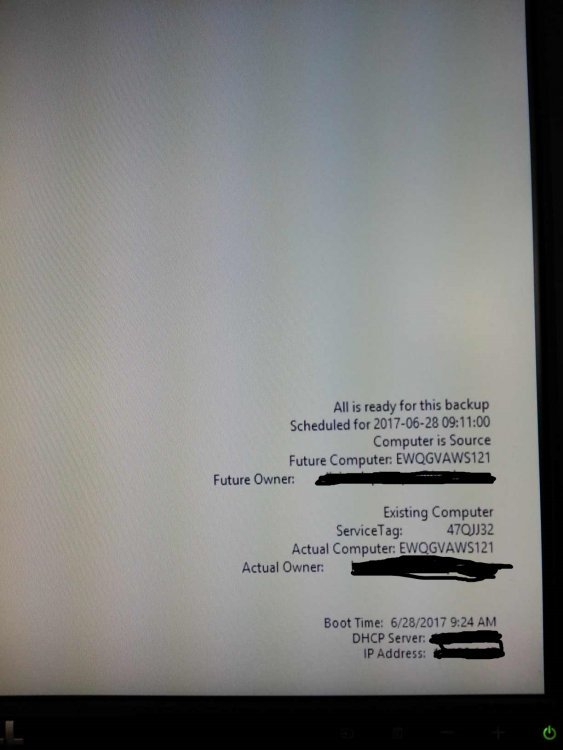
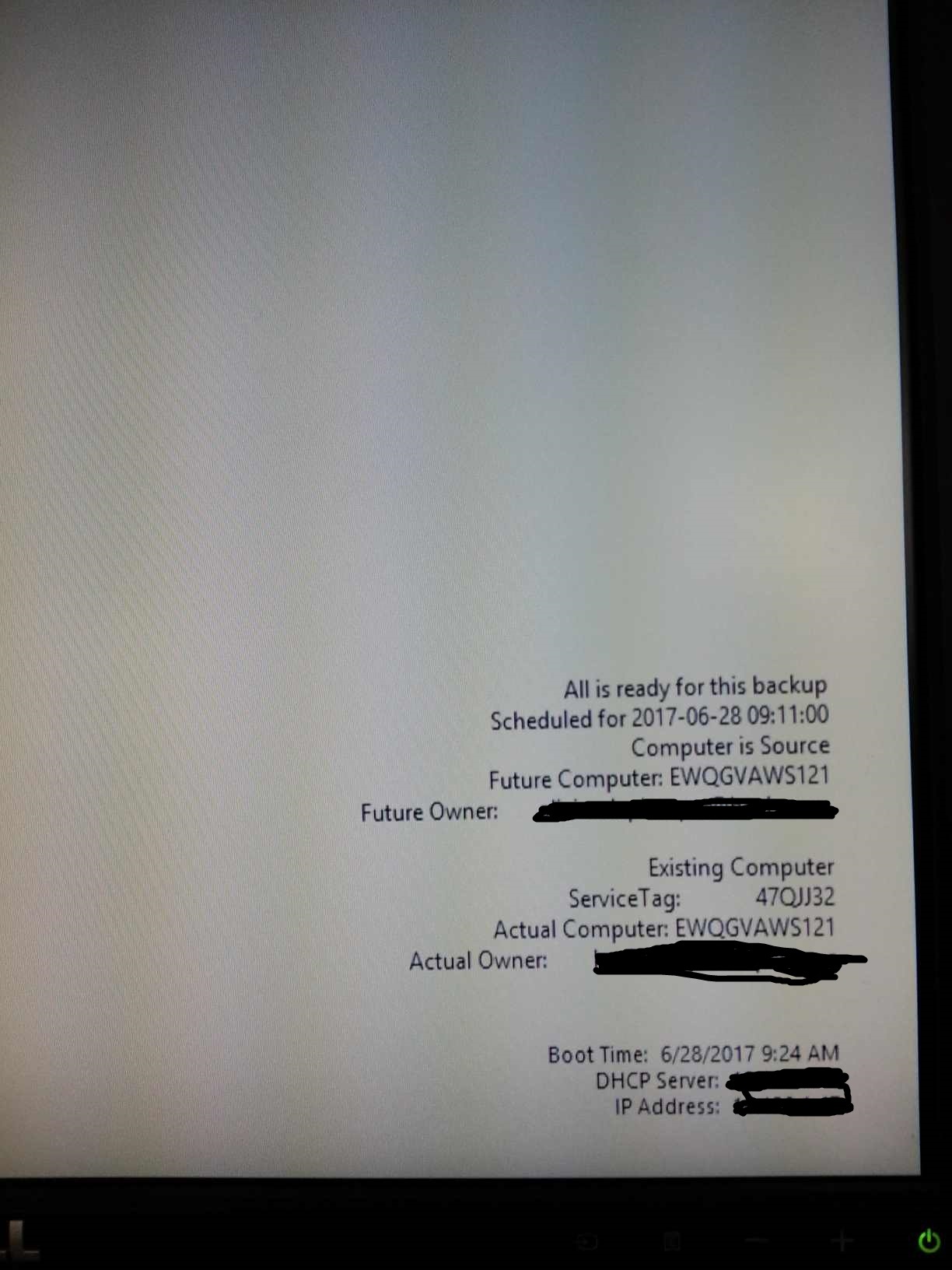
Hello team, We build an intranet tool for schedule deployment scenario (backup restore refresh replace...) A powershell script collect the new scenario and create collection and deployment following what we choose (scenario, source & target, time to start). All is working perfectly, deployment task start on time, and it is very easy to schedule new job. BUT : - concerning the deploy scenario and replace target (new computer) we boot new computer in PXE. An empty task sequence is in avalaible mode for unknow computer, this task run a powershell script who detect if computer have scenario define or not and display information on the screen. Computer time is correct but the job do not start on time, sometimes one hour after sometimes never... I am looking for a way to request policy and make it start on time. I suspect the empty task sequence (or the powershell script in execution) to block the execution of the scenario task sequence. another pb : if i stop the powershell script once scenario detected the computer reboot and do not wait for the scenario task sequence Could you please advice ? I know it is a strange way, but we do not want to use the wizard because all automation are done on the intranet (naming convention, application).