msee
Established Members
-
Joined
-
Last visited
Everything posted by msee
-
Hi cobrax, you are right this is my expected result but I don't want/can't install the application as user. My installation behavior is "Install for System" but the application is deployed to a user collection. Any other ideas? Thanks Markus
-
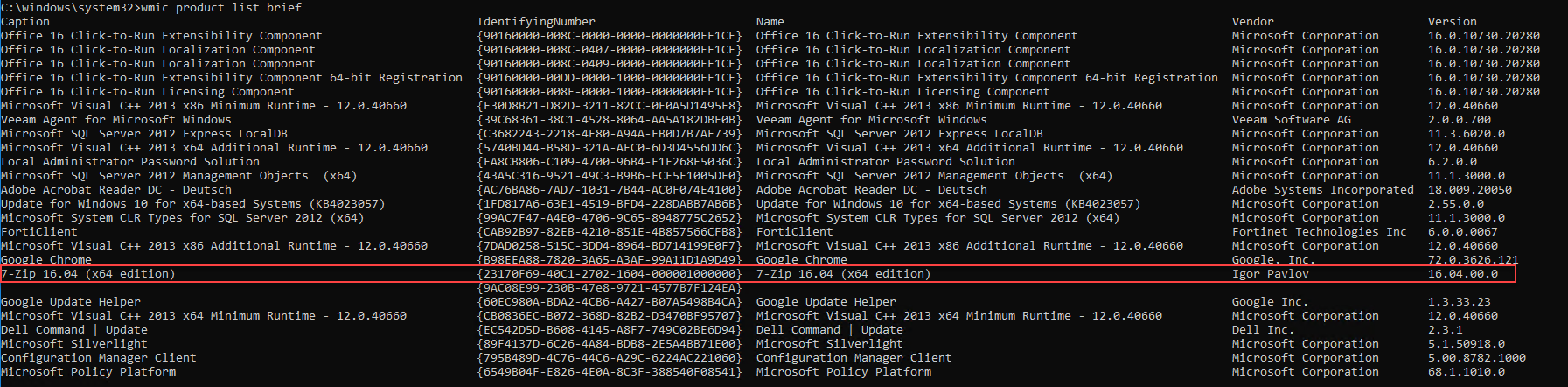
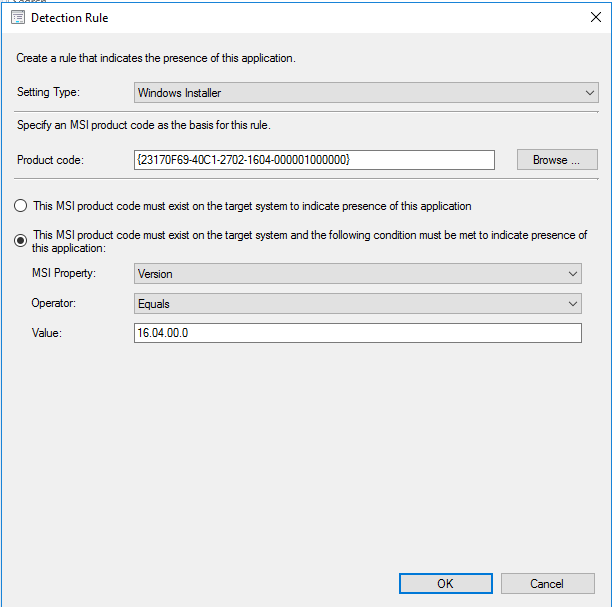
Hi cobrax, I'm using MSI detection. If I deploy the application to systems, the detection works as expected. Thanks Markus
-
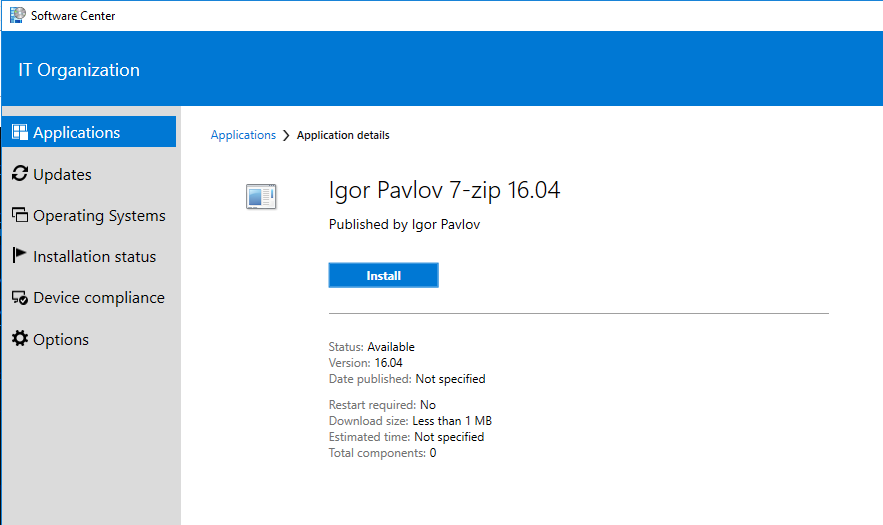
Hi! If I deploy an application to users ConfigMgr doesn't detect the app as installed if it is already present on the client. If I deploy the same application to a device, the application gets detected. If I click on install in the software center, the application state switches immediately to installed. Does anyone know how to force the software center to re-evaluate user based deployments? Thanks Br Markus
-
-
-