nkumar2005
Established Members
-
Joined
-
Last visited
Everything posted by nkumar2005
-
i figured it out, thanks i re-installed WDS and configured it just enough to get the service started.
-
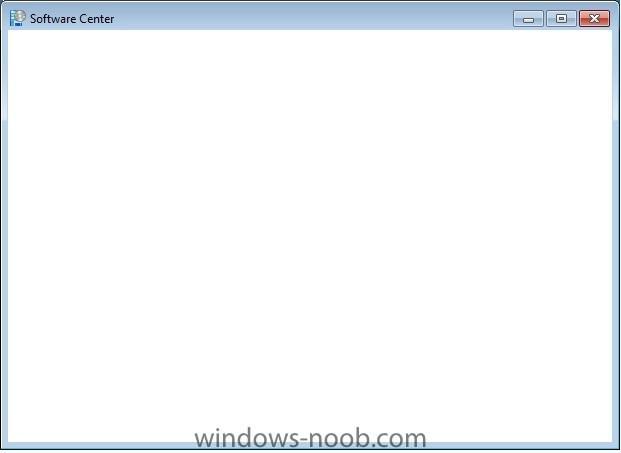
For some reason after OSD completes, the software center on some of our machines has a blank screen. I'm attaching a screen shot. This has happend on my HP and Dell machines. I have a Lenovo which works just fine. Both machines are icore5 and the Lenovo is a iCore7. Don't think that matters but you never know. Also we have uploaded driver packs for the HP and Dell in ConfgMgr but not anything of the Lenovo because it doesnt need it... This is most likely the problem but I wanted to see if anyone else out there is seeing this problem. Thanks
-
I was able to boot into the task sequence now. Ran into some other issues which I've posted about in a different post. thx
-
Even though I have that box checked to "deploy this boot image from the pxe service point" my smsboot folder doesn't get updated.
-
When I boot my client, it does not boot into the Task Sequence. It goes to the WDS to install windows. Any suggestions
-
hello, I enabled PXE and I don't see a service for TFTP which was installed. I tried to test tftp from a windows xp machine to the sccm server and it didnt work. I checked for the tftp service and I can't find it. How is a machine going to be able to pxe boot if tftp service is not installed? Did I miss a step somewhere?