RUH
Established Members
-
Joined
-
Last visited
Everything posted by RUH
-
If i havent said it already.. Niall you are a genius... running sms\bin\i386 smbautorun.exe from cmd worked. Thanks to Andrew as well
-
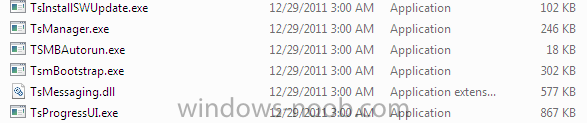
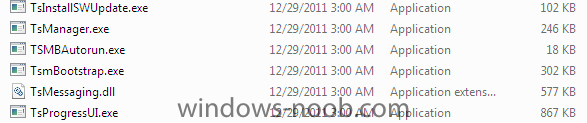
I tried it with Imgburn, I also chose to directly install it to a usb. I tried it on several different computers but no luck. This is how my icons looks like.They dont look like proper application icons. If I try to do it using task sequence. its says it should be running in full OS. How would I start the program from full OS? is it only through capture media?
-
I have the exact problem as Steph01. I tried burning the iso on a CD as well as USB. Autorun does not appear and when i click on SMS\BIN\I386\TSMBAUTORUN.EXE. nothing opens. I might be missing the sysprep folder in C:\ but it should alteast give me an error. Are there any other requirements for this? any ideas? Thank you, All of your guides are great