alim_long
Established Members
-
Joined
-
Last visited
Everything posted by alim_long
-
-
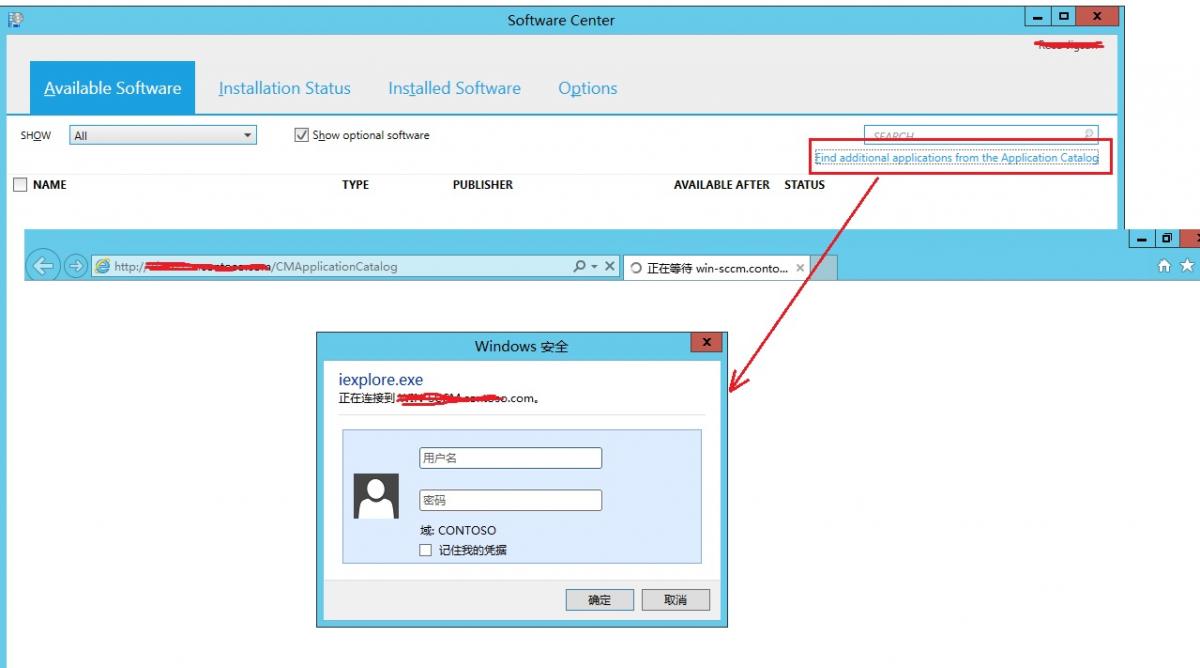
Yes, it is relevant to the IE setting, IE default security setting is Automatic logon only in intranet zone. If I add catalog server to intranet zone, it works well. But in SCCM client settings, it only adds app catalog website point to trusted sites zone. so login dialog box prompt. How to setting for it?
-
-
-
-
-
-
When I try to restore my primary site using a backup, it only can restore database. But failure occurred due to database exiting. Note from TechNet : When Setup detects an existing Configuration Manager site on the server, you can start a site recovery, but the recovery options for the site server are limited. For example, if you run Setup on an existing site server, when you choose recovery, you can recover the site database server, but the option to recover the site server is disabled. Do I need to uninstall my primary site first?
-
-
-
I encountered a discouraging problem days ago. Some days ago, My SCCM 2012 server was lost power unexpectedly. When power on the system the system date jump to 6/19/2030. How can i re-correct system date and time? Now I manually change date and time, but SCCM server shows inactive in SCCM and SMS_SITE_SYSTEM_STATUS_SUMMARIZER report MP is 0 byte. DC installed on Hyper-V which is guest of SCCM server and integration time service is enabled, so DC and SCCM's date and time are all jumped. How to resume site to normal status?
-
-
-
-
-
-
-
How to setup a IPV6 PXE server using windows server 2012 or windows server 2012R2? Any document about this?
-
-
-
-
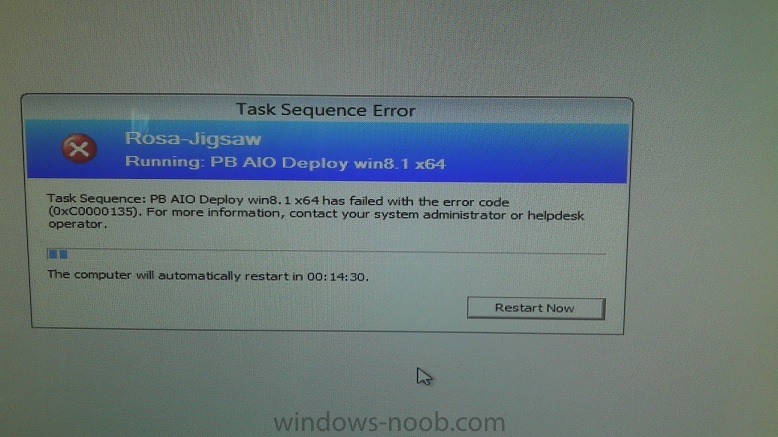
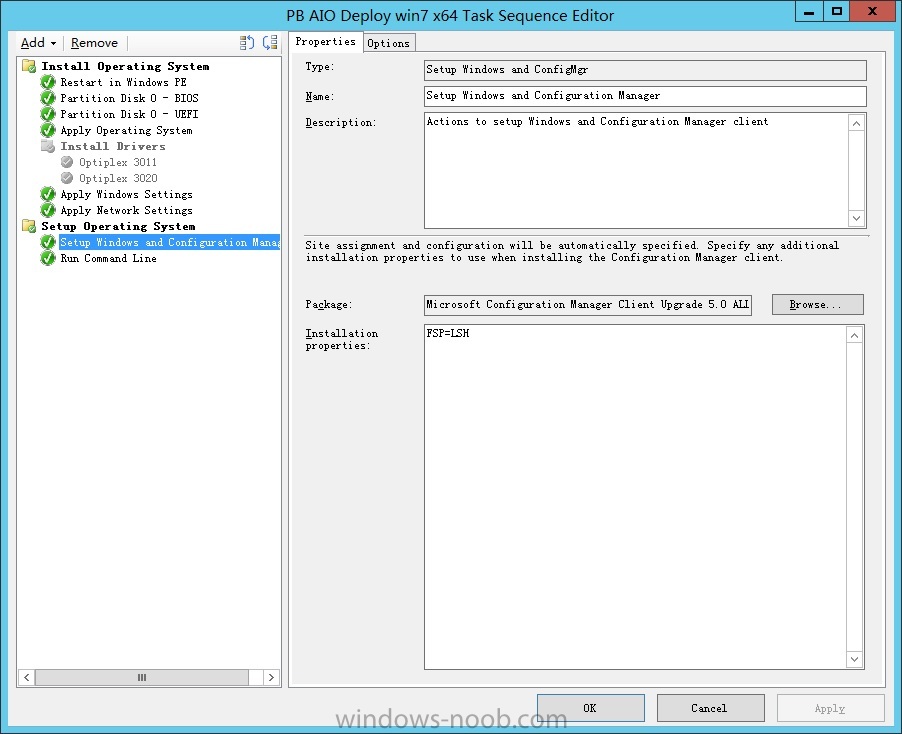
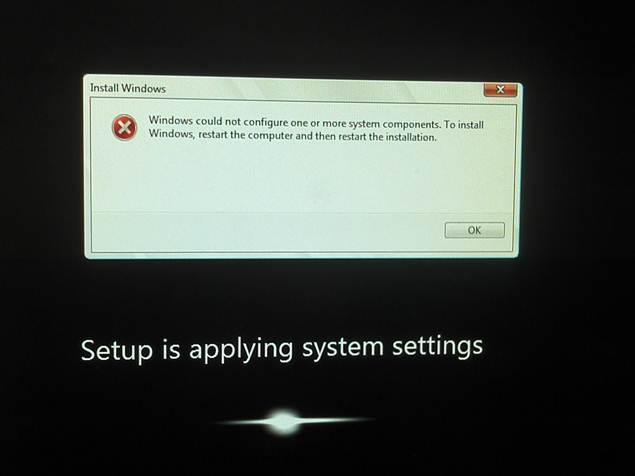
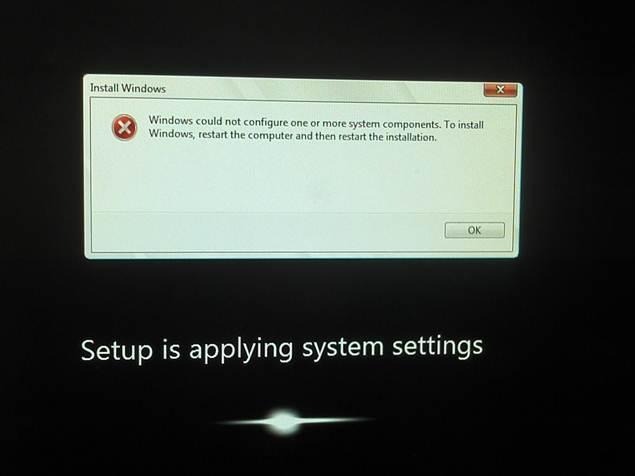
I have setup a SCCM 2012 SP1 primary site server, and every thing is work fine. Some days ago I installed CU3 package. Now OSD will fail when using captured wim file, but succeed with using wim file from OD DVD. I can't find out what is wrong. Setuperr.log under %windir% is empty. Attachment is logs under _SMSTaskSequence folder Logs.zip
-
Thanks Jonney. The problem was resoved. but you reply is also useful. This occurs on my new installed SCCM 2012SP1 server. I researched for a long time and find the reason this afternoon. Due to I join my clients to workgroup instead of domain, so client will not be approved in SCCM server. Client can't receive mostly policy from MP(this different than ConfigMgr 2007 where a client that is not approved would still receive most policy). Only two options under action tab in configuration manager After Approve the client through the administrator console manually, The failure disappears. refer to Technet
-
-
BootImage LHQ00005 needs to be updated (new packageID=LHQ00005) VersionUpdate=true It seems you need to update the boot image.