Mort25
Established Members
-
Joined
-
Last visited
Everything posted by Mort25
-
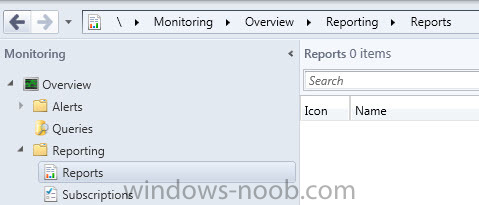
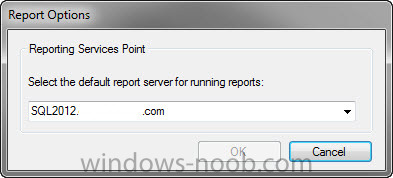
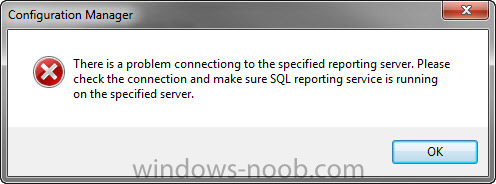
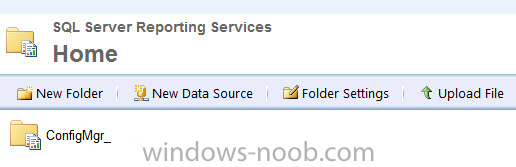
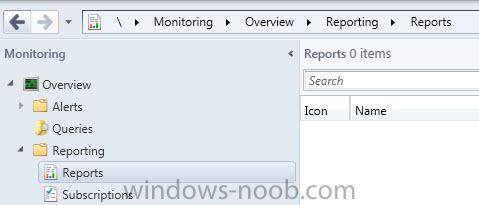
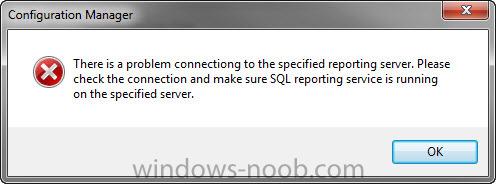
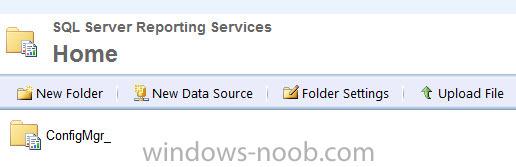
Here are some screen shots of what I am seeing:

-
In IE I navigate to: https://[sql servername]/Reports
-
I am having an issue with Reporting. When I go to Monitoring and then reports on my console, located on my SCCM server, all the reports show up. When I go to look at the reports on a remote console (with the same user) I do not have any reports showing. So I tried to go into the Report Options and select a default report server I get the following error message: "There is a problem connecting to the specified reporting server. Please check the connection and make sure SQL reporting service is running on the specified server." I am not sure what might be causing this problem. Also, in our environment we I have the SQL on it's own machine, I can get to the Reporting by going through IE, and we have Windows Firewall turned off. Any ideas as to what may be the cause?