TexasIT_Admin
Established Members
-
Joined
-
Last visited
Everything posted by TexasIT_Admin
-
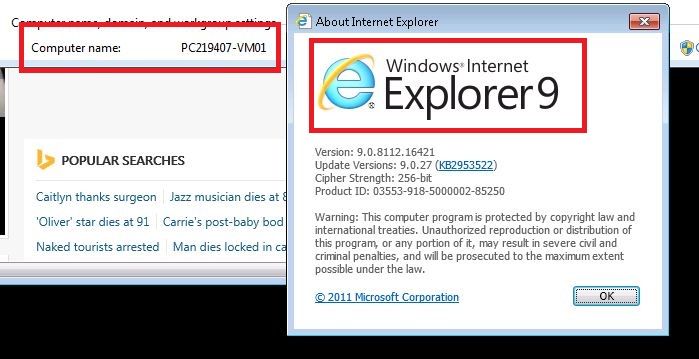
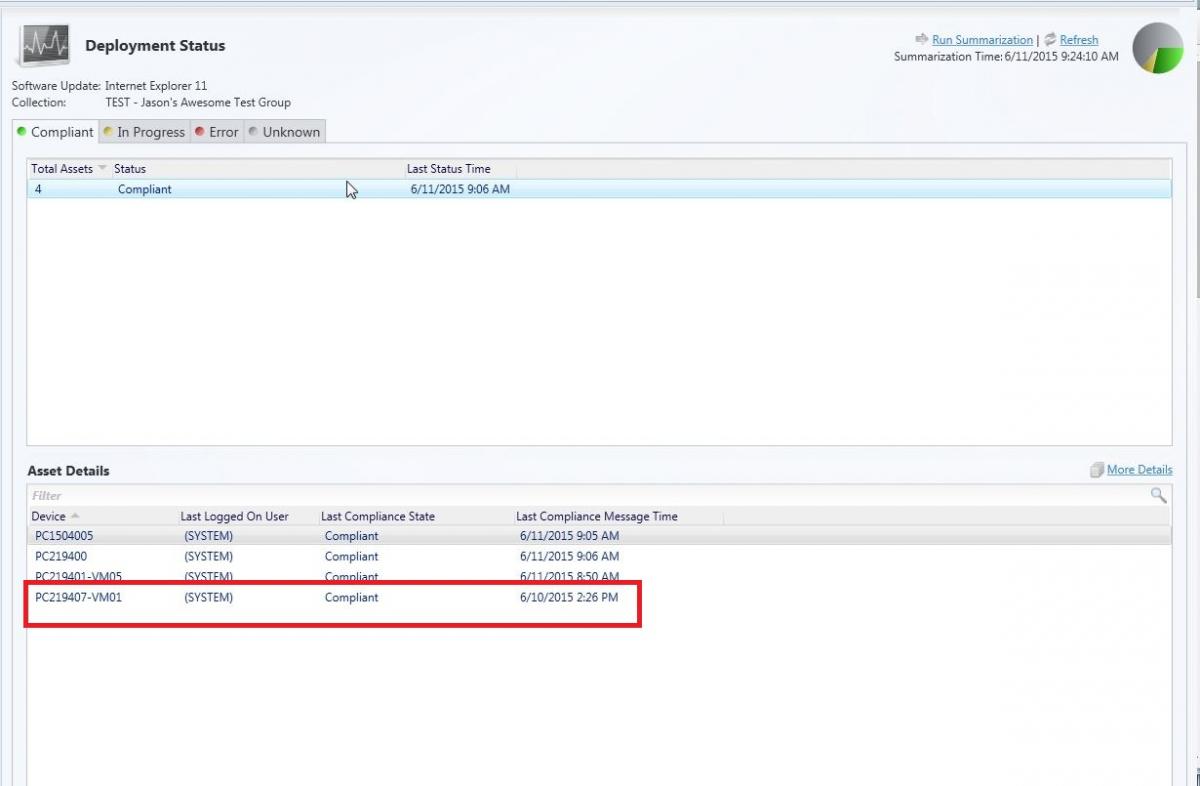
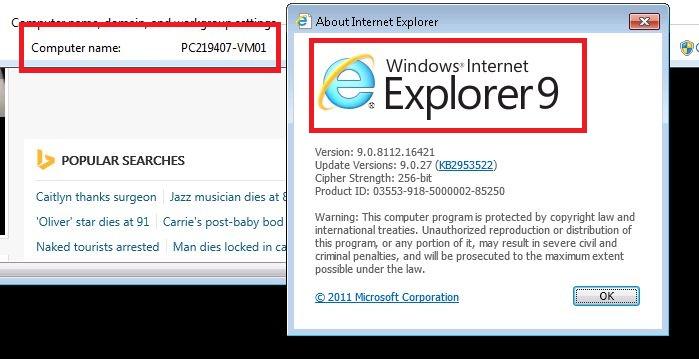
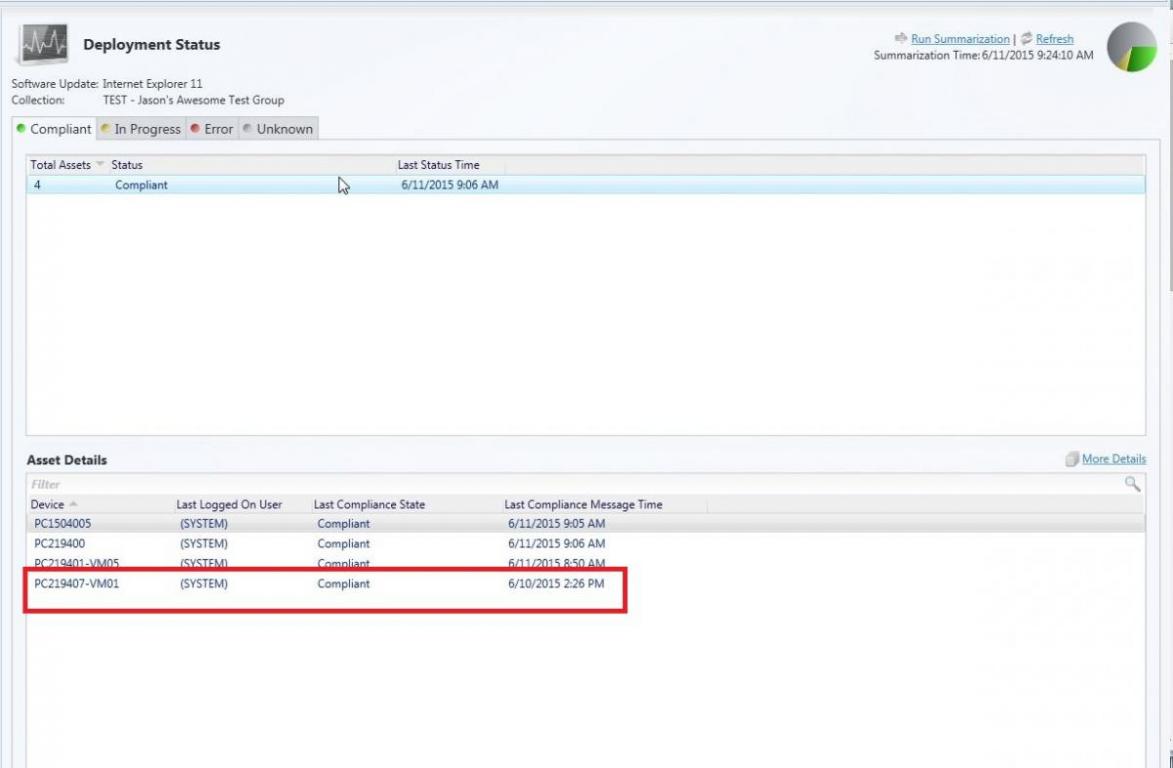
I am having the same kind of issue but with IE 11. I've approved it, and downloaded it, and even deployed it. I am also getting the false positives as well. I get my deployment telling me certain computers are "compliant" but when I log in I see they are still running IE 9 See attached screen shots. Additionally when just looking at the software updates from the sccm console I'm also seeing the update not requred for over 1/3 of the computers in the organization but i KNOW they are only running ie 9.
-
We have about 400 (out of ~35,000) devices that have had a failure in the Endpoint Policy Application. The issue appears to be the Registry.pol file so I've got a batch file I can run that will resolve it by deleting the Registry.Pol and restarting the CCMEXEC service. What I want to do is to create a dynamic collection based on a query that only pulls in devices where the policy application status was "failed". So i can have that batch file run, and then the following day those devices will drop out of the collection as they won't meet the criteria any more. I can kind of see how this would work in a report, but reports don't translate back into collection queries very well. Can any one provide any help in creating this collection query? All devices where Policy Application State is "failed".