pascal.10
Established Members
-
Joined
-
Last visited
Everything posted by pascal.10
-
by Admin command DOS: %windir%\Microsoft.NET\Framework64\v4.0.30319\aspnet_regiis.exe -iru
-
can you help me please?
-
can you help me please?
-
Hello everyone, after updating the sp1 I get this error on the event log and also in SCCM2012sp1->Monitoring->System Status->Site status->Application catalog web service point: Application Web Service Control Manager detected AWEBSVC is not responding to HTTP requests. The http error is 12002. googling i found this possible solution, but not works: - %windir%\Microsoft.NET\Framework64\v4.0.30319\aspnet_regiis.exe /iru - remove and reinstall Application catalog web service point - reboot - remove UAC - add sccm Certificate to trusted root certificatification autority Please can you help me to resolve my issues? Thanks!
-
Thanks for your reply, This is UpdatesDeployment.log: UpdatesDeployment.log This is UpdatesHandler.log: UpdatesHandler.log
-
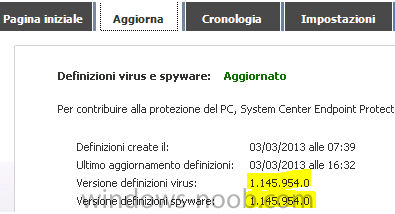
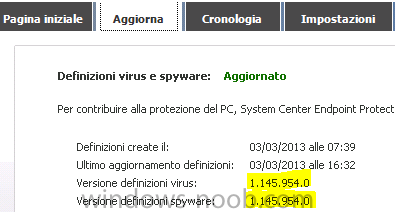
Hi I have sccm 2012 sp1 with endpoint protection role. All update seems to fail because SCCM would update my client with old definition, so client reports this error: The software change returned error code 0x87D00668(-2016410008). If I go to to Monitoriong->Deployments->My Automatic Deployment Rule, it show: errorcode: 0x87d00668 Software update still detected as actionable after apply. Can you please help me to resolve my issues? This is my Software Update Group: This is my Endpoint Protection Client Status: This is my Software Center Client Advertise: As you can see Endpoint Protection client update status is 1.145.954.0, but client advertise previous version (1.145.927.0, 1.145.940.0) and current version (1.145.954.0 current installed), even if in Software Update Group all updates seems not required. Thanks to all!