J.Harren
Established Members
-
Joined
-
Last visited
Everything posted by J.Harren
-
I have found a workaround. I tried installing the update using the sccm manager on my windows 10 client and it worked !! I'm now on 1902. Thanks for your attention.
-
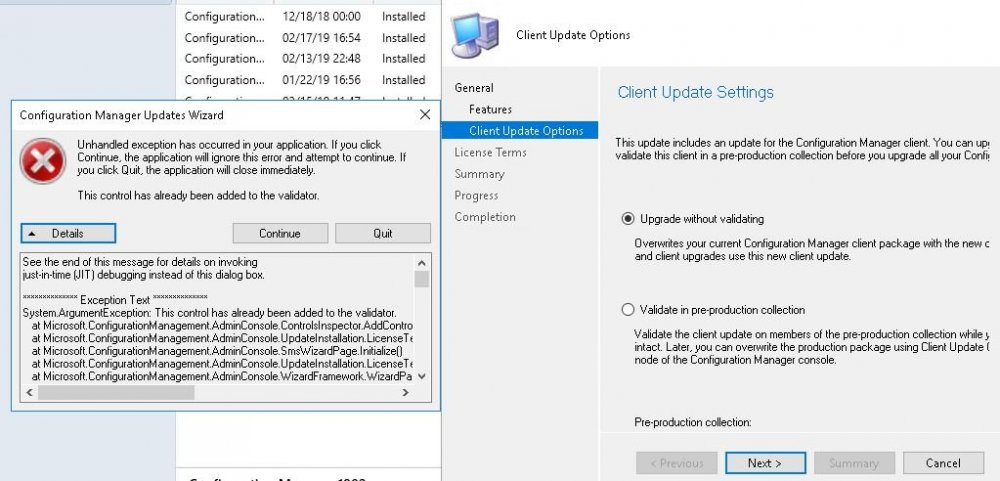
I have changed the names of our servers in the log files.. When I ignore the error it ends with what is seen in the screenshot.. and won't go any further. CMUpdate.log ConfigMgrPrereq.log
-
I'm upgrading from 1810, things i've tried 1: installed NDP47-KB3186497-x86-x64-AllOS-ENU.exe 2: installed MDAC (in some forums it is said it would help) 3: Run NetFxRepairTool.exe 4: Restarted the SQL and SCCM server twice

-
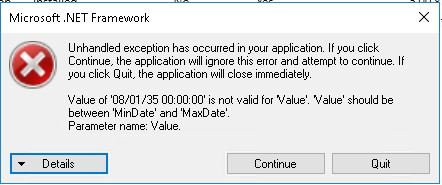
Maybe someone can help ? The Prerequisite check was passed, but when I try to install 1902 I get a .net Framework error.