skatterbrainz
Established Members
-
Joined
-
Last visited
Everything posted by skatterbrainz
-
Hit and miss actually. It sometimes can't find the ServiceUI.exe on the thumb drive, which is odd. We found a all-in-one script that uses .NET calls to do what ServiceUI.exe is doing, and seems to work consistently from offline media. It may be something else we're doing wrong, so don't take this as criticism of the example you posted. It's very nice indeed! The script I'm referring to is at https://gallery.technet.microsoft.com/scriptcenter/Prompt-for-a-computername-6f99fa67
-
This is very nice and easy to follow! Thank you! Can this be applied with standalone offline media in the same way?
-
Here's a chunk of PowerShell that I use for setting SQL memory limits, in case it helps... $SqlMemMin = 8192 $SqlMemMax = 8192 [System.Reflection.Assembly]::LoadWithPartialName('Microsoft.VisualBasic') | Out-Null [System.Reflection.Assembly]::LoadWithPartialName('Microsoft.SqlServer.SMO') | Out-Null $SQLMemory = New-Object ('Microsoft.SqlServer.Management.Smo.Server') ("(local)") $SQLMemory.Configuration.MinServerMemory.ConfigValue = $SQLMemMin $SQLMemory.Configuration.MaxServerMemory.ConfigValue = $SQLMemMax $SQLMemory.Configuration.Alter() And, forgive me for not saying so in the first place, but thank you for posting this! Very nice work!
-
No need for MDT anymore?
-
Does a site reset have any impact on ConfigMgr SQL Reports when the site system has the Reporting Services role configured?
-
This might help (hardly any of my clients have SCCM installed in a common location)... function Get-CmAdminConsolePath { $result = Get-ItemProperty "HKLM:SOFTWARE\Microsoft\SMS\Setup" | Select-Object -ExpandProperty "UI Installation Directory" $cpath = "$result\bin\ConfigurationManager.psd1" if (Test-Path $cpath) { $cpath } }
-
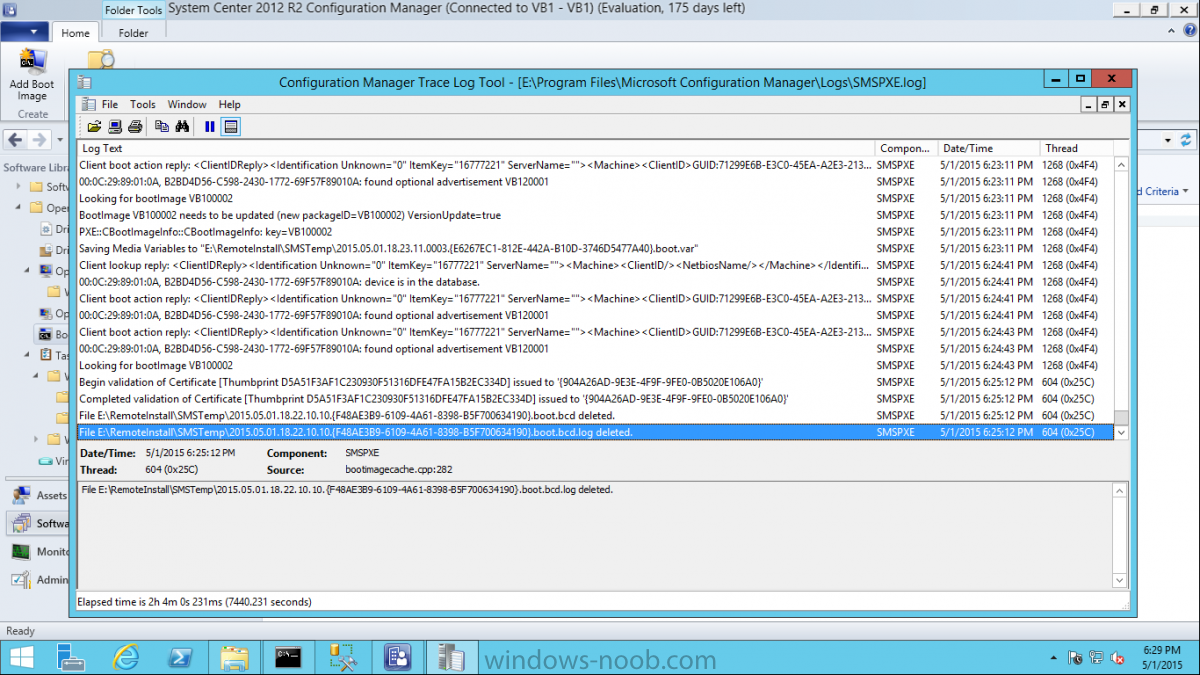
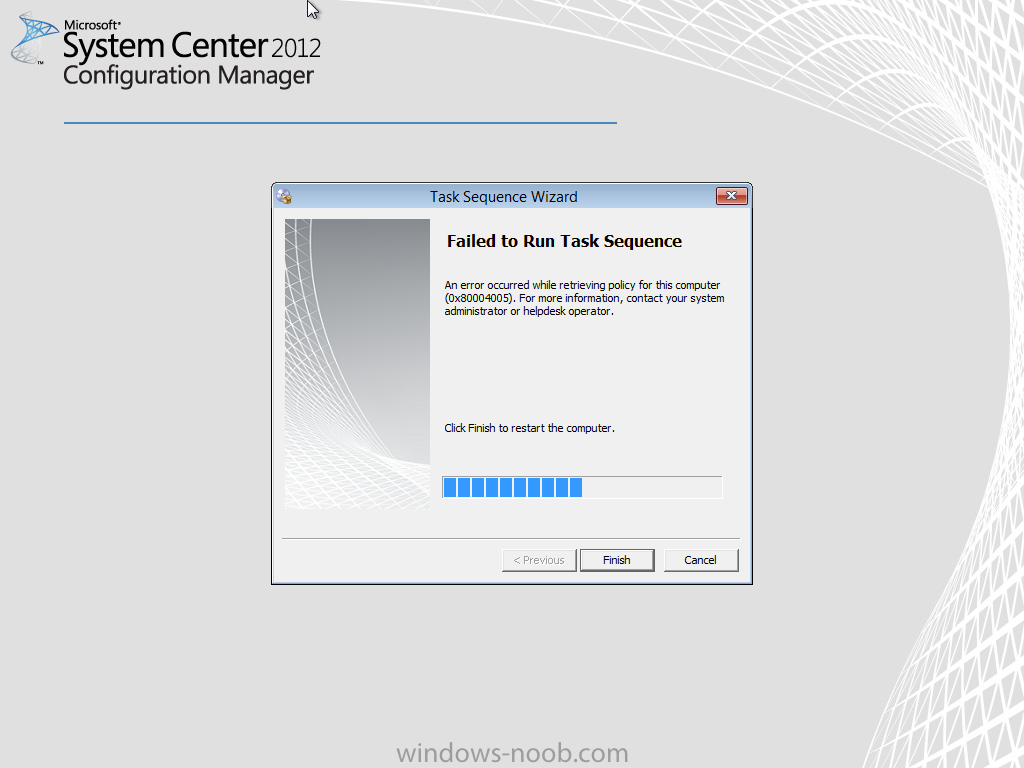
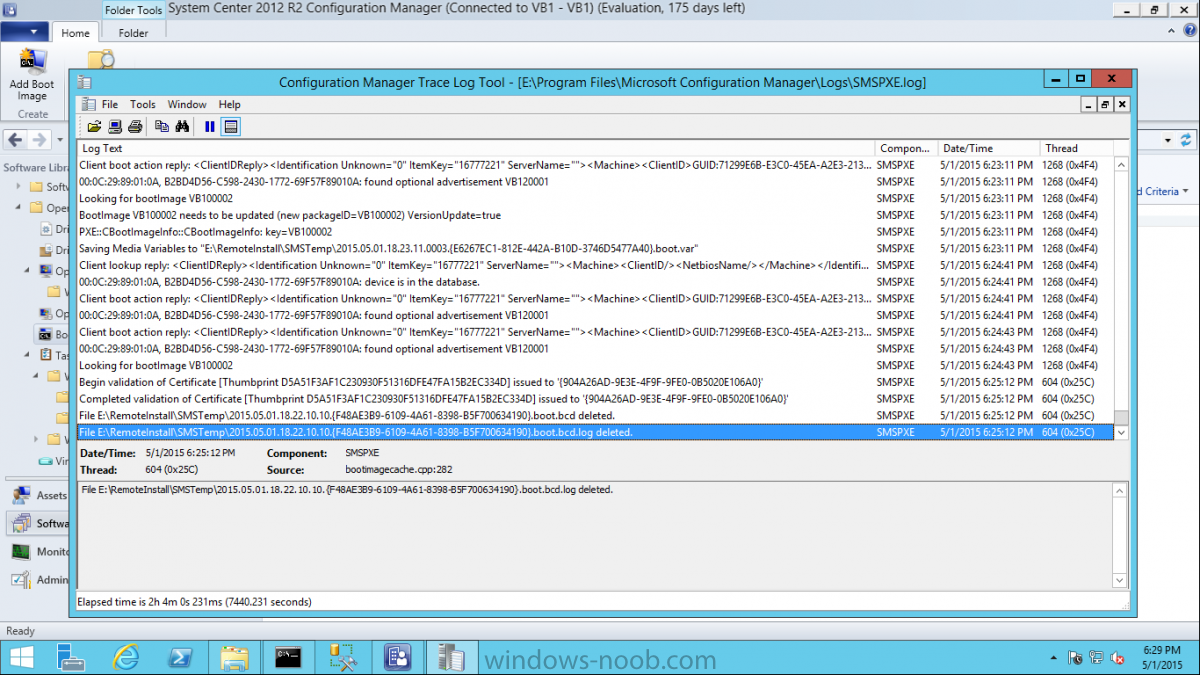
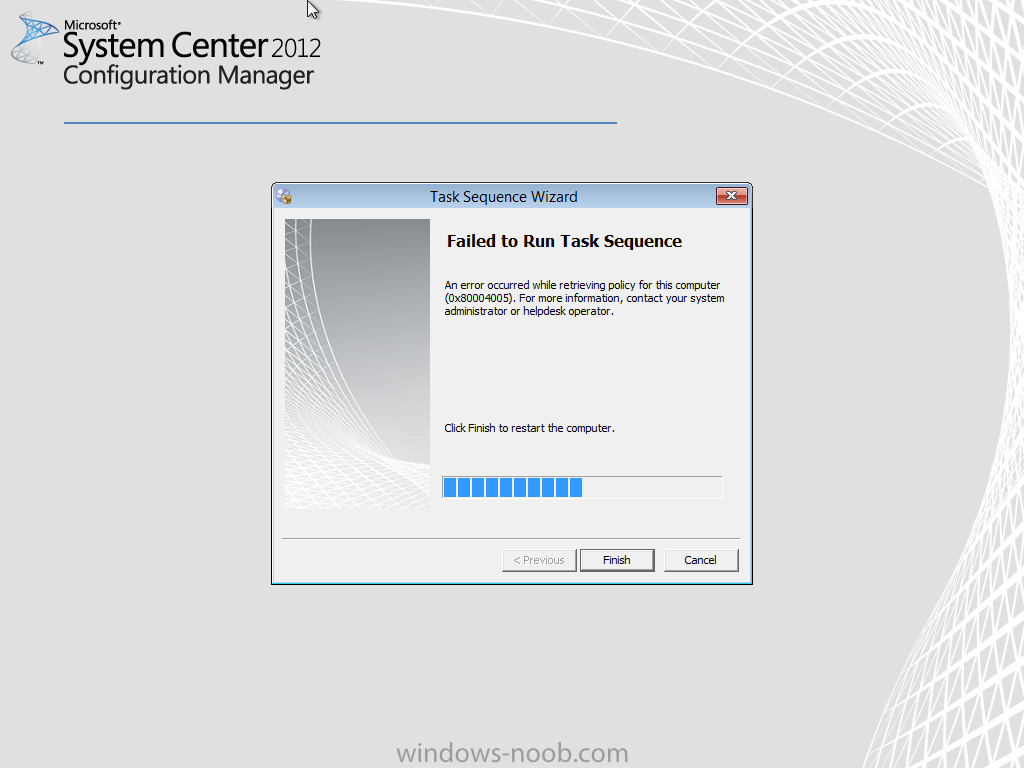
First off, THANK YOU! This tutorial series is amazing and well done. I'm having a problem with OSD and Windows 7 x86. I believe I followed all the steps carefully, and my guest VM is able to PXE and display the password form. Once I click that however, I'm getting an error that says 0x80004005 and a message about failing to access the policy for the client. The smspxe.log doesn't seem to show any errors or warnings. I've attached the error message and a screen capture of the smspxe.log. Any suggestions would be appreciated. Thank you! - Dave