Wizard
Established Members
-
Joined
-
Last visited
Everything posted by Wizard
-
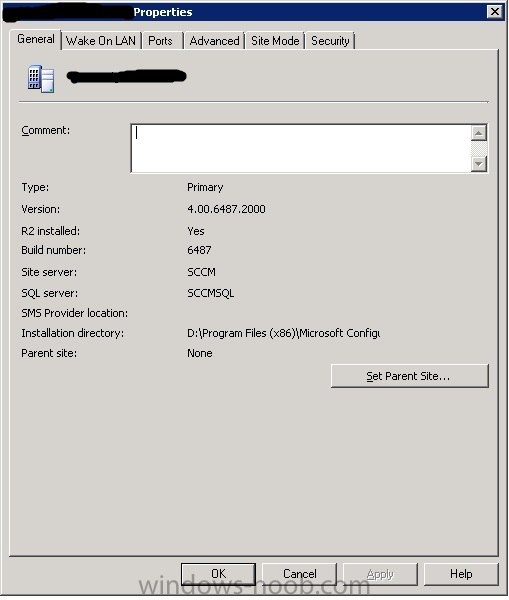
My SCCM doesn't have those boot options either and I integrated MDT 2010 with it. Here is a screenshot of my version. What am I missing?

-
Not sure about your coding but could this be a folder rights issue? The users folder point to ProgramData and if you try to get into the Start Menu you will get Access Denied.
-
Not sure why that is happening but have you tried to delete one option in msconfig -> boot. Are you wiping the disk or is it installing as an upgrade?
-
Found this that might help: Go to Control Panel. Choose printer. Then choose Add Printer. ChooseAdd a local printer. Click on Create a new port. The default in the drop down box is Local Port. Do not change that. Click Next. A dialogue box will appear asking for you to enter a port name. Type in the \\computer name\printer name ie. My computer's name is basement and the printer name is EpsonSty so I typed in \\basement\epsonsty Yahoo! It worked. Go figure! I guess Microsoft thinks printers on a intranet are local. Hope this helps someone else so they don't spend the hours I did on it! http://forums.techguy.org/windows-vista/541278-solved-access-denied-network-printers.html Hope it works out!
-
Thanks anyweb! Great job on this site!
-
Hi there, I have a quick question regarding the installation of WSUS and whether or not it is required. My scenario has about 450 wireless clients and I know that if I implement WSUS we'll kill the bandwidth and updates will fail as staff and students leave during update download. So the million dollar question is "Is WSUS required for SCCM 2007 and if not, what are the consequences of not using it." Thanks for your help!