



Welcome to windows-noob.com!
Logging in will allow you to download scripts used in the guides.
If you came here looking for the Endpoint Manager step-by-step guides then please start here.
Register for free and ask your questions in our forums.
- 2 replies
- 14022 views
- Add Reply
- 1 reply
- 2250 views
- Add Reply
- 1 reply
- 3998 views
- Add Reply
- 1 reply
- 3038 views
- Add Reply
- 1 reply
- 2673 views
- Add Reply
- 0 replies
- 9018 views
- Add Reply
- 0 replies
- 1767 views
- Add Reply
- 2 replies
- 2831 views
- Add Reply
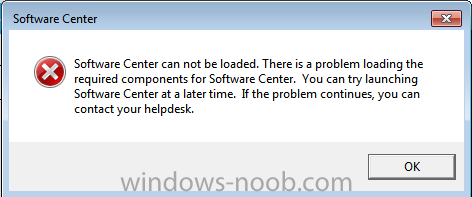
Software Center can not be loaded. There is a problem loading the required components for Software Center

By honestvip,
Getting Upgrade Windows 7 to Windows 10
Please help me
Problem browsing Boot Images

By gdloft,
Hello everyone. Thanks for all the great information on the site. I've frequented often in my quest for learning SCCM.
I have a problem now for which I'm hoping someone can offer a suggestion. I have a Task Sequence that has a boot image enabled. I need to change the current x86 boot image to a different x64 boot image. However, when I click the Browse button, I get the 'Select a Boot Image' window and it just sits at 'Loading...' forever. I can view all the Boot Images successfully from
1610 boundary group discussion / replacing slow link issue

By sumyun,
I haven't seen much discussion about the new boundary group changes in 1610. I am still testing it in the lab environment, but things aren't happen to what I am expecting.
So after upgrade from 1602 to 1610, boundary group with "slow connection" DP before, is automatically copied to a new boundary group, as described below.
https://docs.microsoft.com/en-us/sccm/core/servers/deploy/configure/define-site-boundaries-and-boundary-groups#a-namebkmkboundarygroupsa-boundary-group/
This boundary
PXE-E55 when trying to PXE boot unknown PC

By PHGustavsson,
Hi,
I've setup SCCM Current Branch following the guides here on this forum, and I am now trying to deploy Windows 10 Enterprise x64 (v.1511v2) using PXE boot.
I followed the SCCM MDT 2013 Update 2 guide and created a task sequence for Windows 10 and boot images for x64 and x86.
It's done according to the guide, both boot images have PXE enabled and are distributed to the DP. The only thing that's not according to the guide is that I deployed the task sequence to the "All Unknown Com
couldn't find smsts.log

By albaraa,
hi every one
i have a strange problem in SCCM 2012 when i use F12 its doesn't work
i search alot then i fond when the PC have an OS the F12 doesn't work ( btw its was work fine ) when the PC is free Dos i can use F12 normally
also i can't fin smsts.log on my server i look at cmtrace i saw all log file except smsts
i really need help
Update 1610 for System Center Configuration Manager (Current Branch) is now available

By anyweb,
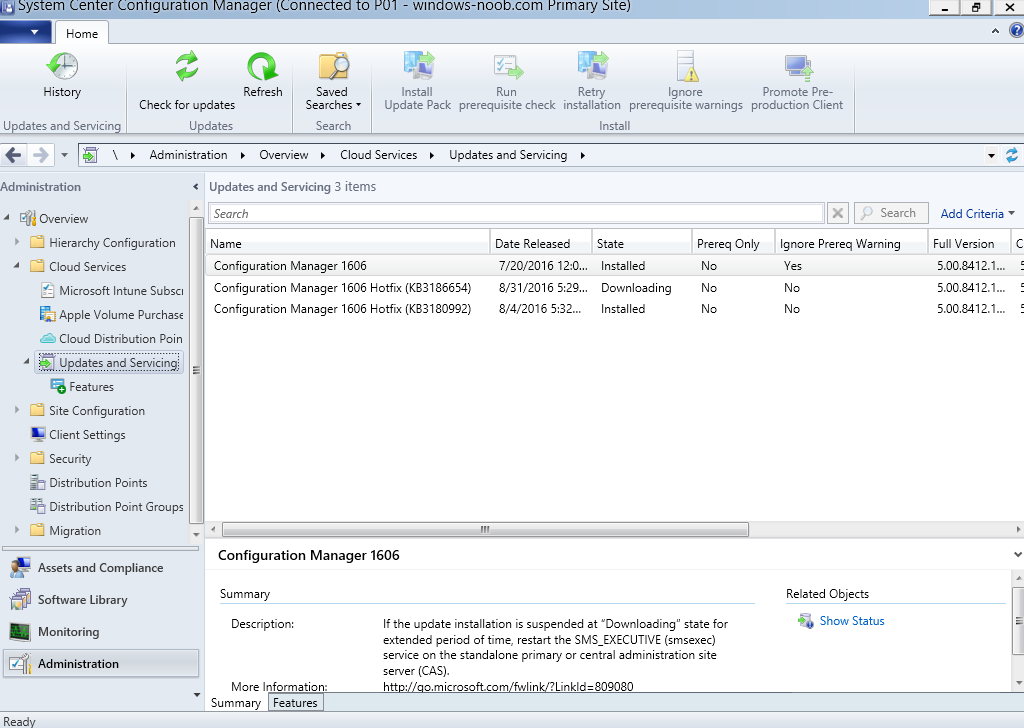
IntroductionMicrosoft has released yet another update for System Center Configuration Manager (Current Branch), this time it’s version 1610, that means that since System Center Configuration Manager’s (Current Branch) first release there have been the following releases:
1511 (Initial release, soon to be unsupported)
1602
1606 followed by Update rollup 1
1610
So what’s new ?
Windows 10 Upgrade Analytics integration allows you to assess and analyze device readiness and compatibility wit
F12 boot
By albaraa,
hi every one
i have a strange problem in SCCM 2012 when i use F12 its doesn't work
i search alot then i fond when the PC have an OS the F12 doesn't work ( btw its was work fine ) when the PC is free Dos i can use F12 normally
also i can't fin smsts.log on my server
is there any way to install it ?
i really need help
Final Solution for wuauserv high memory usage
By honestvip,
WindowsUpdateAgent-7.6-x64.exe
Windows6.1-KB3050265-x64.msu
Windows6.1-KB3065987-v2-x64.msu
Windows6.1-KB3102810-x64.msu
Windows6.1-KB3138612-x64.msu
Windows6.1-KB2889748-x64.msu
The update was applied but the memory occupied 50% of the service wuauserv