



Welcome to windows-noob.com!
Logging in will allow you to download scripts used in the guides.
If you came here looking for the Endpoint Manager step-by-step guides then please start here.
Register for free and ask your questions in our forums.
- 25 replies
- 45543 views
- Add Reply
- 6 replies
- 8428 views
- Add Reply
- 6 replies
- 8322 views
- Add Reply
- 0 replies
- 2615 views
- Add Reply
- 1 reply
- 2488 views
- Add Reply
- 0 replies
- 2591 views
- Add Reply
- 2 replies
- 3608 views
- Add Reply
- 3 replies
- 3261 views
- Add Reply
How can I configure client settings and install the ConfigMgr client agent in System Center Configuration Manager Current Branch

By anyweb,
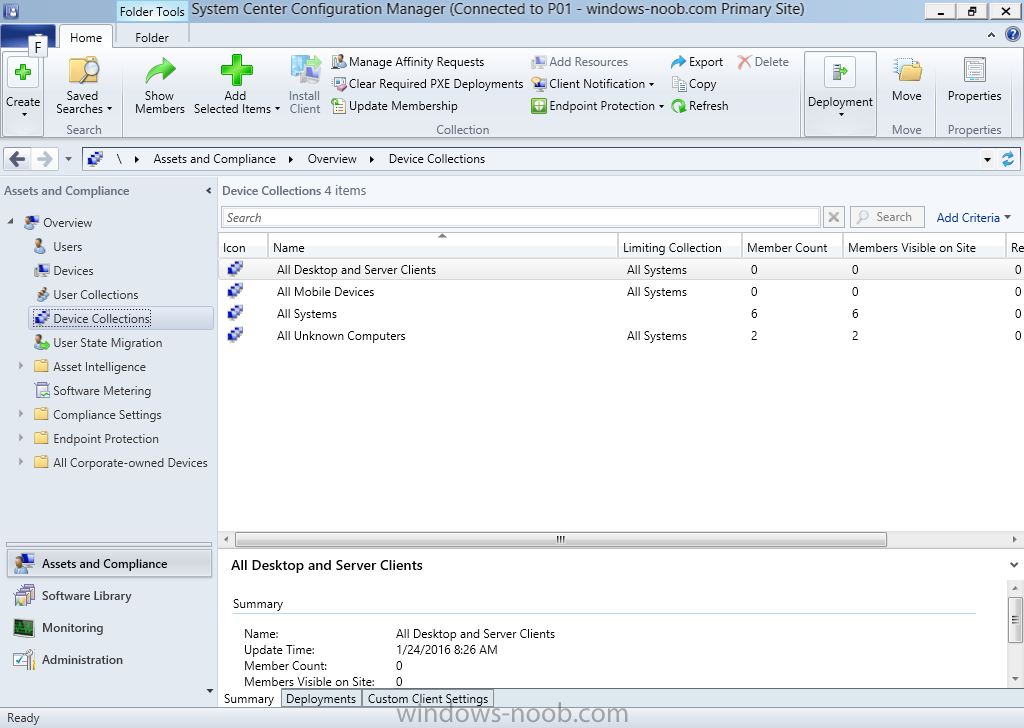
Introduction At the start of this series of step by step guides you installed System Center Configuration Manager (Current Branch), then you configured discovery methods. Next you configured boundaries to get an understanding of how automatic site assignment and content location works. After that you learned how to update ConfigMgr with new features and fixes using a new ability called Updates and Servicing and you learned how to configure ConfigMgr to use Updates and Servicing in one of these
Windows 10 Enterprise - Upgrade from 10240 to 10586

By SCCMefied,
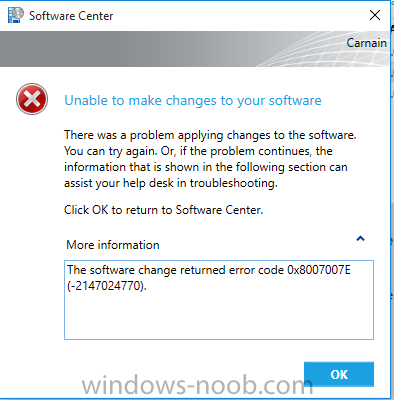
Hello
I have a strange issue that I hope people can help me With. I'm using SCCM to push out the 10586 update
I have 4 Windows 10 enterprice 10240 machines With all updates Applied. When I try to update my machine the following error comes
The software change returned error code 0x8007007E.(-2147024770).
The download of the update worked fine and everything looks ok before I start. The update is available in Software Center and downloads the update to the Client. The Updates
Multiple 0x80072ee7 errors during Capture. WIM created successful. No other error.

By Siroj,
I am building a Windows 10 10586 reference image. The image builds without any noticeable faults and the captured .WIM file is available after the process is completed.
When examining the smsts.log however, multiple 0x80072ee7 errors are present. All these errors occur after sysprep has been executed.
I know this error is DNS/network related most of the time, but i have checked connectivity during all stages when possible and the connection is available, the FQDN is resolved and able to ping.
Announcing Windows 10 Insider Preview Build 11102
By anyweb,
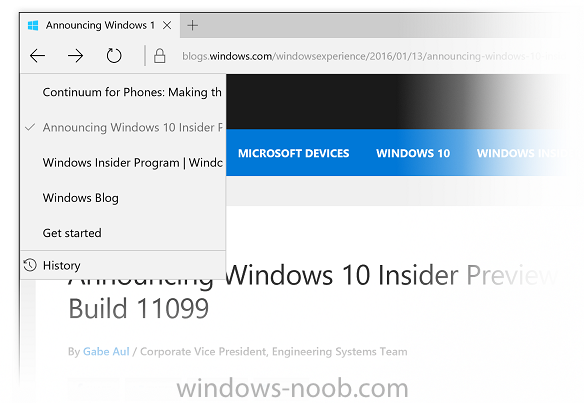
Microsoft released yet another Redstone build to Insiders, read about that below.
more info > https://blogs.windows.com/windowsexperience/2016/01/21/announcing-windows-10-insider-preview-build-11102/
Windows 10 10586 capture results in loop
By Siroj,
I have a basic task sequence to capture a virtual (VMware ESX and/or Workstation) Windows 10 10586 reference machine with no applications or customization for testing purposes. The process completes successfully and .WIM file is available. After capturing the machine i reset the virtual machine to verify if installed machine is ok, but when rebooting it wont boot and is only showing the Windows logo and looping circle.
Any idea?
Deploy windows 10 error (Current Branch)

By truongtr,
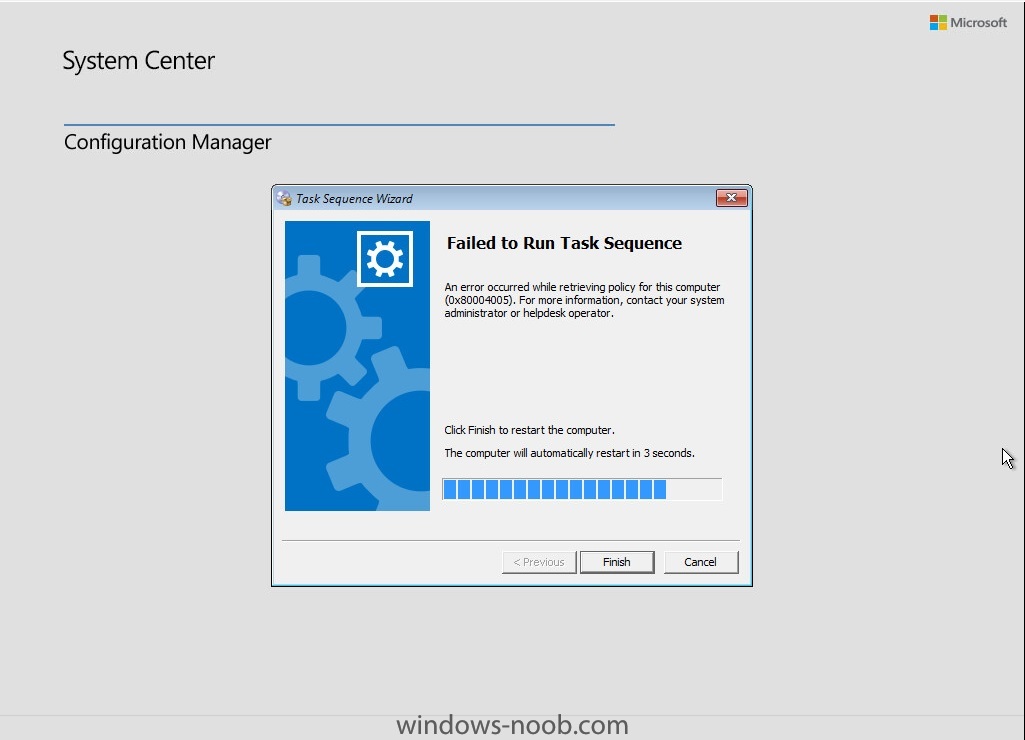
Hi All,
When deploy win 10, i have problem like this:
This is my log file. Any have would be appreciate.
SMSPXE.log
(help!) I think I have broken WSUS/SUP.

By jones.967,
Long story short I was troubleshooting why I could not get 1511 CU for Windows 10 to download. For a few different reason I removed the SUP role and added it back.
Now nothing is getting download and getting errors like: "Failed to set Subscriptions on the WSUS Server. Error:(-2146233088)Unknown error 0x80131500" in the WCM.log.
And "WebException: The request failed with HTTP status 404: Not Found." in the WSUS Synchronization logs.
Any ideas of where to even start?
I followed th
windows 10 did not show as option (Current Branch)
By truongtr,
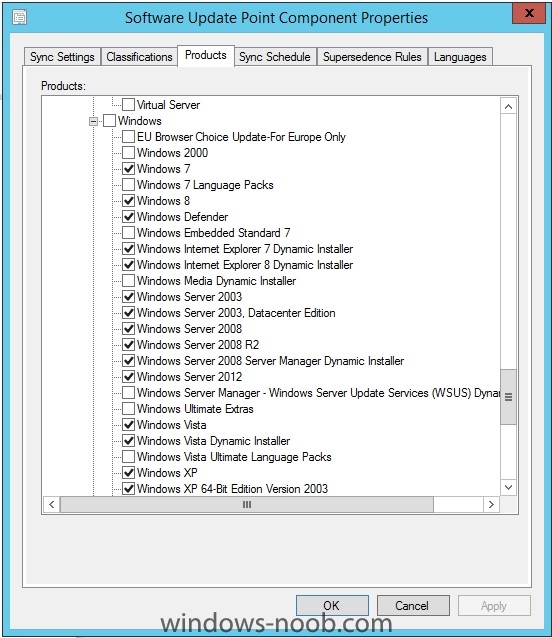
Hi All,
When Add and configure the SUP role. I did not see windows 10 did not show as option.
BTW, i have sync
However my log file did not show sync succeeded
Help.