




RiDER07
Established Members
-
Joined
-
Last visited
-
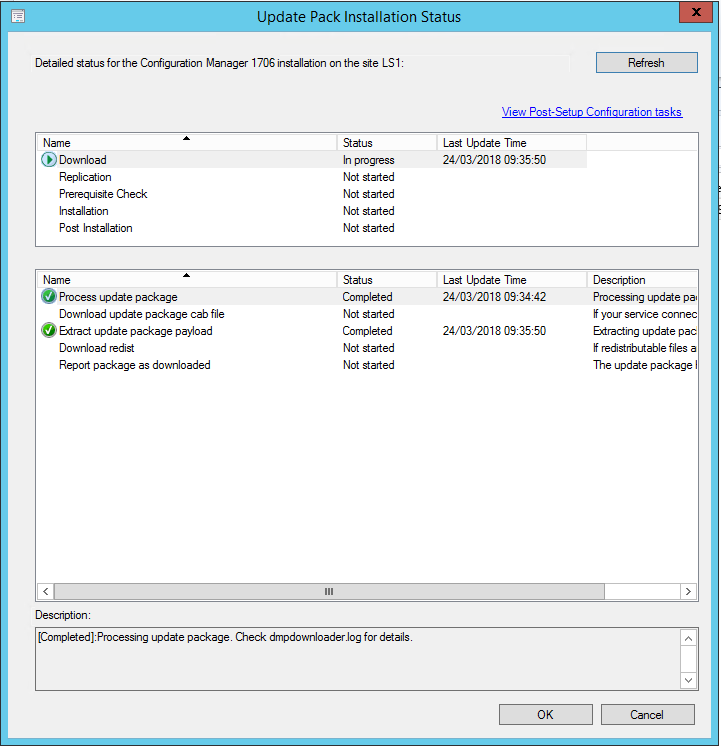
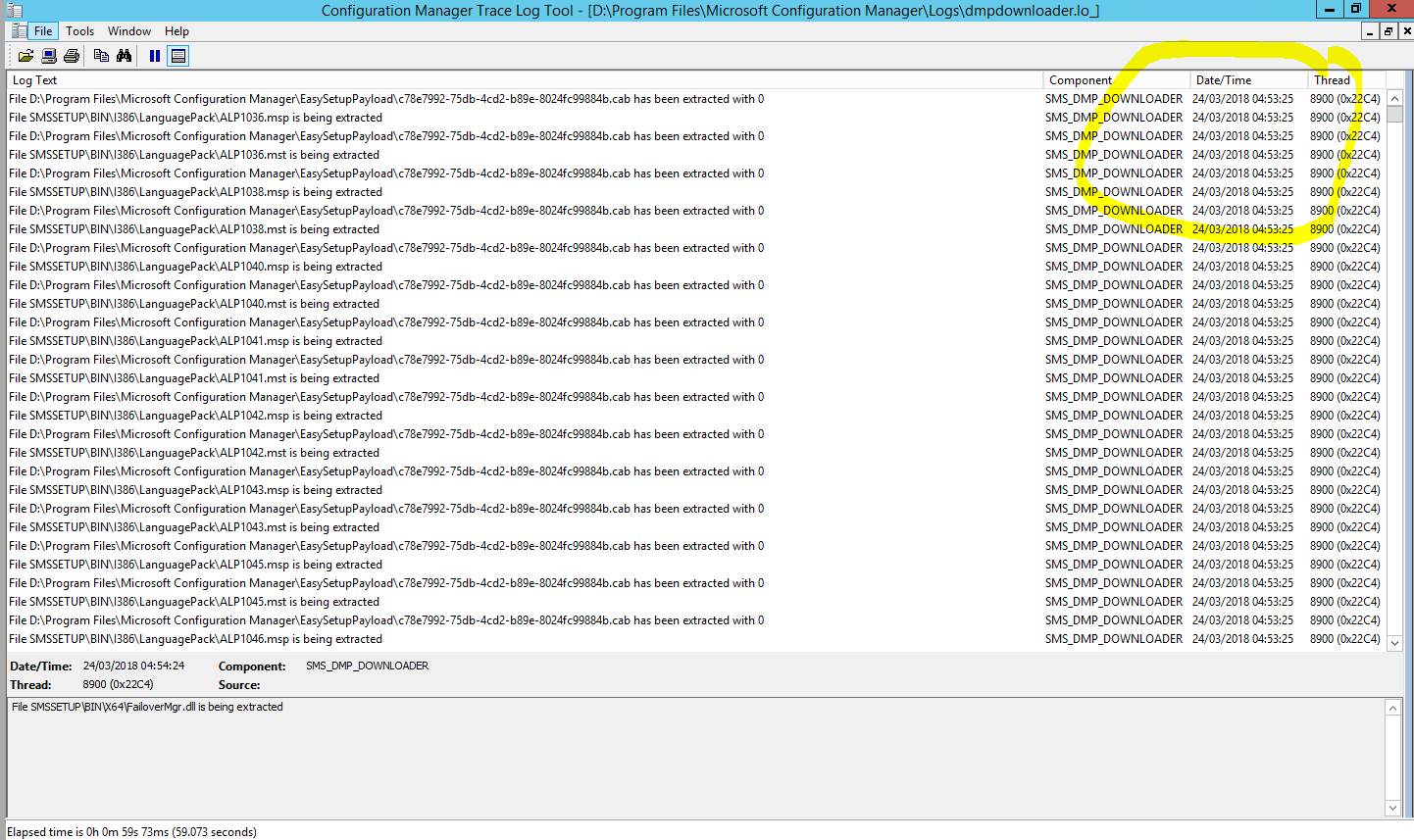
It kept failing on redist, so I downloaded it manually and put it in the redist folder, restart SMS_Executive, and it still says cant download redist

-
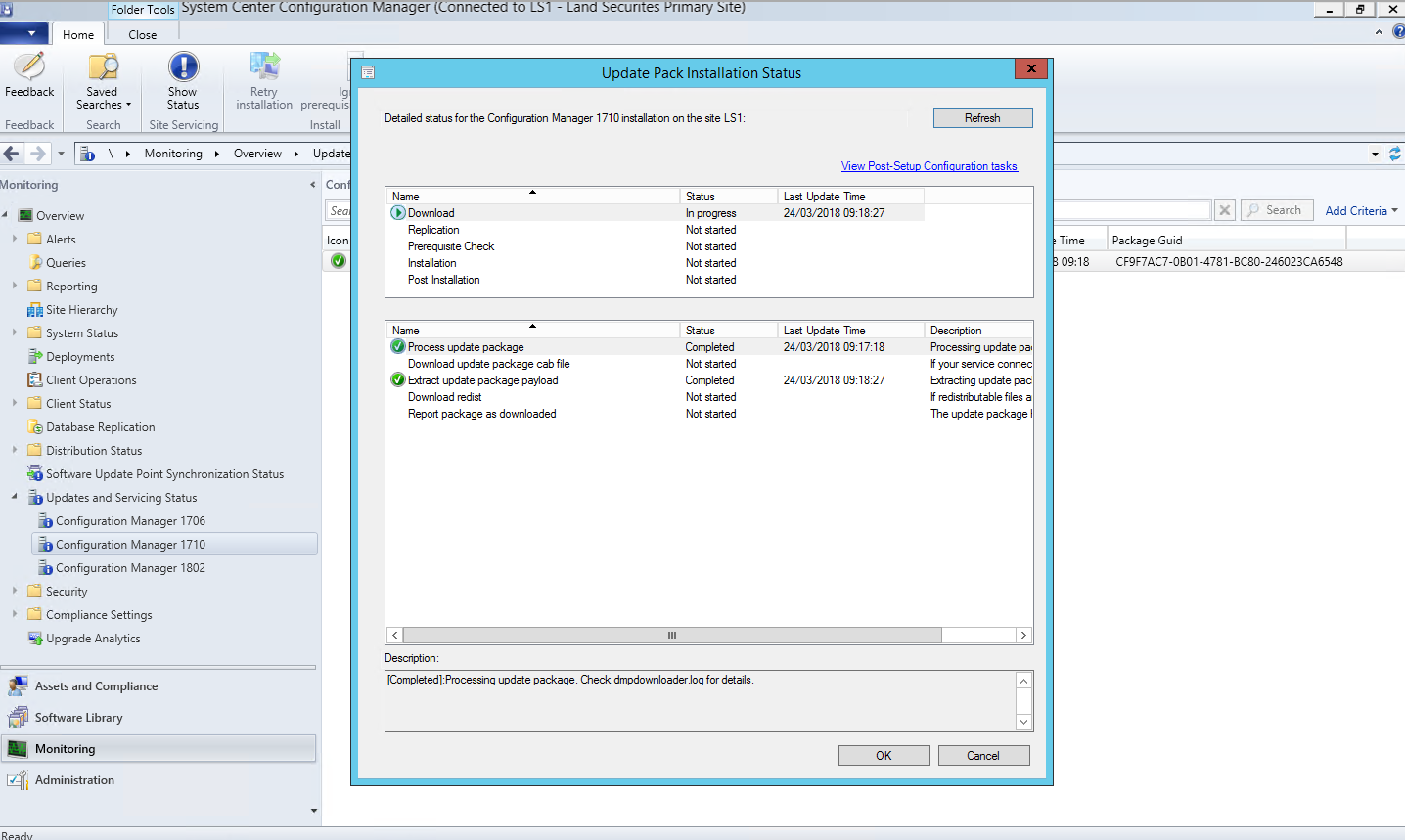
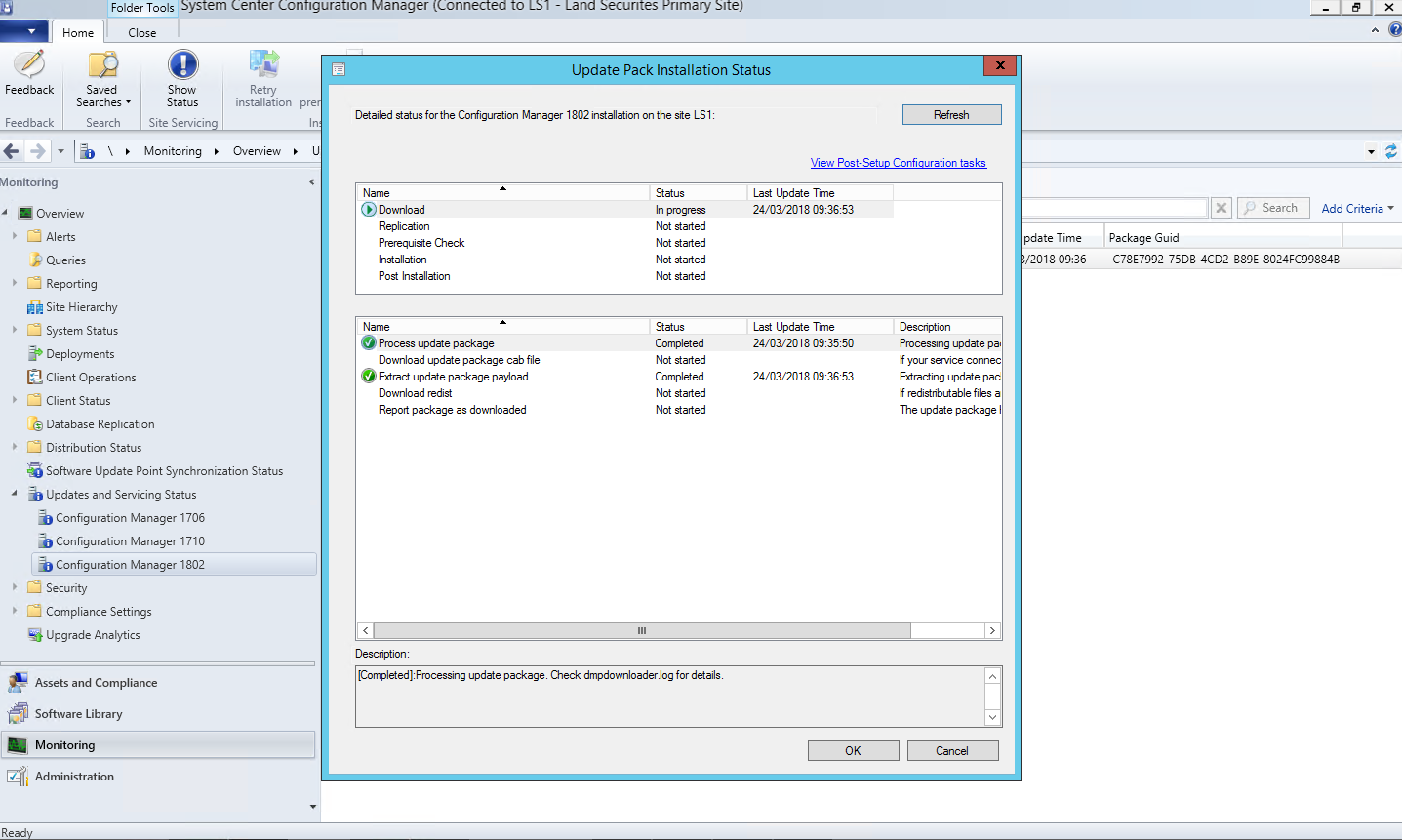
One of my colleagues was trying to upgrade our current SCCM from 1702 to 1710 but it kept failing. So instead he tried upgrading to 1802 and it failed again. And now, the SCCM is broken, when you click on Devices, nothing shows up. The version of SCCM is reported as 1802 but it hasn't upgraded. And it still says Downloading. We want to upgrade to 1710. Is there a way to fix this? Please help.
-
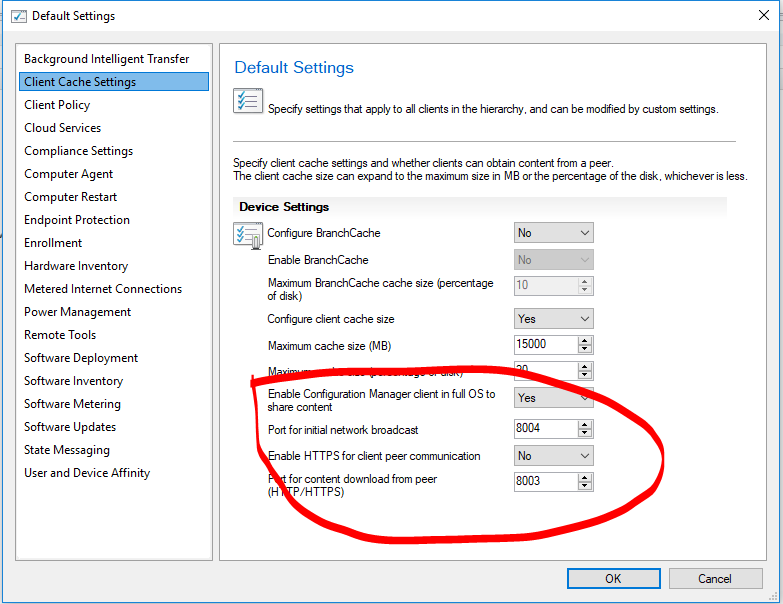
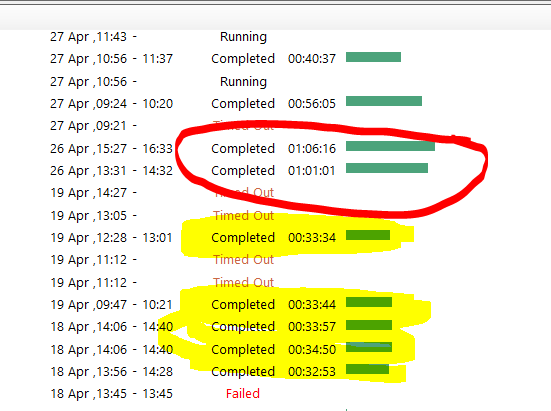
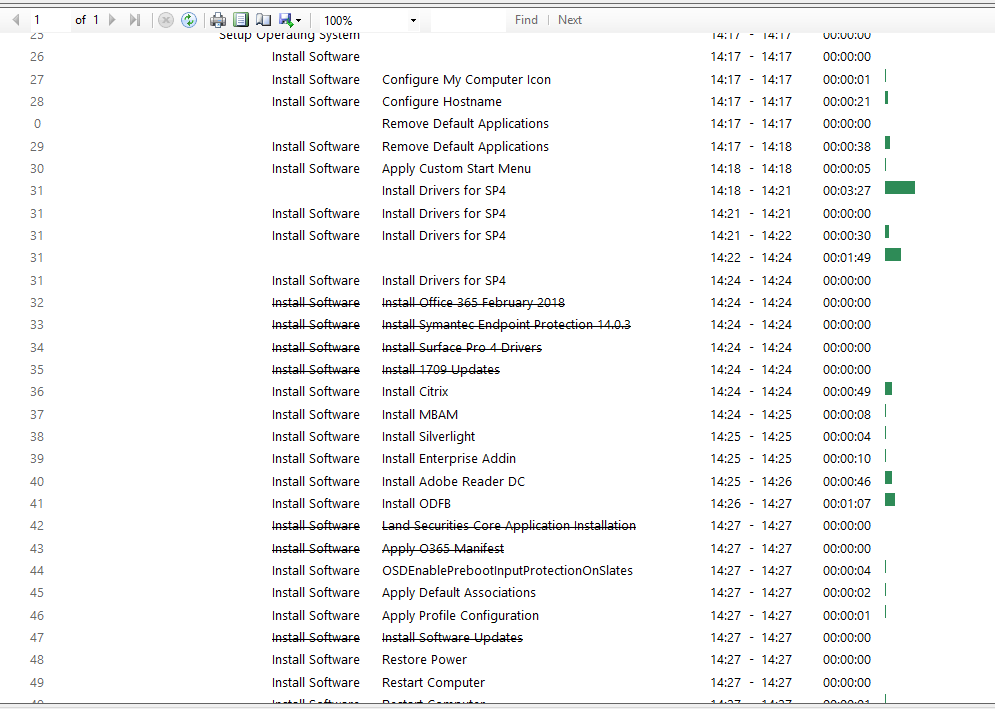
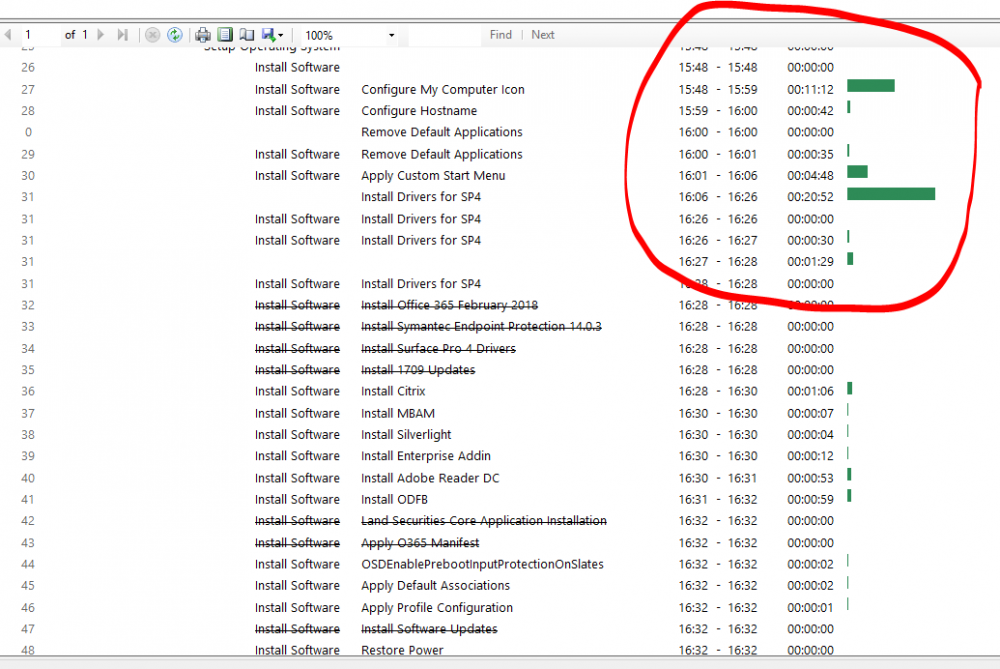
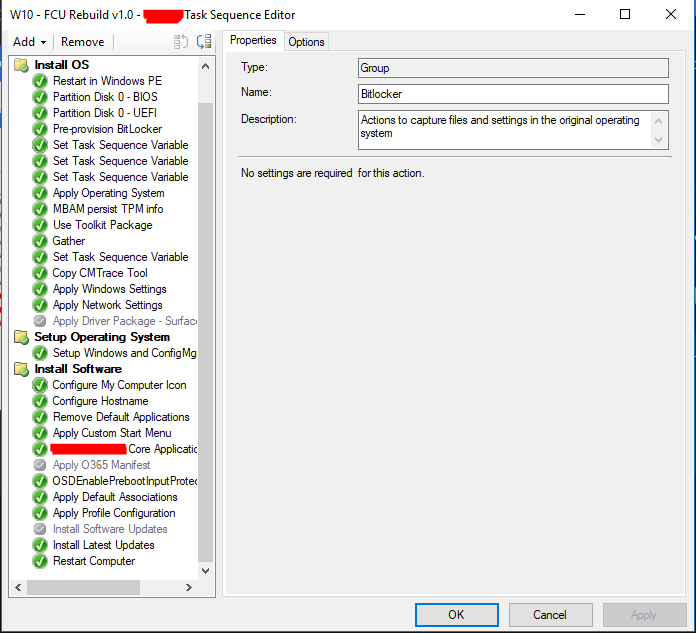
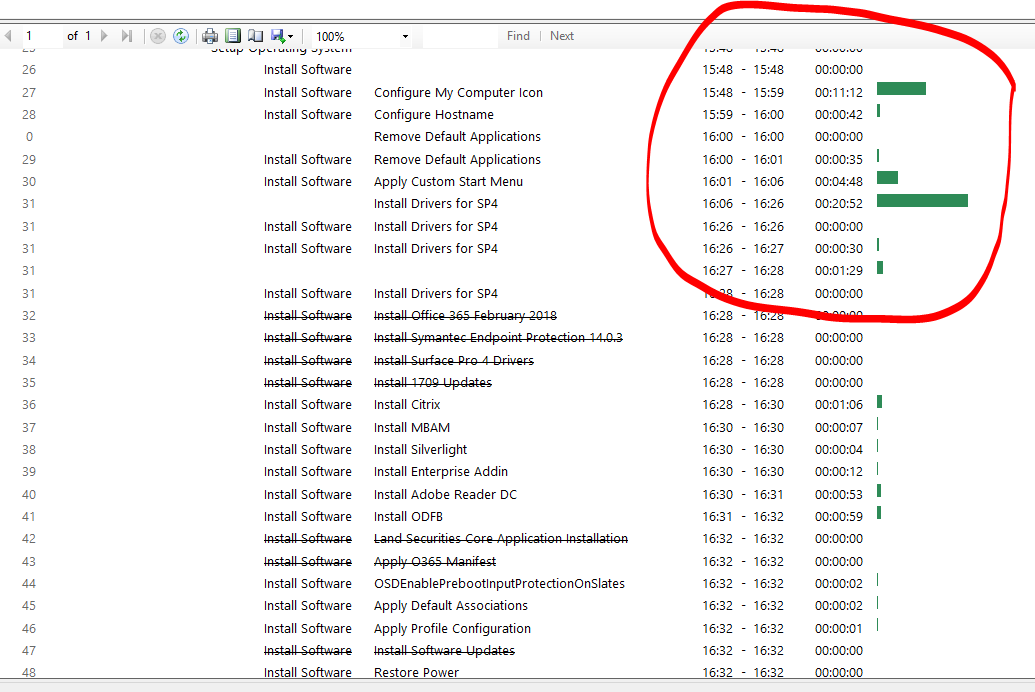
My TS OSD used to take around 35-40 minutes to complete. But after enabling Pre-Release in Hierarchy, my TS now takes over 1 hour. It struggles when it gets to packages/applications. This is the changes I made after enabling pre-release Time it takes to complete the TS OLD TS After enabling Pre-Release and Share Content It looks like it's waiting for something to happen, but I don't know what. How do I fix this? Or go back to how apps/packages are deployed. Many thanks,
-
-
-
-
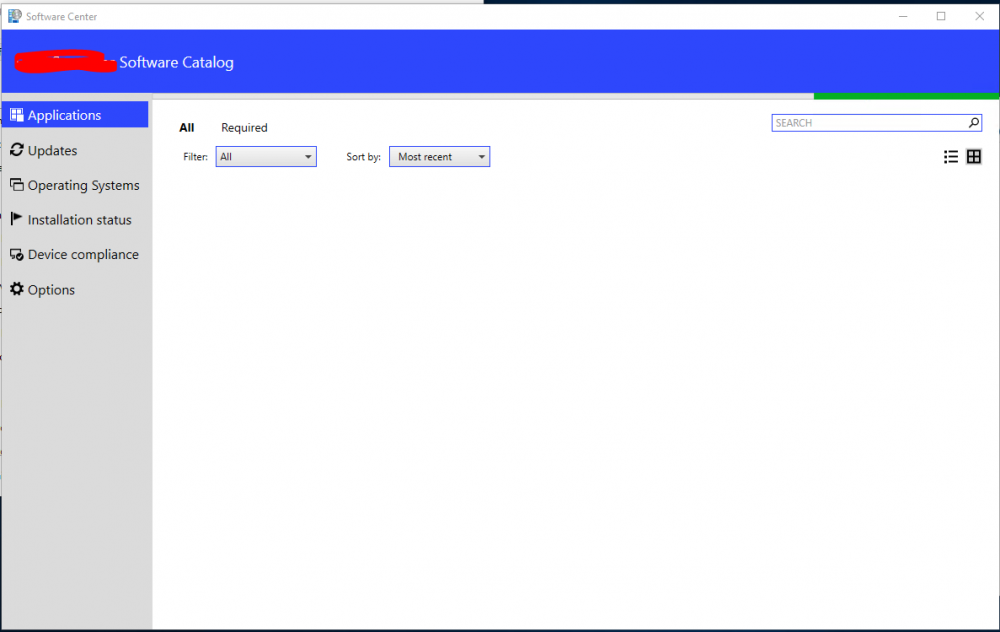
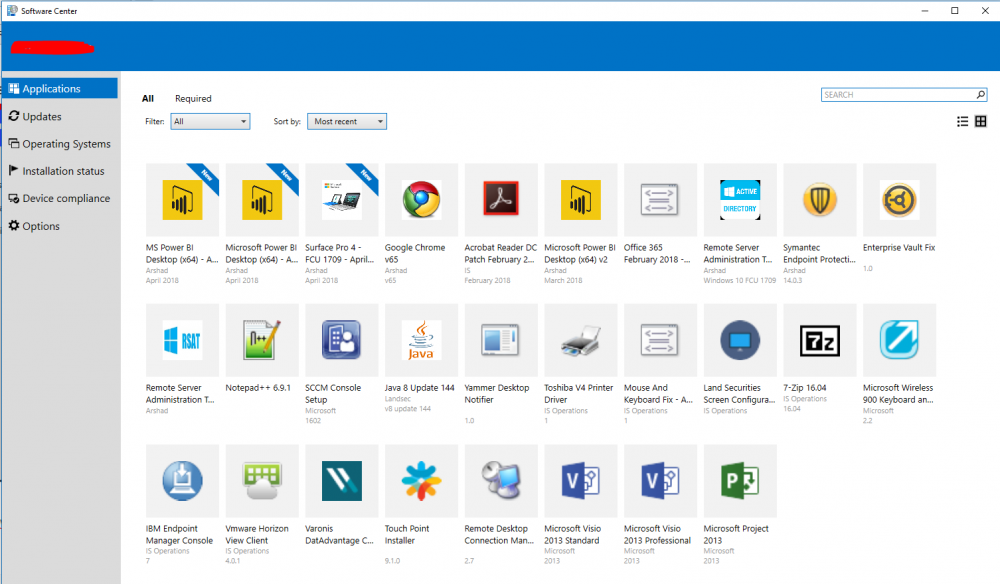
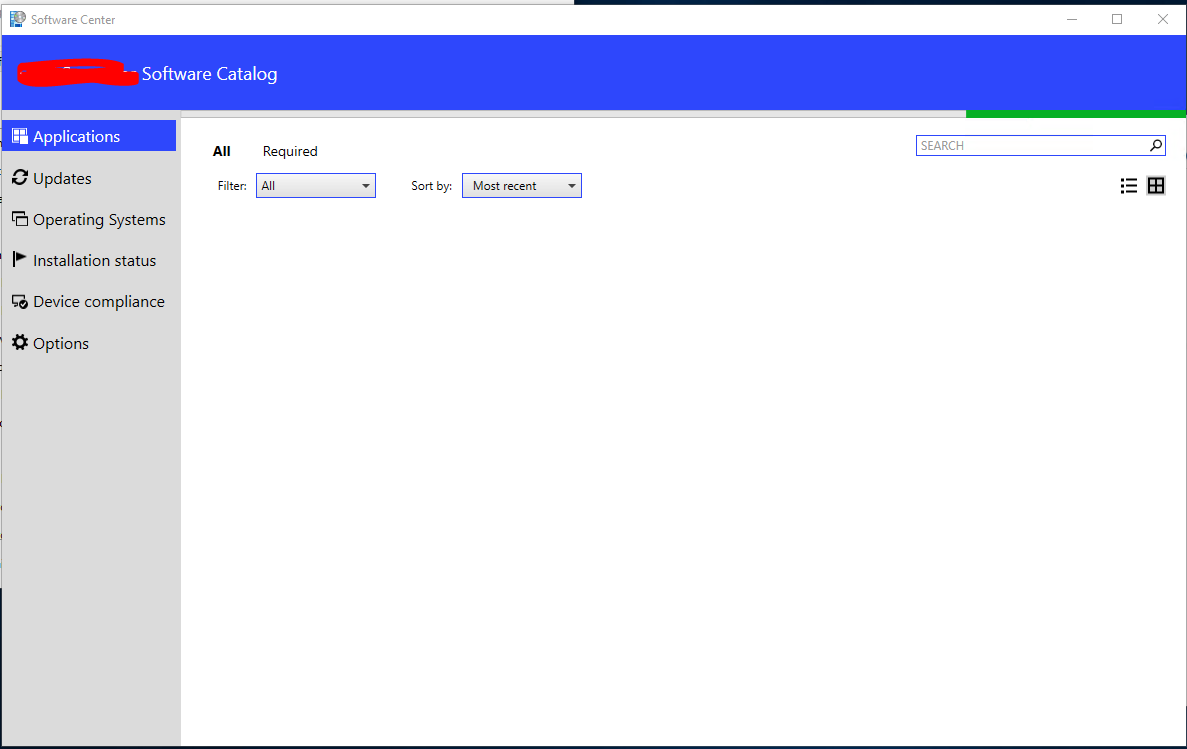
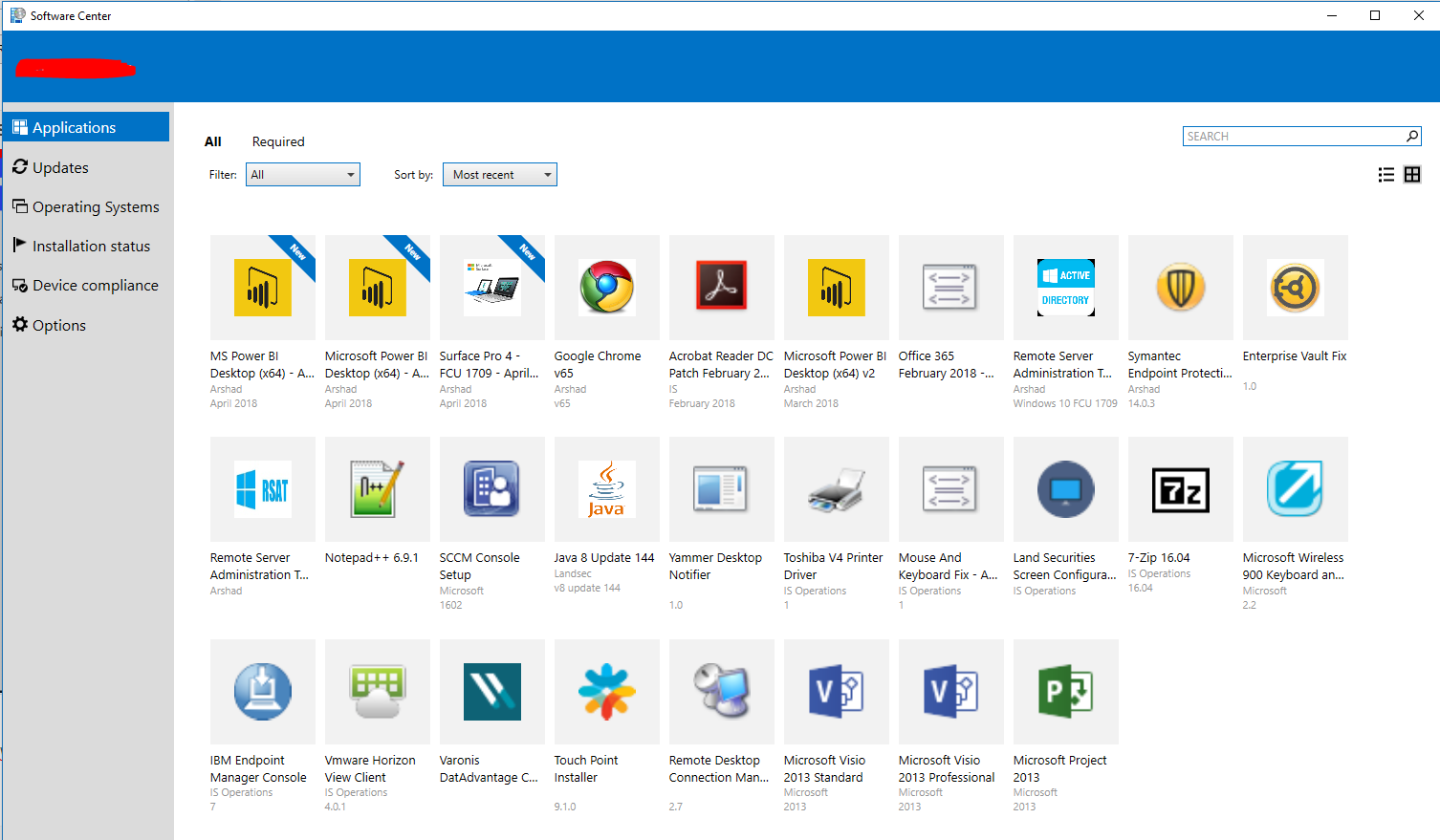
We upgraded our SCCM to 1702 a few weeks back and I noticed that Software Centre now takes ages to load the Application Tab. This has happened to 800+ machines, except very few. (1 or 2) SoftwareCentre1 ( look at the name on top, it says xxxxxxx Software Catalog - xxxx being the company name) - this one takes at least 1 minute to load - this is the SoftwareCentre that is on 800+ machines and then there's SoftwareCentre2 (which is on 1 machine so far) which works perfectly, it takes around 2-3 seconds to populate the apps + other stuff. Notice the name on top, it just says the company name as opposed to Company Name + Software Catalog Can someone please advise? Many thanks, RiDER
-
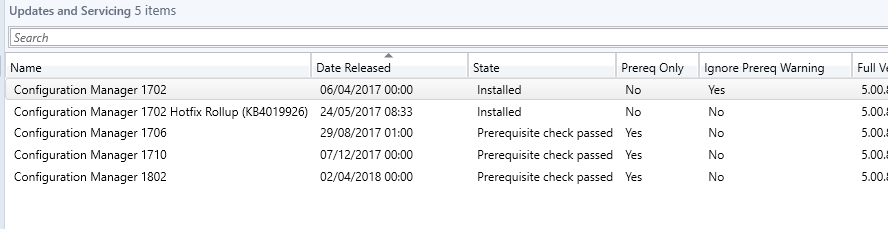
Going back to my original issue, I had to run this command on my SQL Studio and the status changed to 'Ready to Install' so I right clicked and 'Run Prerequisites' and now it says Prerequisites passed. EXEC spCMUSetUpdatePackageState N'eab25b02-02dd-4a14-b6d0-ba5bde540d66', 262146, '' Just waiting for the green light from the higher up hierarchy before proceeding with the upgrade. Fingers crossed.
-
-
The software update isn't being installed because the registry match the version number of the new version. Whereas in the respective applications, it's still on the old version, which means it hasn't updated. Also Control Panel is showing the old version, which again confirms that Office 365 hasn't updated. Just upgraded to SCCM 1702 Windows 10 Surface Pro 4 Can someone please assist in troubleshooting this issue? Thank you
- 2 replies
-
- sccm
- 1702
- office 365
- 365
-
Tagged with:
-
- 2 replies
-
- sccm
- 1702
- office 365
- 365
-
Tagged with:
I deployed the latest March Update for Office 365 to one Test Machine and it was marked as compliant even though it hasn't installed the update and is still on the old Office 365. I have checked the logs, nothing there. I went through the logs mentioned here https://technet.microsoft.com/en-gb/library/bb693878.aspx Can you someone please point me in the right direction of troubleshooting? Thank you- 2 replies
-
- sccm
- 1702
- office 365
- 365
-
Tagged with:
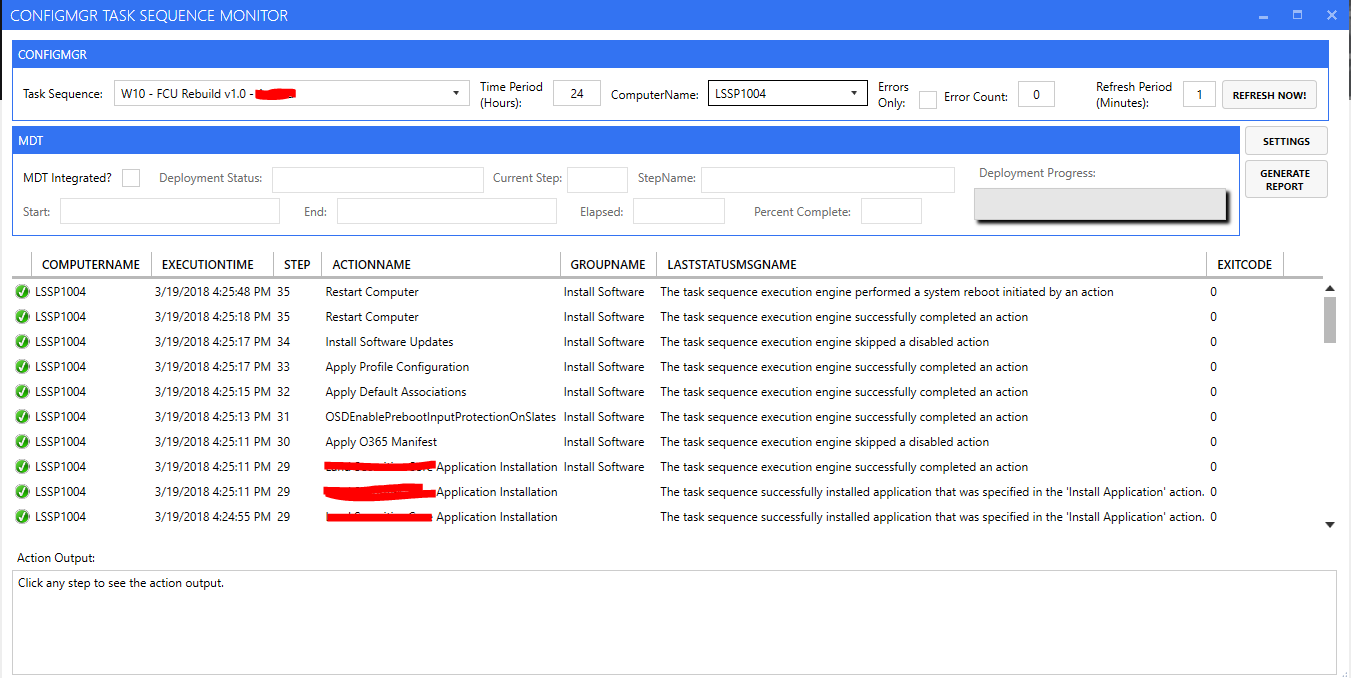
Hi guys, Trying to deploy Windows 10 Fall Creators Update 1709 using SCCM 1606. Everything works fine until a restart step and it gets stuck on a black screen until you press a key or tap the mouse pad and then it carries on to the next step. Deploying to Surface Pro 4s SCCM 1606 Simple TS - Install OS from WIM, join domain, install few apps, and that's it. https://i.imgur.com/BuGSczP.png https://i.imgur.com/EQYmeYW.png It happens to every restart i have in the TS. Can someone please assist me? Thank you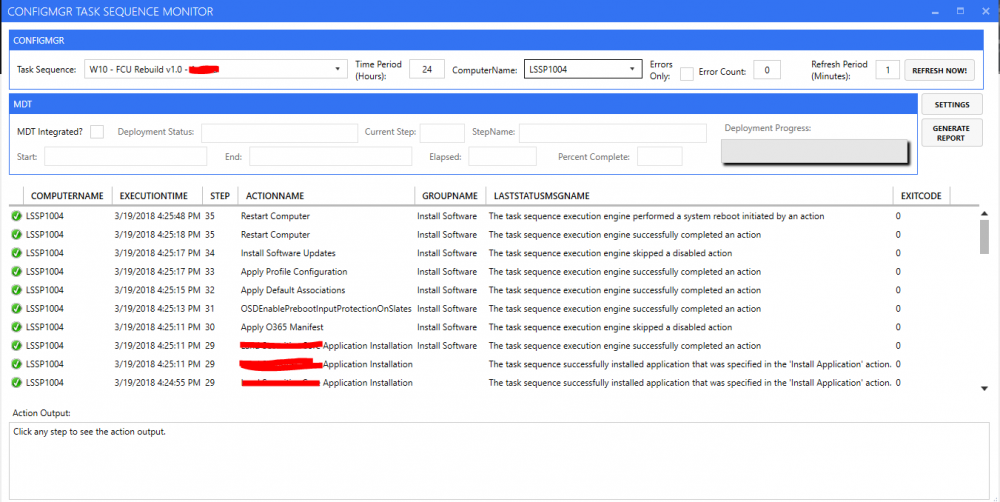




Important Information
We have placed cookies on your device to help make this website better. You can adjust your cookie settings, otherwise we'll assume you're okay to continue.