




anyweb
-
Posts
9276 -
Joined
-
Last visited
-
Days Won
371
Everything posted by anyweb
-

Windows 10 deployment is not installing drivers.
anyweb replied to vincelewin's topic in Configuration Manager 2012
what does the smspxe.log file tell you ? -
SCCM 2012 V. 1511 Bitlocker
anyweb replied to dave828's topic in System Center Configuration Manager (Current Branch)
hi dave, include how you got it resolved for those that stumble across this post. Cheers -
No mouse pointer during Win 10 task sequence
anyweb replied to MadMacs77's topic in Configuration Manager 2012
the mouse is there you just can't see it, try and see.... I'm not sure exactly why the mouse pointer disappears, are you doing this on G2 (UEFI) virtual machines or legacy (BIOS) ? -
No mouse pointer during Win 10 task sequence
anyweb replied to MadMacs77's topic in Configuration Manager 2012
are you building it on hyper v virtual machines or what ? why do you need to see the cmtrace window ? -
the old clients can still be managed by the new Primary during the migration, once you've upgraded the back end infrastrucuter (primary, secondaries, dp's) upgrade your clients.
-
yes i've done it in my lab, works fine, my lab was running CM12r2sp1cu1 prior to this as documented in this post. Your SUP however won't work for Windows 10 servicing, however if the 1602 technical preview is anything to go by, you'll be able to do an inplace upgrade of Server 2008R2 to Server 2012R2 eventually. Until then, either move the sup role to a supported site server or migrate everything to Server 2012R2
-
are you SURE you are using the correct architecture of the serviceui.exe file ? if you took it from the wrong folder it won't work.
-
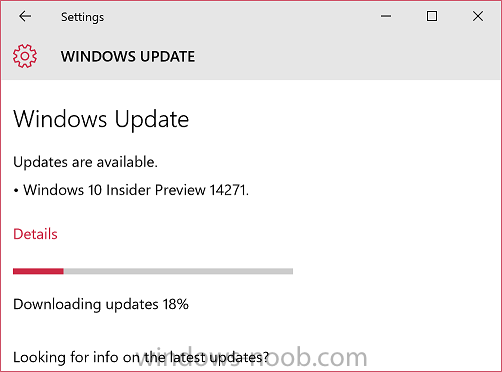
hi, new day, new insider build this time it's Windows Insider preview 14271 is released, hopefully it will correct the non- starting issue that plagued 14267 (after shutdown or standby the unit won't power on and will only display the OEM logo). A hard power off/on is necessary to start it. read more > https://blogs.windows.com/windowsexperience/2016/02/24/announcing-windows-10-insider-preview-build-14271-mobile-build-14267-1004/
-
SCCM 2012 V. 1511 Bitlocker
anyweb replied to dave828's topic in System Center Configuration Manager (Current Branch)
i don't see the enable bitlocker step at all in either log (parsing is not the same thing, it just means it's reading through the steps prior to executing the task sequence) -
SCCM 2012 V. 1511 Bitlocker
anyweb replied to dave828's topic in System Center Configuration Manager (Current Branch)
ok and where's the other one, there should be one called smsts.log ? -
that's just parsing the step, that isn't the actual step where it's failing, show me where it's failing or better yet attach the edited smsts.log file here.
-
SCCM 2012 V. 1511 Bitlocker
anyweb replied to dave828's topic in System Center Configuration Manager (Current Branch)
well you didn't specify what doe happen in the enable bitlocker steps, the smsts.log file should reveal that, why not attach it here. -
hmm it should work can you show me a screenshot of the error
-
hi, which version of ConfigMgr are you using and what ADK/WinPE ?
-
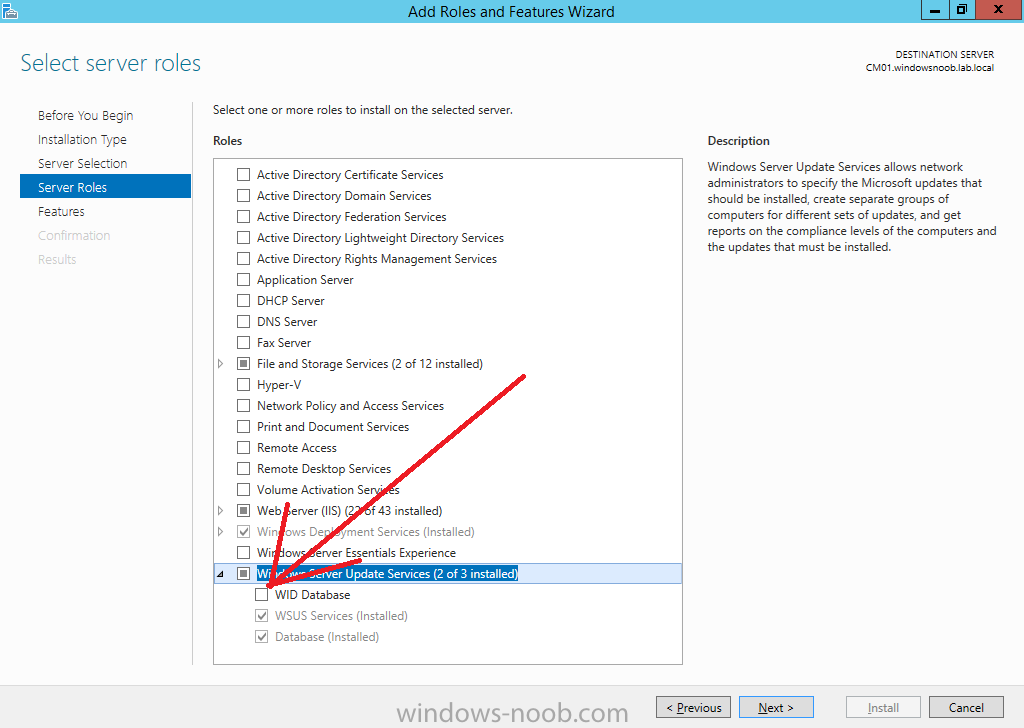
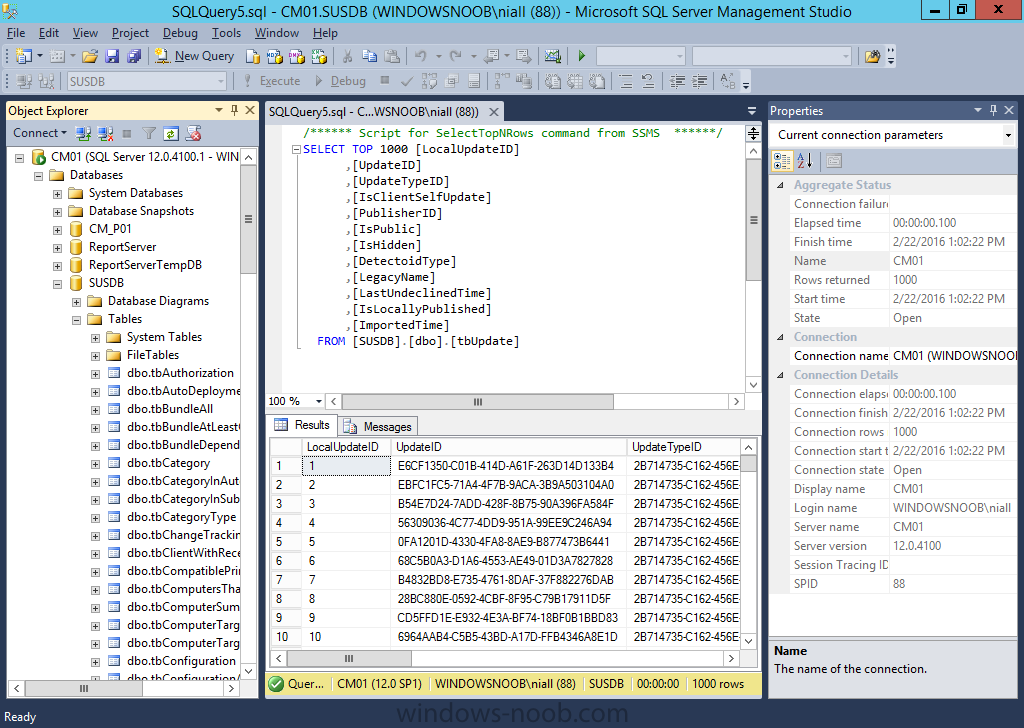
interesting because it's not configured after running the script and I too am using SQL to host the WSUS DB. and here's the SQL SUSDB which is in use were you seeing otherwise ? what version of Windows Server 2012 R2 did you run the script on ?
-
which driver pack are you using ?
-
something is clearly not right, which drivers are you using and did you try my script ?
-
why are you approving the device in SCCM, it should be automatic unless they are workgroup based computers, how are your boundaries setup ?
-
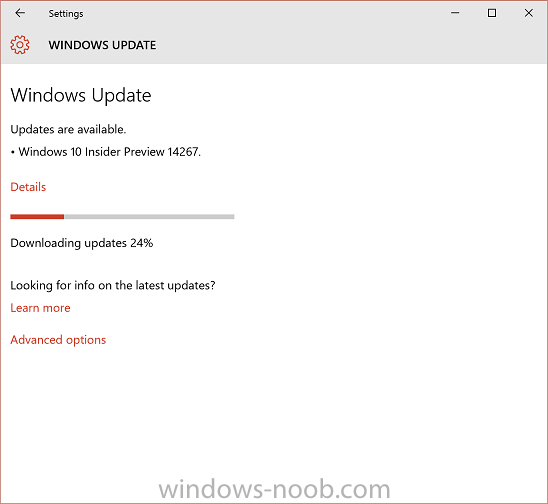
downloading now ! We introduced the new Release Preview ring last week which is for Windows Insiders who want to stay on the Current Branch (currently builds based off of Build 10586), but continue to receive early access to updates, application updates, and driver updates. This is a great option for people who want to get updates early but not go all the way to installing full preview builds. Because the Release Preview ring offers updates to the Current Branch, it is only visible to devices on the Current Branch (Build 10586). If you are on a newer build, flights to the Release Preview ring won’t be applicable to that device. The easiest way to go between the Development Branch to the Current Branch is to use the Media Creation Tool to reinstall Windows 10. We’ve adjusted the criteria we use to release new builds to Windows Insiders in the Fast ring to get builds out more quickly – this means these builds may include more bugs and other issues that could be slightly more painful to live with. So if you’d like to change your ring to stick to more stable builds you can go to Settings > Update & Security > Windows Update > Advanced options and under “Get Insider Preview builds” moving the slider to the Slow ring. more info > https://blogs.windows.com/windowsexperience/2016/02/18/announcing-windows-10-insider-preview-build-14267/
-
Q1. No they are not wrong, you can capture the Windows 10 image using the method they suggest or you can use the install.wim directly from the DVD if you don't want to bundle anything with the image (such as including Microsoft Office 2016 or cumulative software updates or whatever you want). I am showing you one way of deploying Windows 10, there are many, you choose what works in your environment. Or you can capture the reference image using other methods such as Build and Capture with ConfigMgr. Q2. There are no limitations that cannot be dealt with via extra steps in the task sequence (such as applying modifications or updates or whatever)
-
Windows 10 ENT setupcomplete.cmd never launches
anyweb replied to acpowell's question in Windows Deployment Services (WDS)
hi what does your smsts.log file reveal when it runs the step ? -
It’s just a given that no matter how stable and reliable a platform is, at some point, it’s going to break. Software, being created and managed by us error prone humans, will at some point in time malfunction and require someone to fix it. This is true of most software, even virtualization software like Hyper-V. The problem with virtualization platforms is that they are inherently complex due to all the different components and are arguably one of the most important aspects of your infrastructure. So, when an issue occurs that requires troubleshooting, it’s no surprise that this causes panic and concern in many administrators. Fear not though! While Hyper-V may seem difficult to troubleshoot and fix due to its complexity there are a number of troubleshooting best practices and tools that can be used to help you with the job. Additionally, there are a number of common issues in the industry that can be easily avoided or resolved, it just takes a little knowledge and training. Altaro Software is hosting another Hyper-V webinar hosted by Microsoft Cloud & Datacenter Management MVPs Andy Syrewicze and Didier Van Hoye. Throughout this webinar, Andy and Didier will be covering a number of best practices and tools that can be used to make troubleshooting easier for those unexpected issues. Additionally, a number of common pitfalls will be discussed along with the needed steps to avoid them before problems occur. Finally, Didier and Andy will discuss some tales from the trenches. These are situations, some common and others uncommon, that Andy and Didier have come across working with Hyper-V over the last several years, and what they did to resolve the issues. Remember, it’s one thing to setup and run a virtualization solution. It’s another to fix it when it’s broken. We hope to see you there! Sign up here
-
ok please explain where the task sequence is failing for you during deploying Windows 7 x86 (what step/.)
